Artificial intelligence explained to children

How does a computer recognise pictures? How does it choose the next word? And why does it sometimes get things wrong? Explore together with Bip, in films for preschool and early primary children and activities to prepare at home or in your setting.

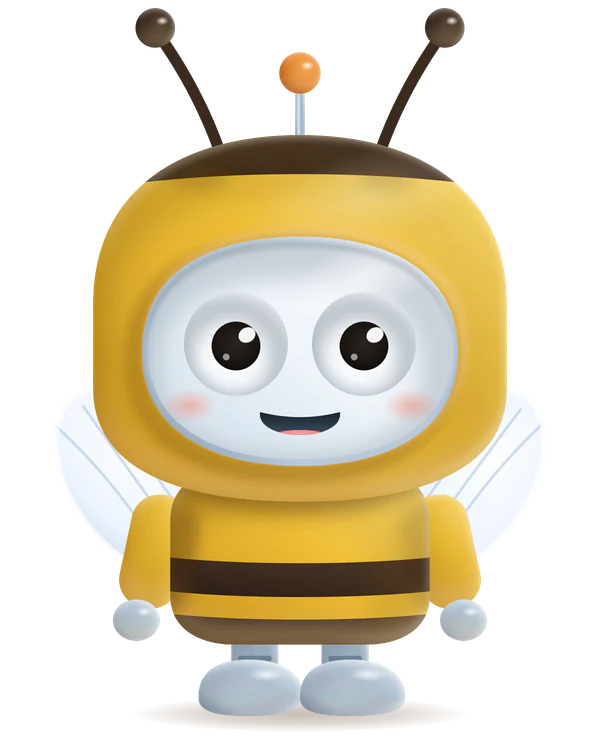
Hi! I'm Bip. Today I'm wearing the bee costume, like in the film for the Little Bees.Cześć! Hello! ¡Hola! Three greetings, because every film comes in three languages.Hi! I wear the kangaroo costume in the film for the Little Kangaroos, the longest one.Grr! Little Tigers are 1 to 3 years old. A nursery group is a format without a screen, so there is no film.

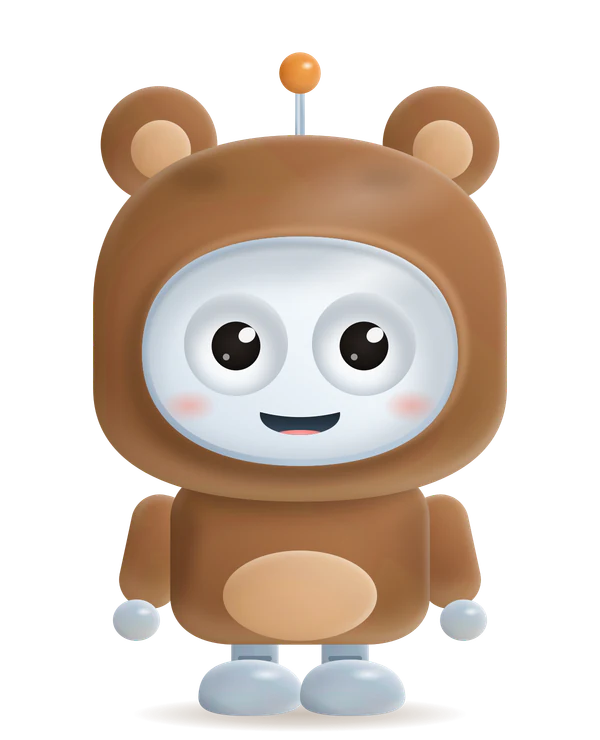
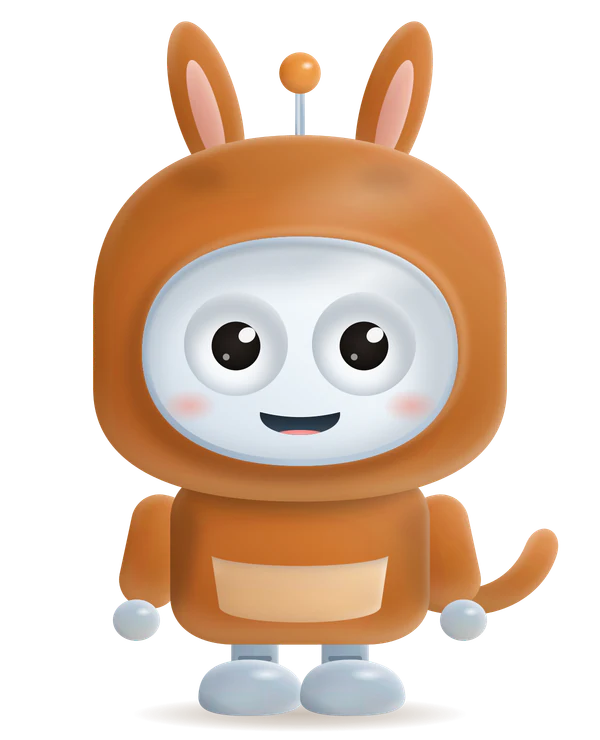
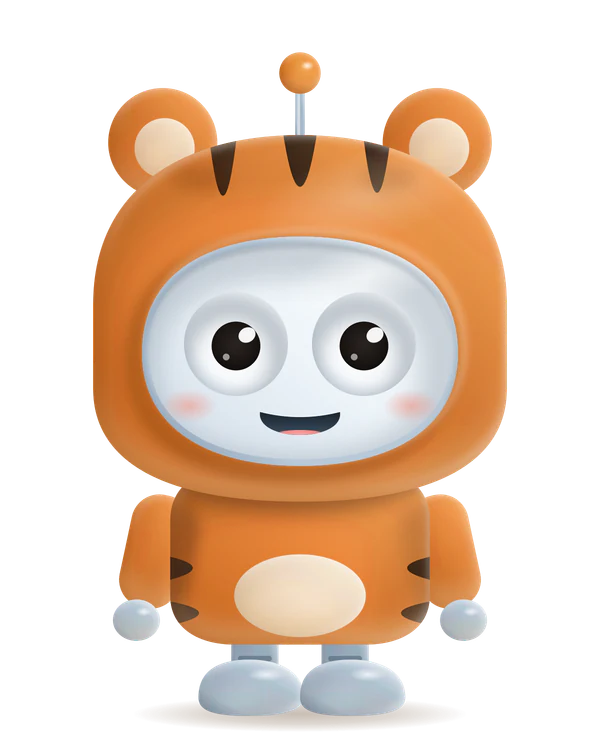
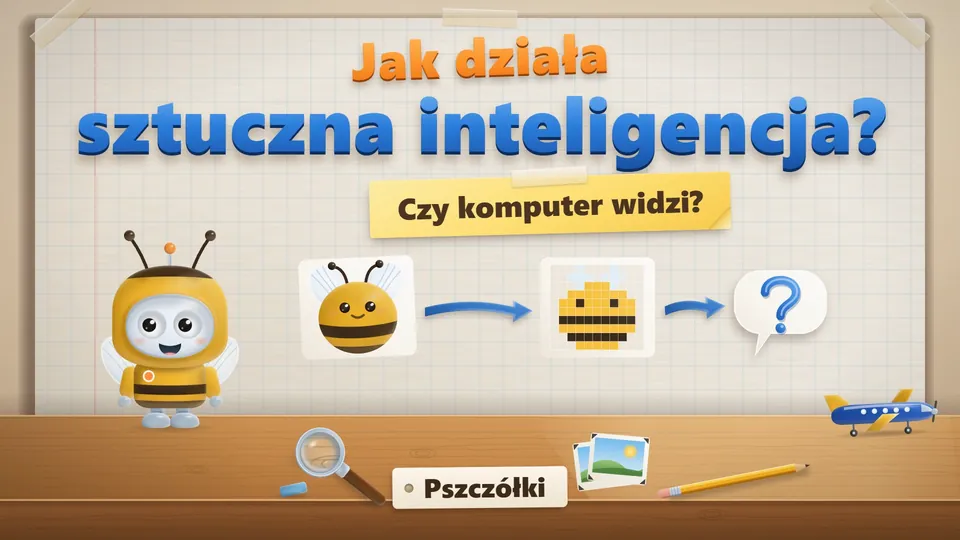
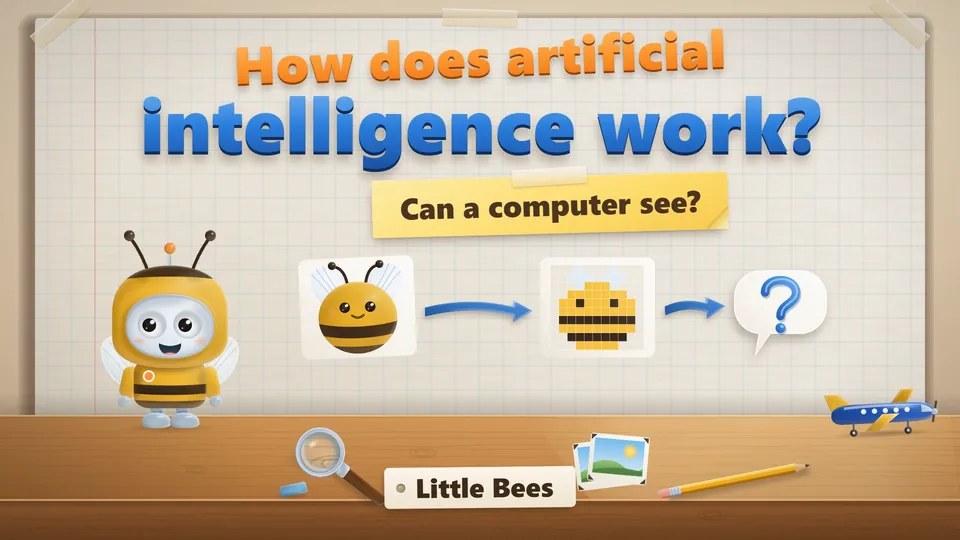
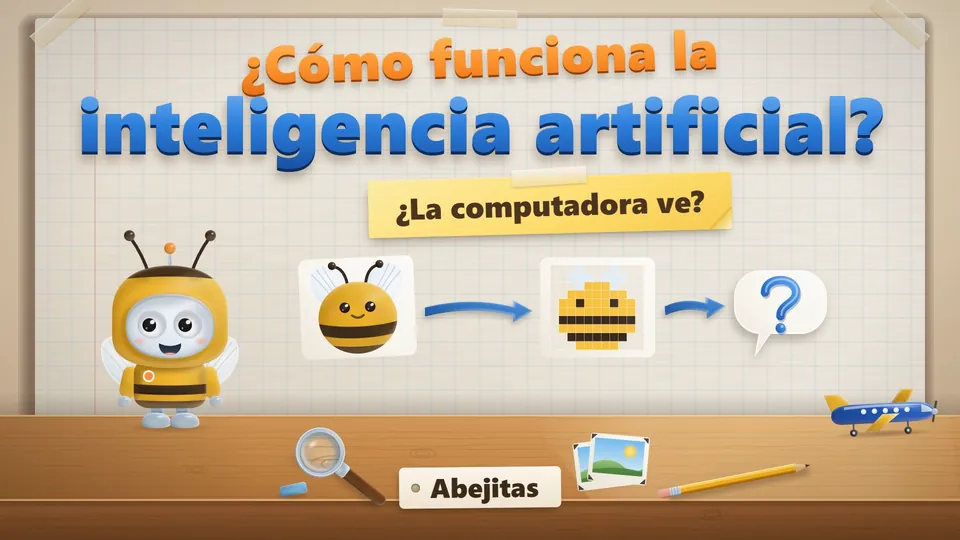
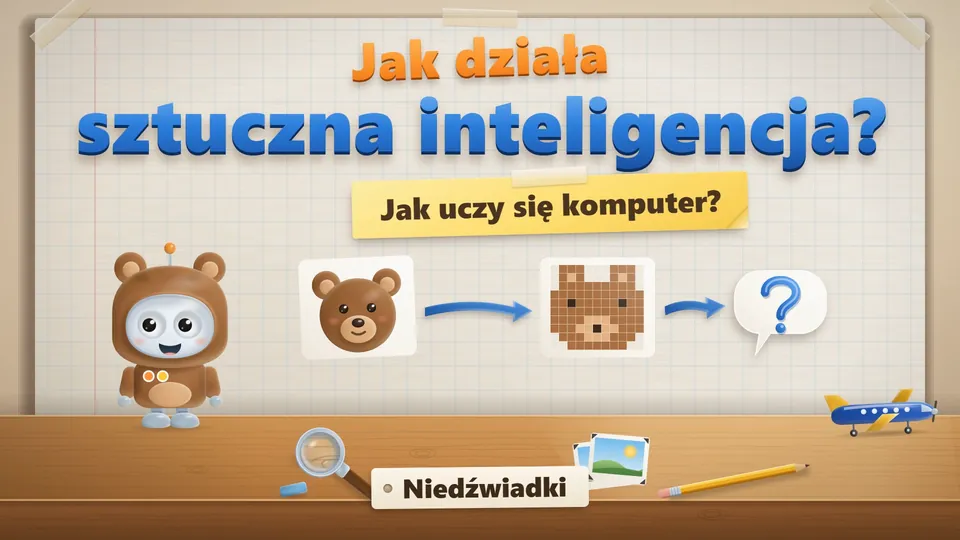
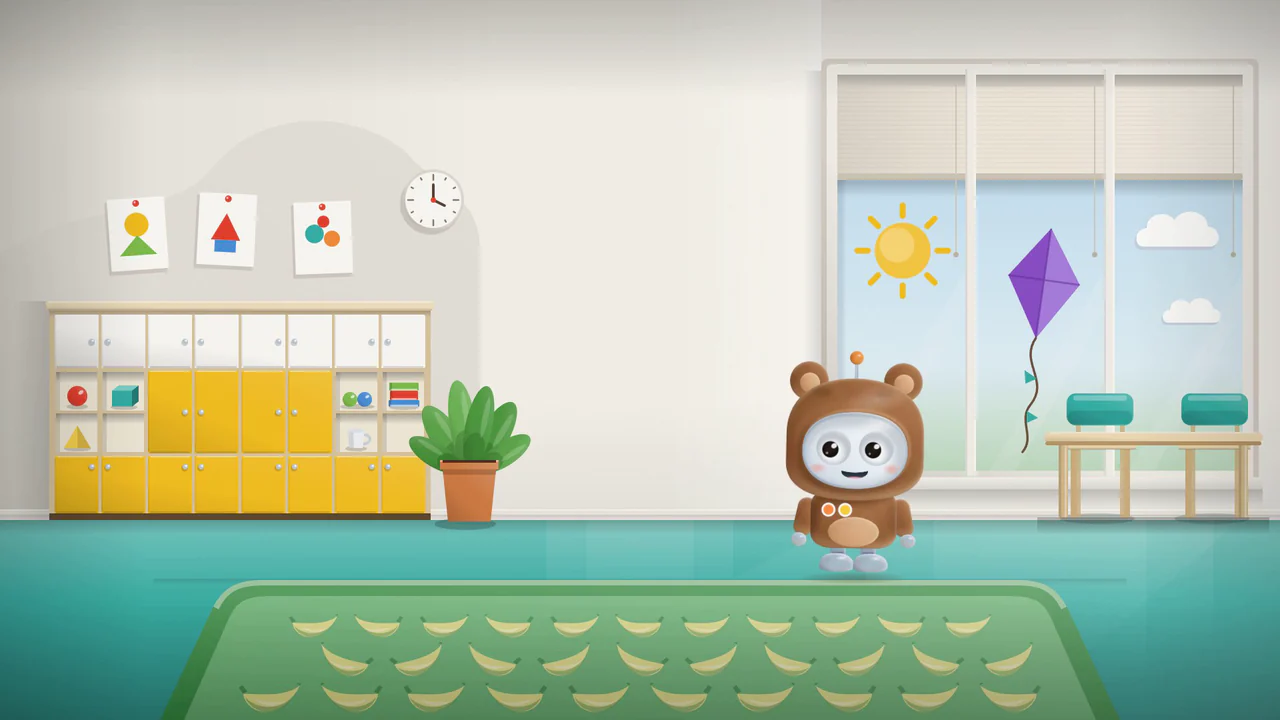
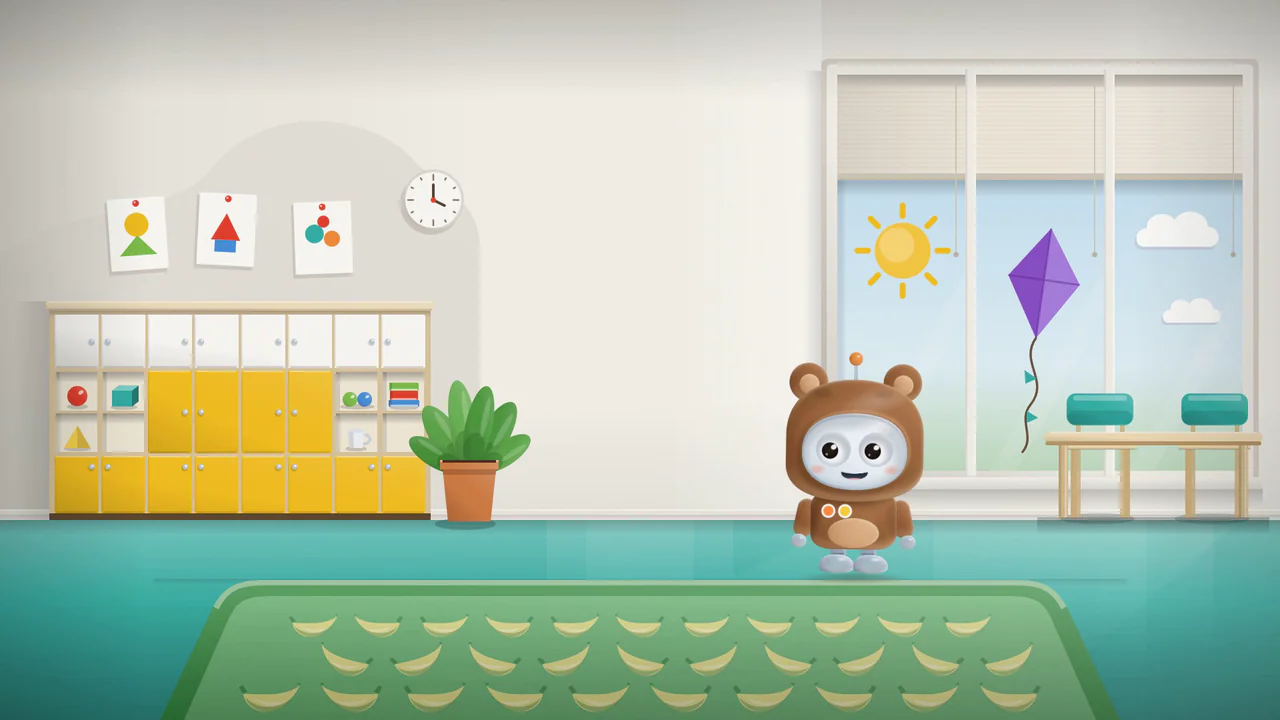
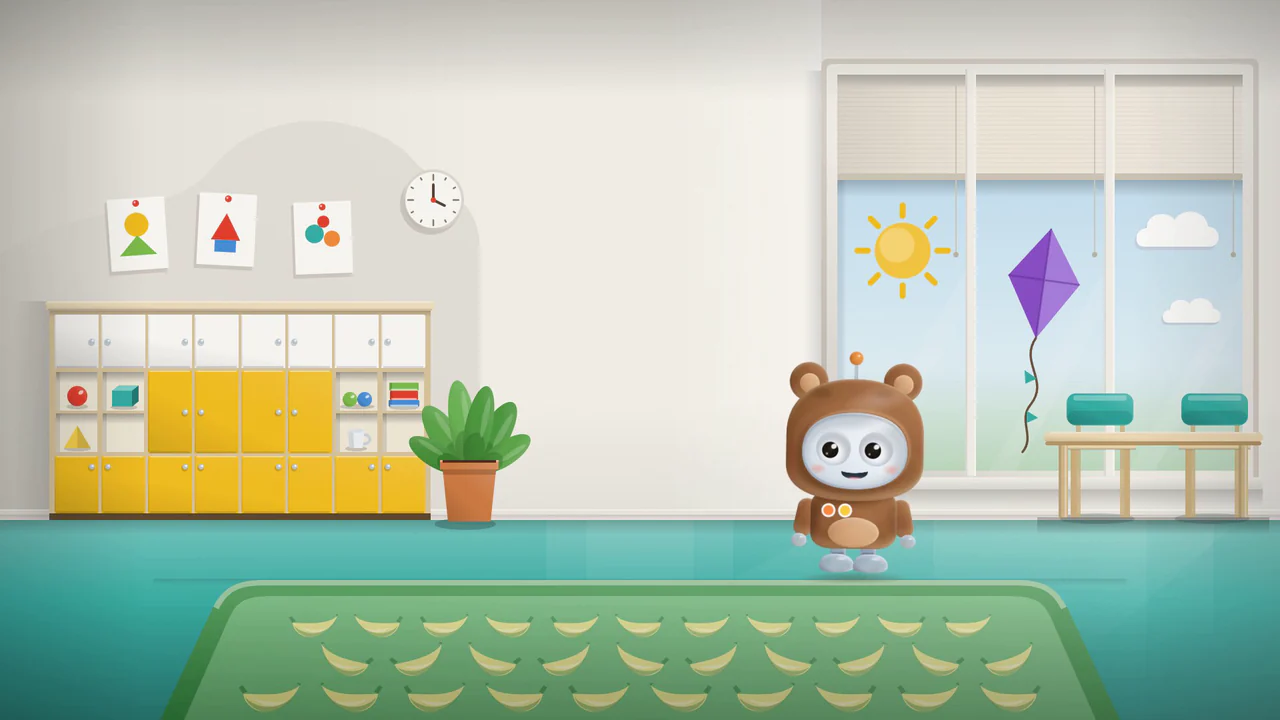
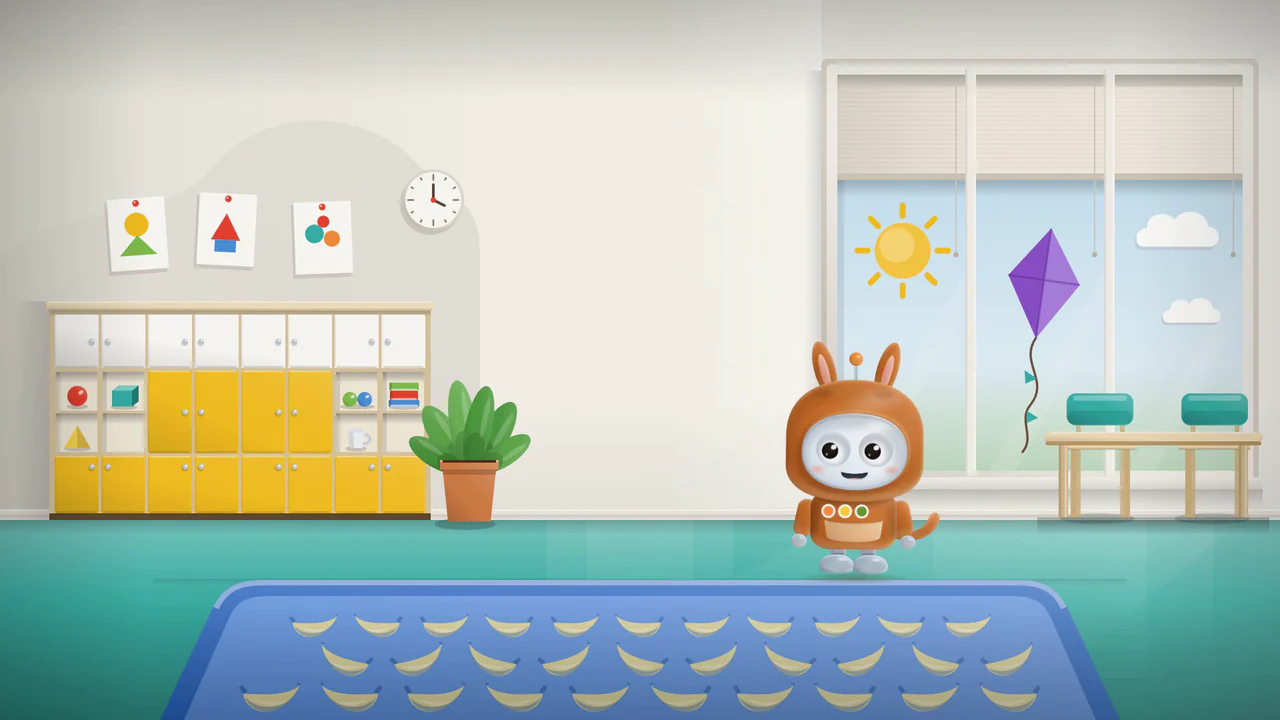
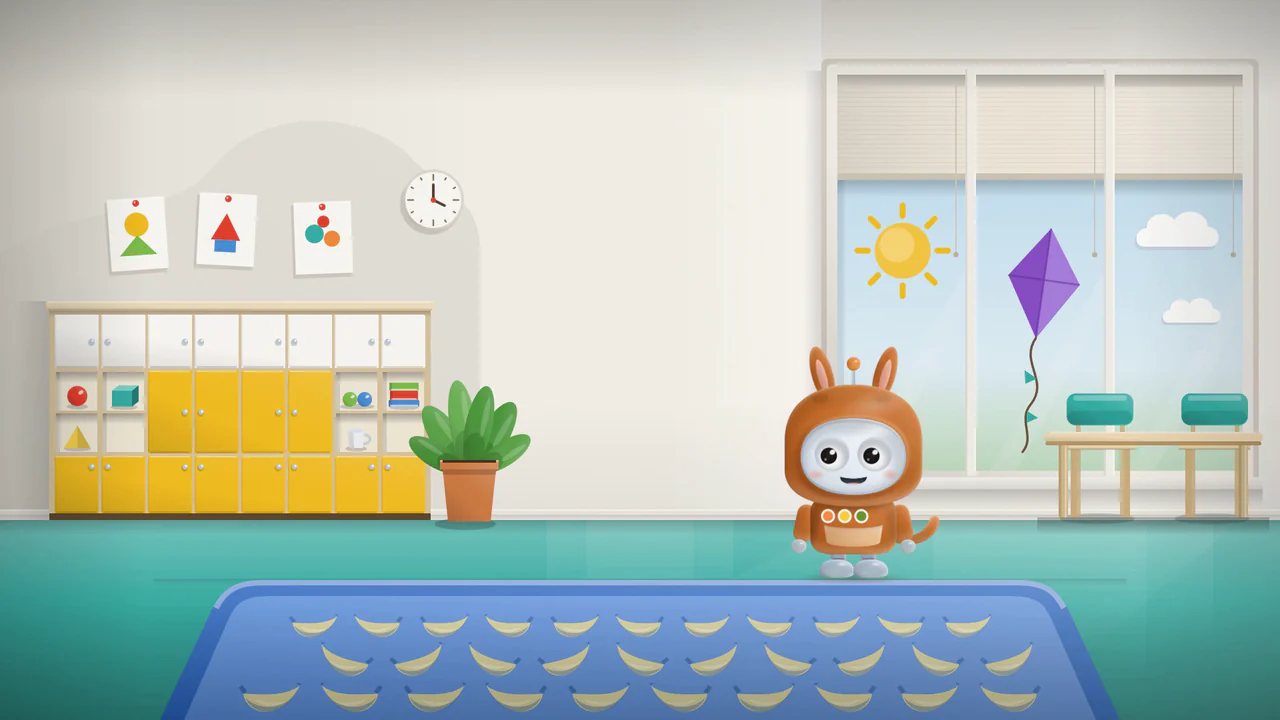
Bip, a cartoon robot in a bee costume: yellow hood with two antennae, striped body and small transparent wings.Bip, a cartoon robot in a bear costume: brown hood with round ears and a light patch on the belly.Bip, a cartoon robot in a kangaroo costume: orange hood with long ears, a pouch on the belly and a tail.Bip, a cartoon robot in a tiger costume: orange hood with dark stripes, round ears and a light belly.

Bip's voice is generated by a computer.

Bip's costume

With a screen

Screen-free

Can a computer see?

LengthGo to film

How does a computer learn?

LengthGo to film

Can we trust a computer?

LengthGo to film

See the play materials

Would you like Bip in your group’s costume and with a voice of your choice? I can also shorten the film and select topics to suit the children’s age and the time available for your session.

An inquiry commits you to nothing. I reply by e-mail with a quote.

The narrator's voice is a computer-made copy of my own voice, and Bip's voice was generated by a computer. The drawings were made with the help of AI tools. How the films were made

The films

Choose a film for your child’s age and curiosity

Choose a topic, length and suggested age. Little Bees, Little Bears and Little Kangaroos name the versions with different Bip costumes. You can watch a longer film in sections, with breaks to talk.

Where the voices and the drawings in the films come from, I explain below in How the films were made.

Stills from each film are below, in Key moments.

Language of the films

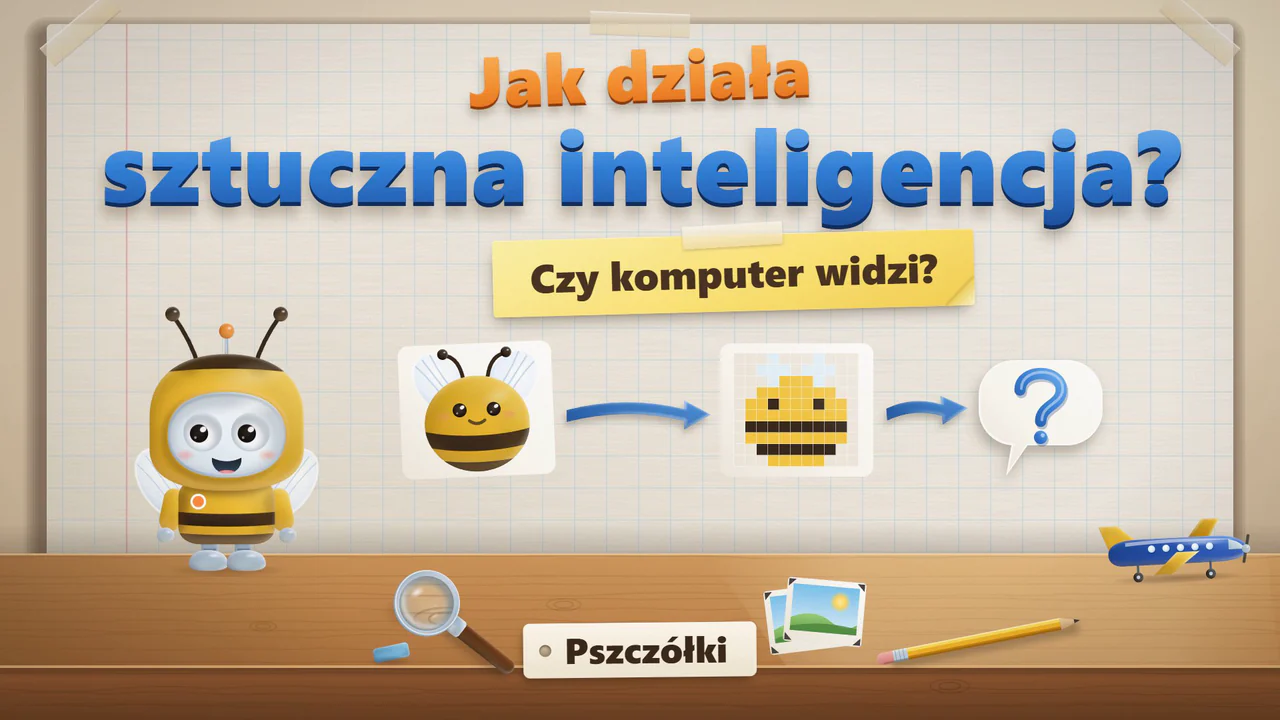
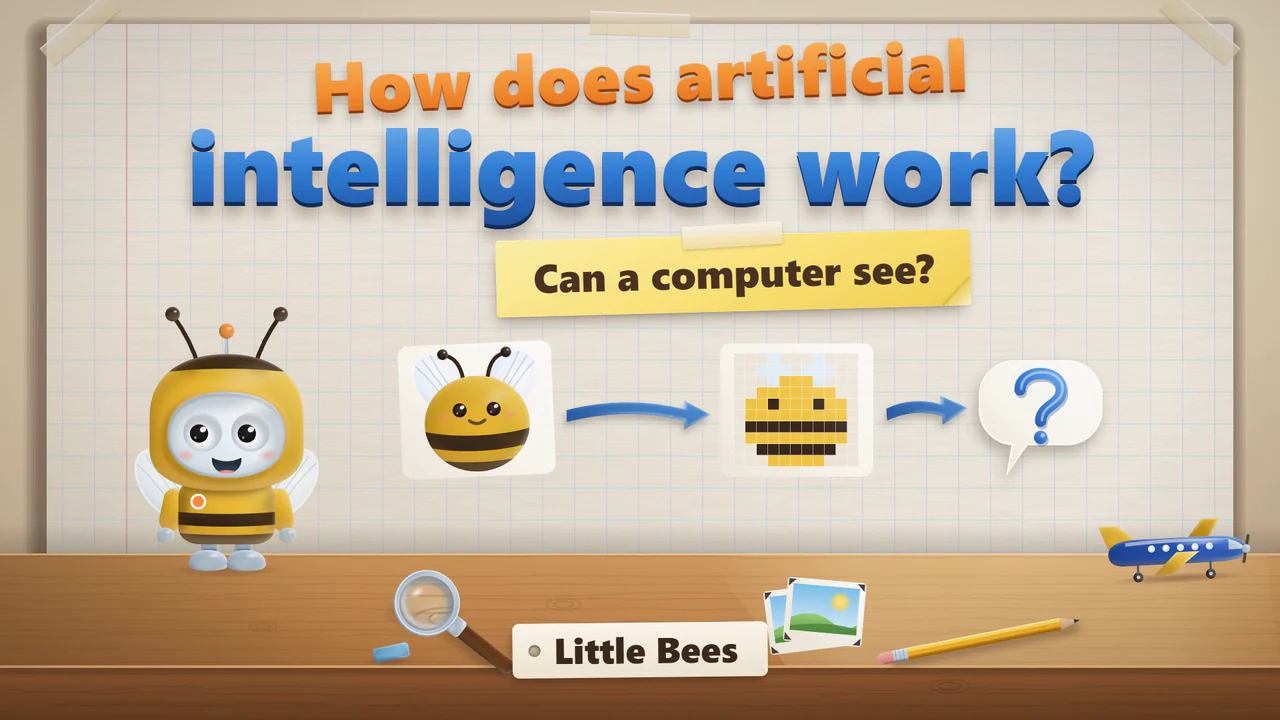
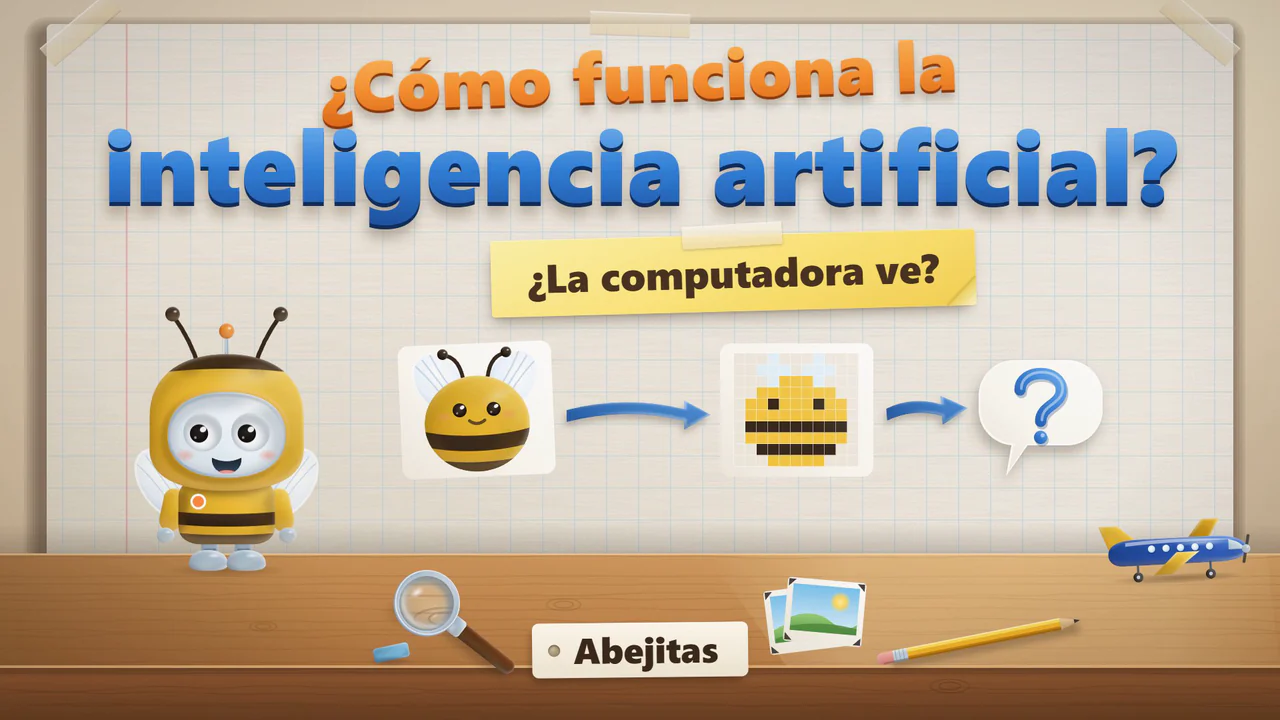
Title card of the film for Little Bees: Bip in a bee costume beside a picture of a bee that turns into big colored squares, and a question about whether a computer can see.Title card of the film for Little Bees: Bip in a bee costume beside a picture of a bee that turns into big colored squares, and a question about whether a computer can see.Title card of the film for Little Bees: Bip in a bee costume beside a picture of a bee that turns into big colored squares, and a question about whether a computer can see.

ages 3–5PszczółkiLittle BeesAbejitasLength

Can a computer see?

  • What artificial intelligence is, and the ways we can ask a computer for something.
  • Senses and sensors: a camera works a bit like an eye, a microphone a bit like an ear.
  • Bip gives a wrong answer on purpose, and we fix it together.
What else is in the film: Can a computer see?
  • A guessing game with a picture made of big colored squares, which get smaller and smaller.
  • Where programs like this are used, what they can create, and why a person checks their work.
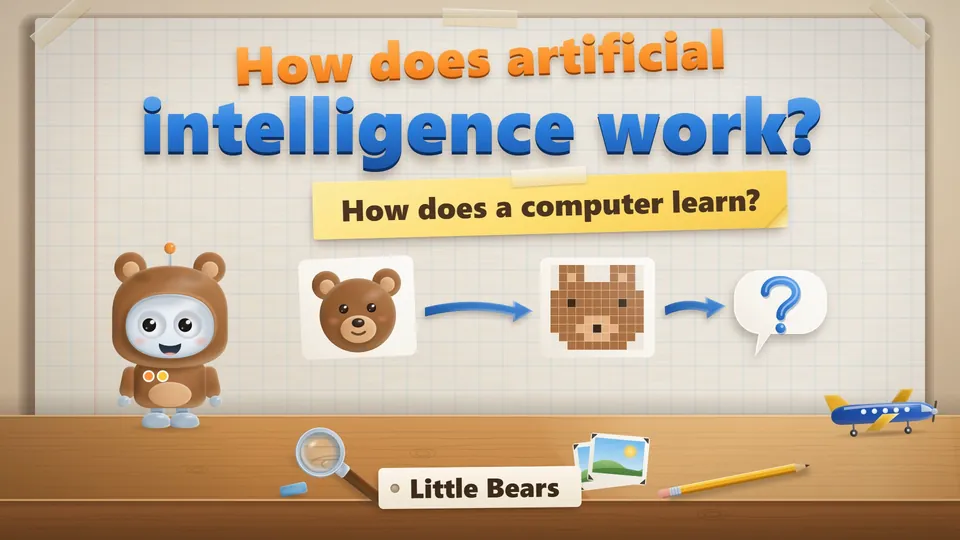
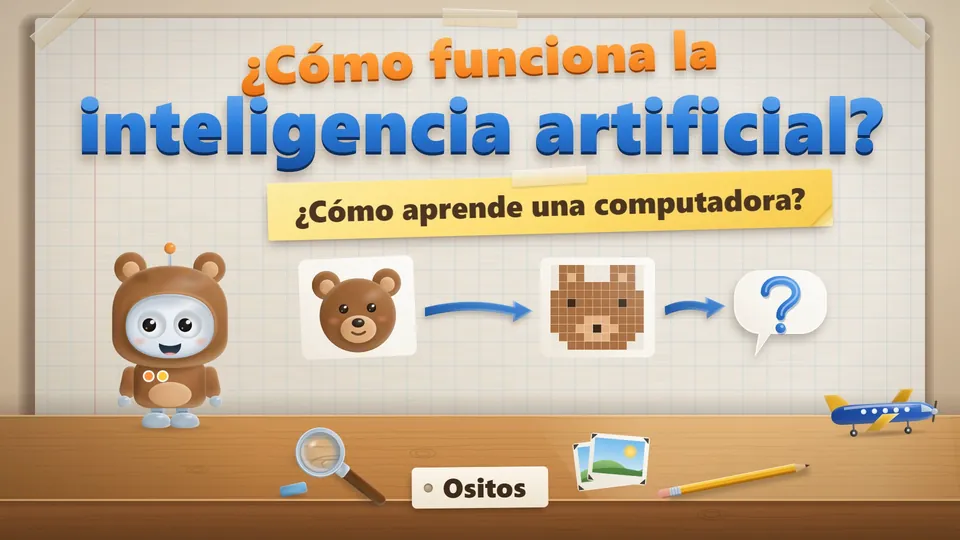
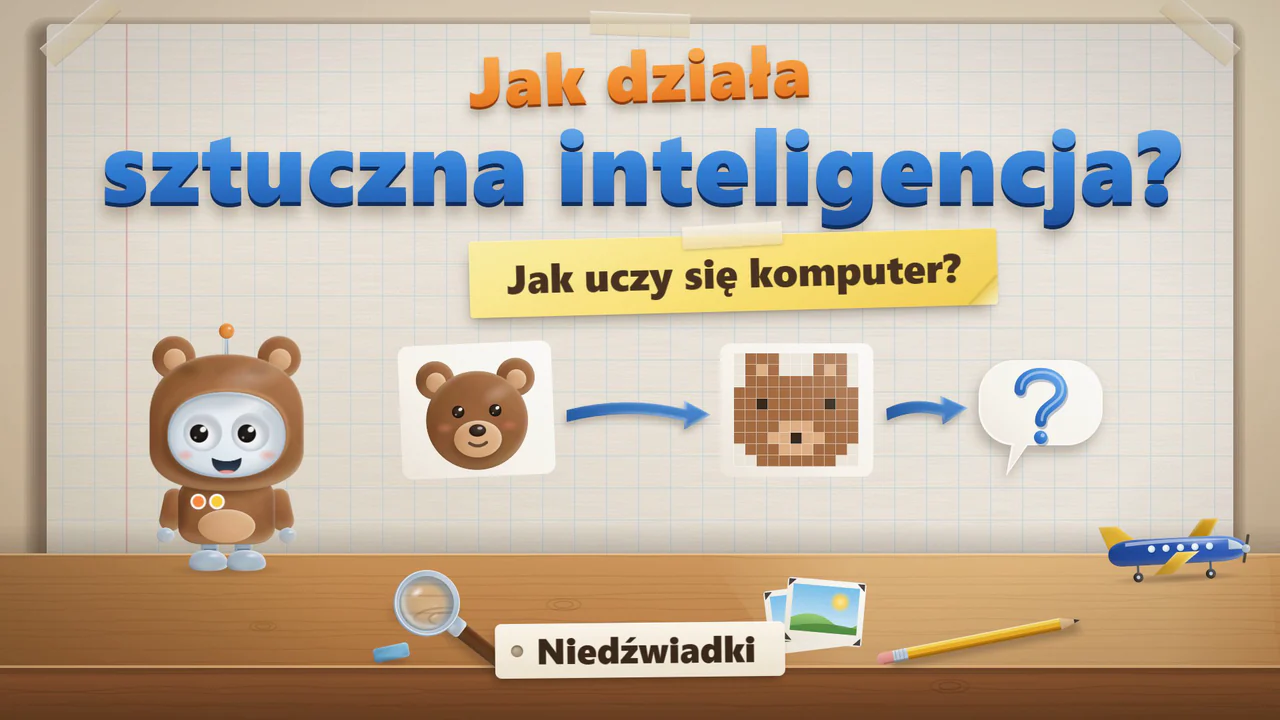
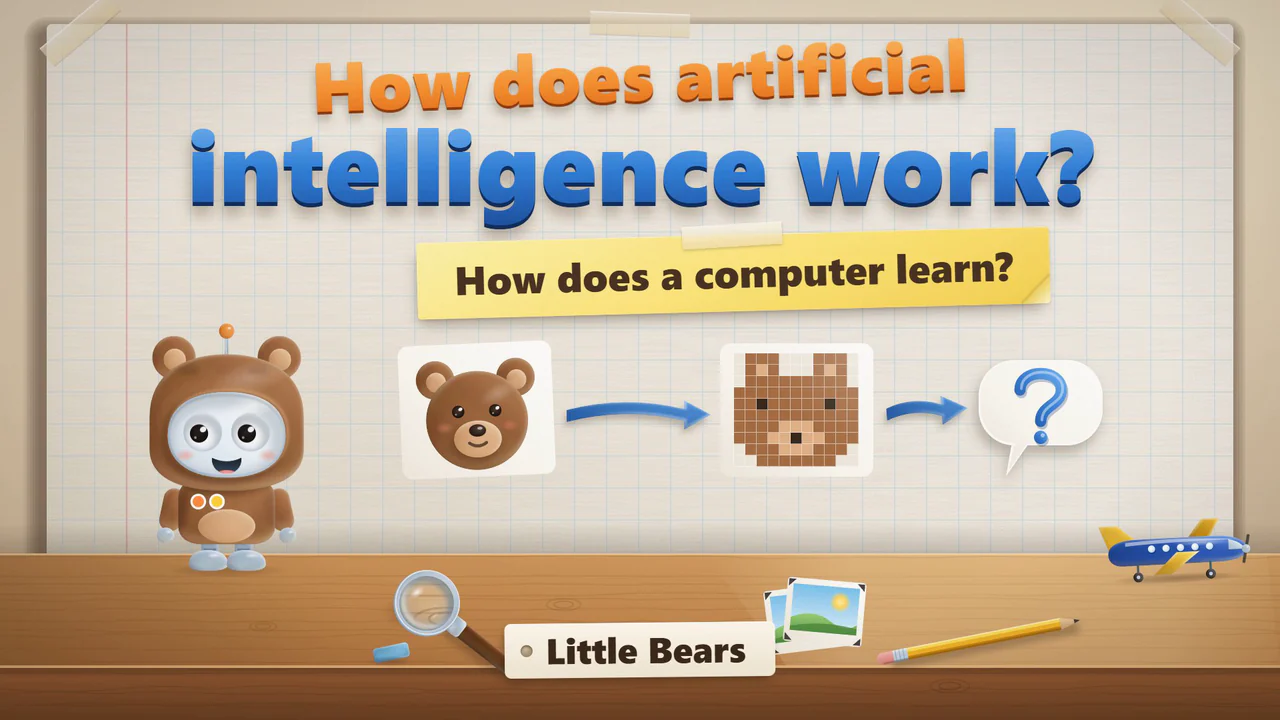
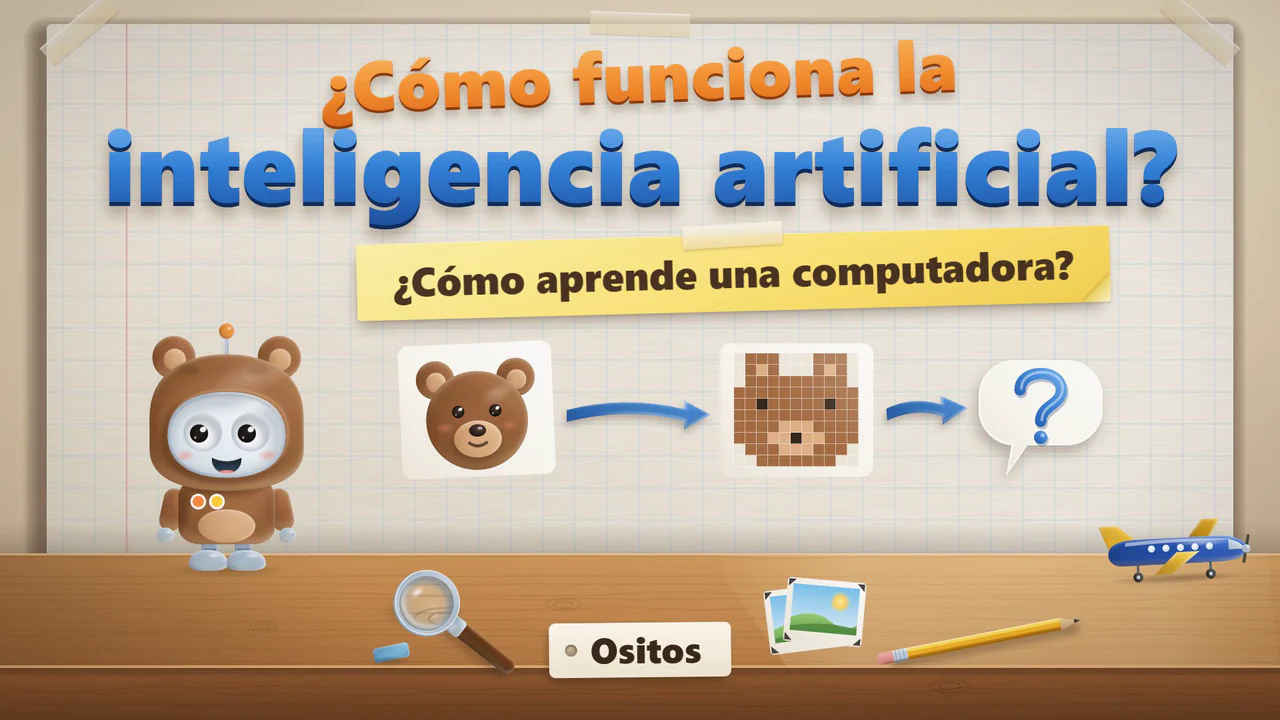
Title card of the film for Little Bears: Bip in a bear costume beside a picture of a bear that turns into squares, and a question about how a computer learns.Title card of the film for Little Bears: Bip in a bear costume beside a picture of a bear that turns into squares, and a question about how a computer learns.Title card of the film for Little Bears: Bip in a bear costume beside a picture of a bear that turns into squares, and a question about how a computer learns.

ages 5–6NiedźwiadkiLittle BearsOsitosLength

How does a computer learn?

  • Senses and sensors, and the different ways we can talk to artificial intelligence.
  • Bip shows how a program that is just starting out can get bear pictures wrong, and we choose which examples to add.
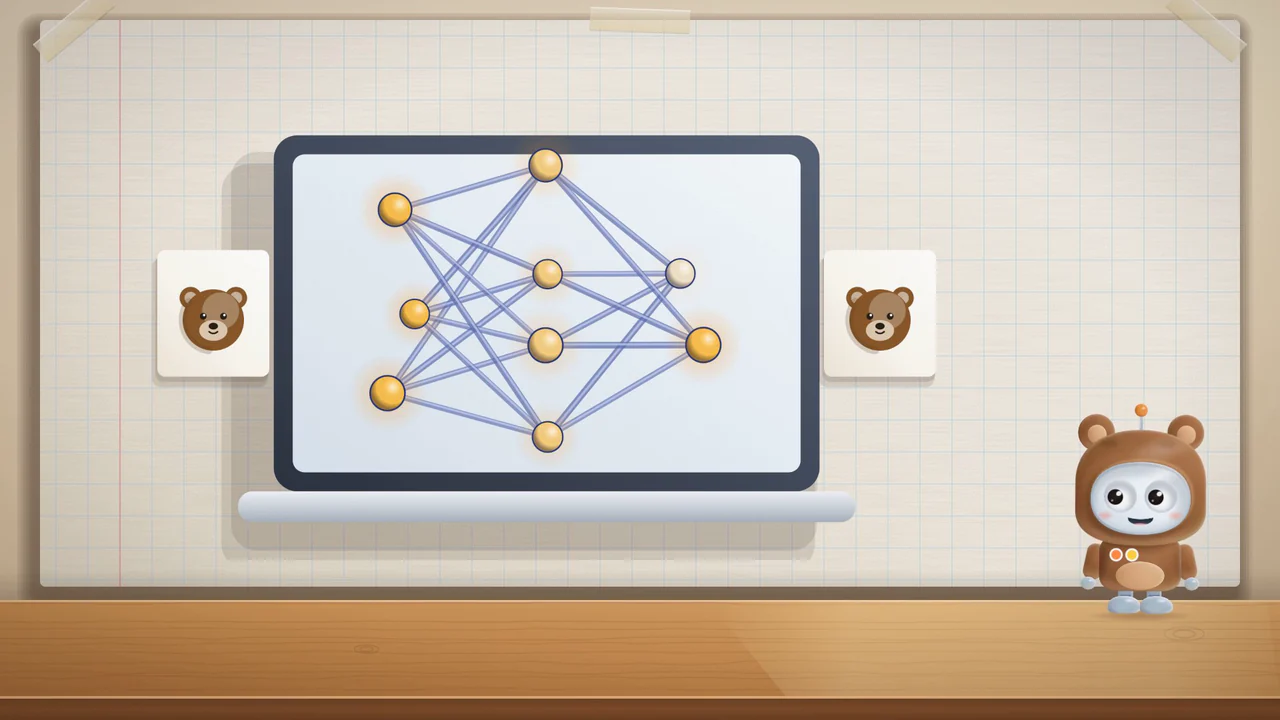
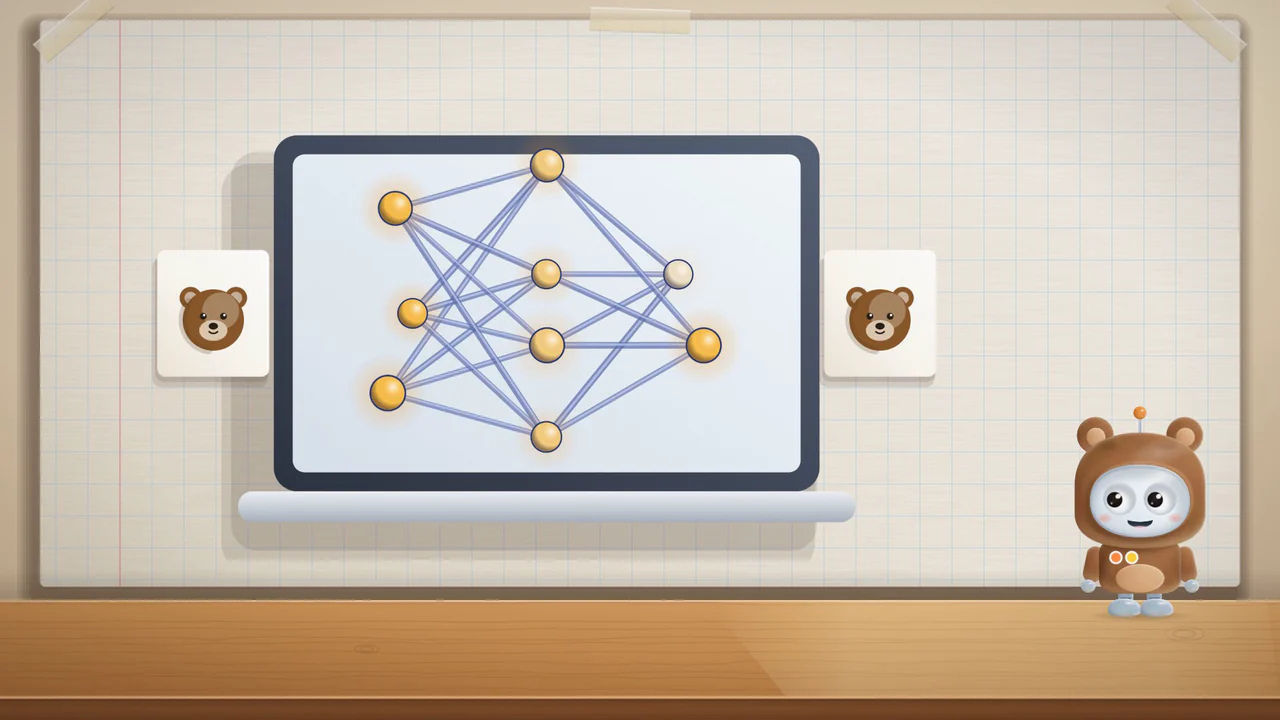
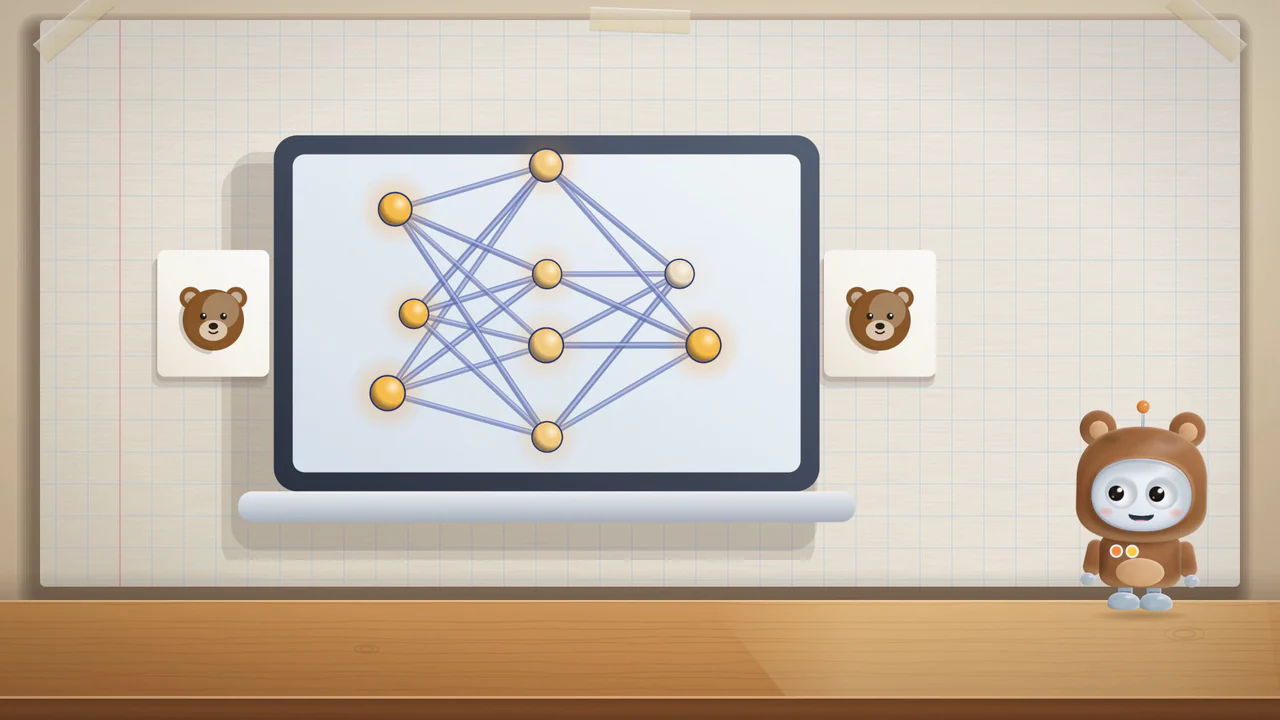
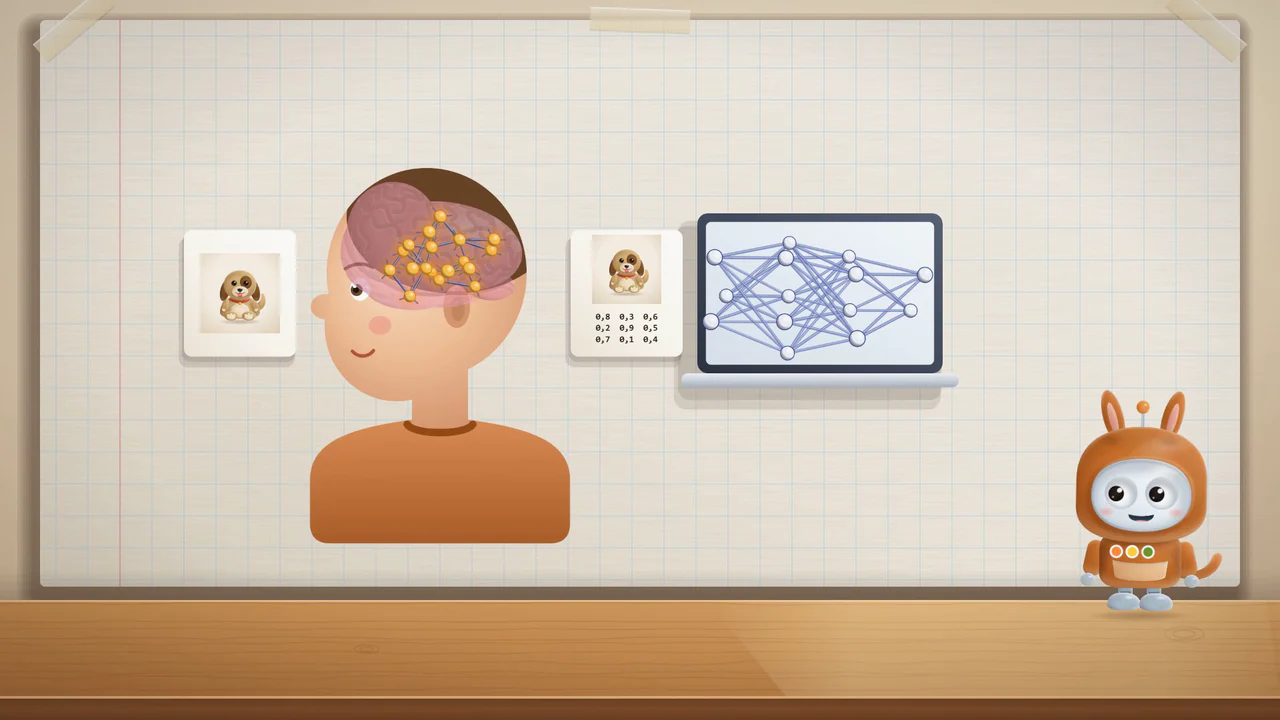
  • A network of calculations: a simplified drawing, and why a program is not a brain.
What else is in the film: How does a computer learn?
  • Where programs like this are used, where the biggest ones learn, and what they can create.
  • Programs that help, how airlines use them, and why grown-ups check the results.
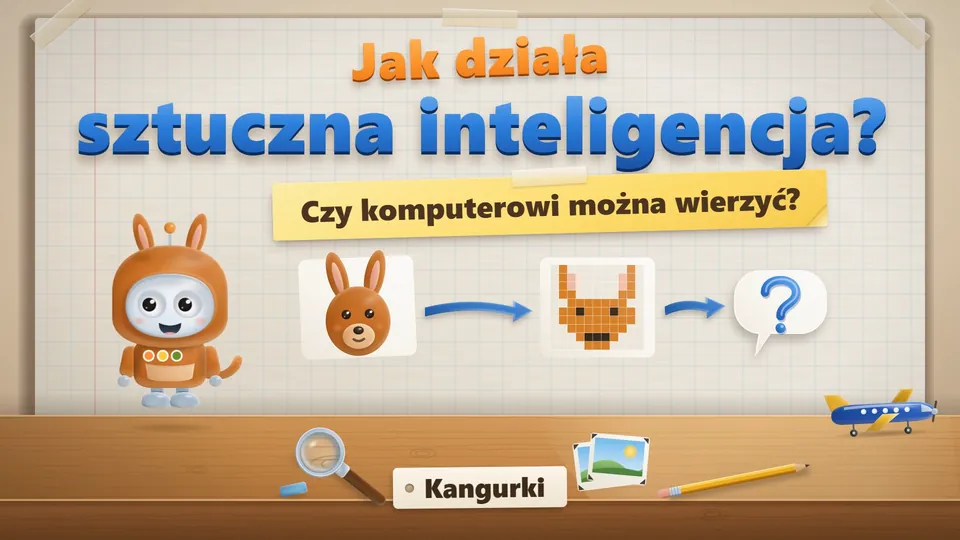
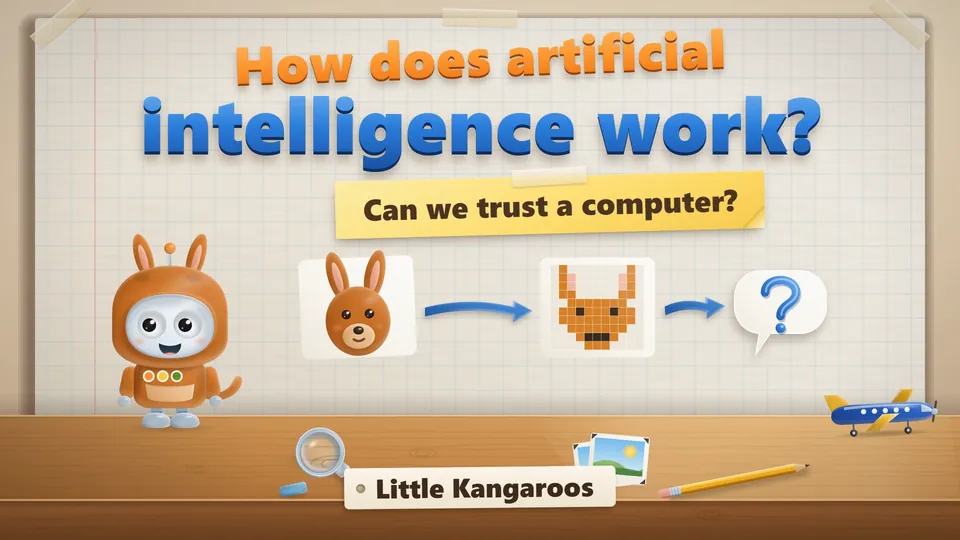
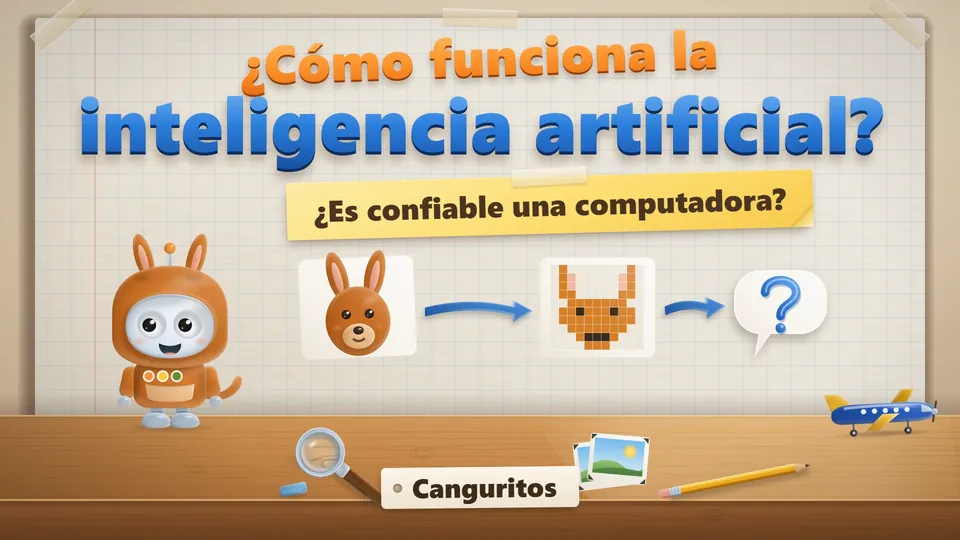
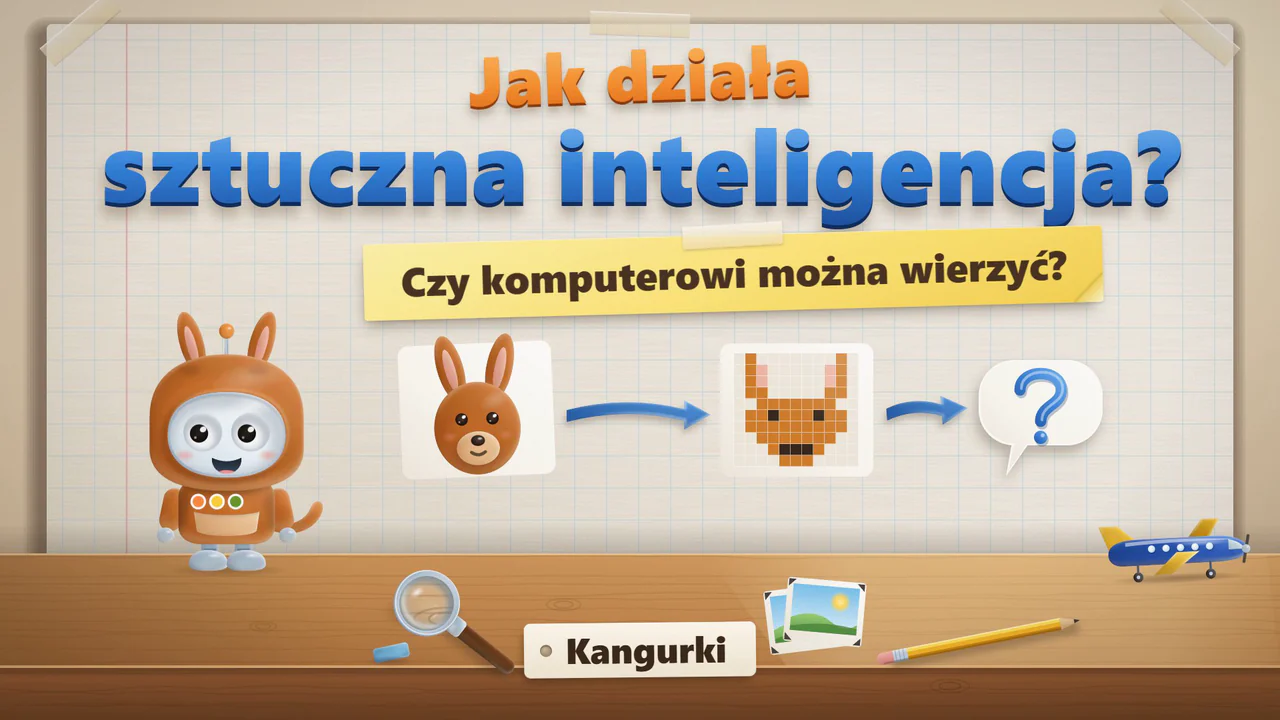
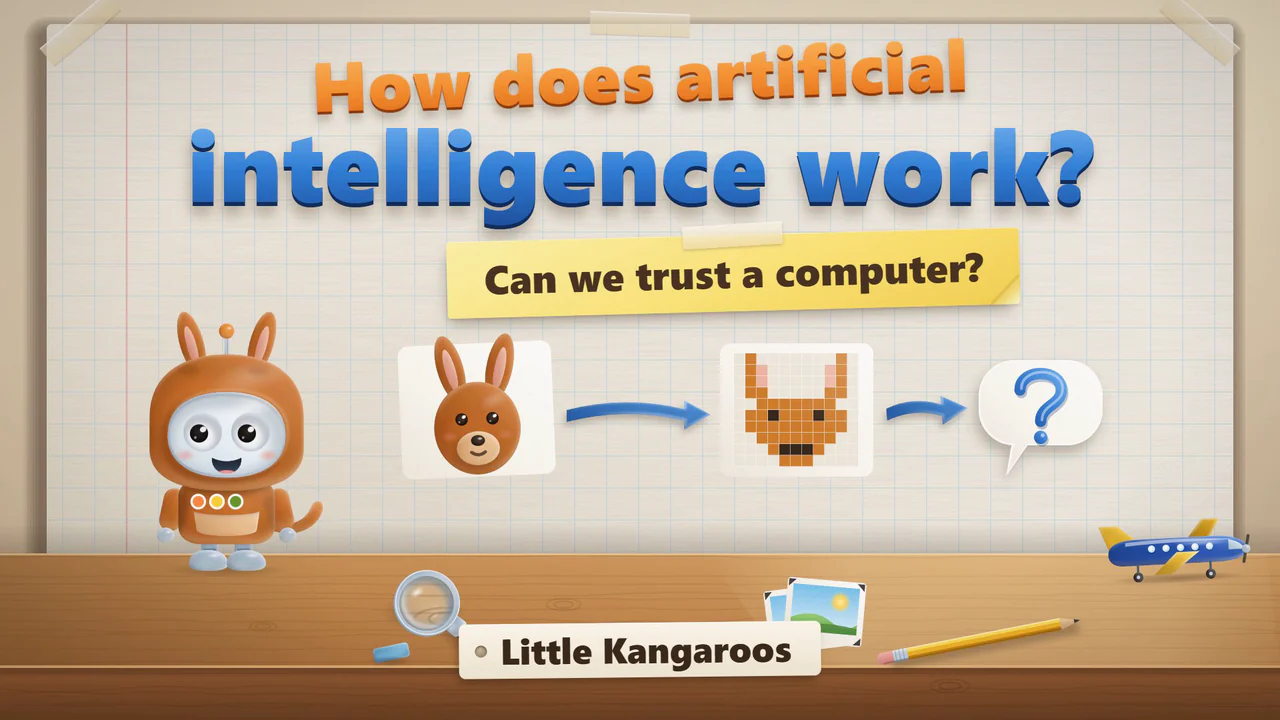
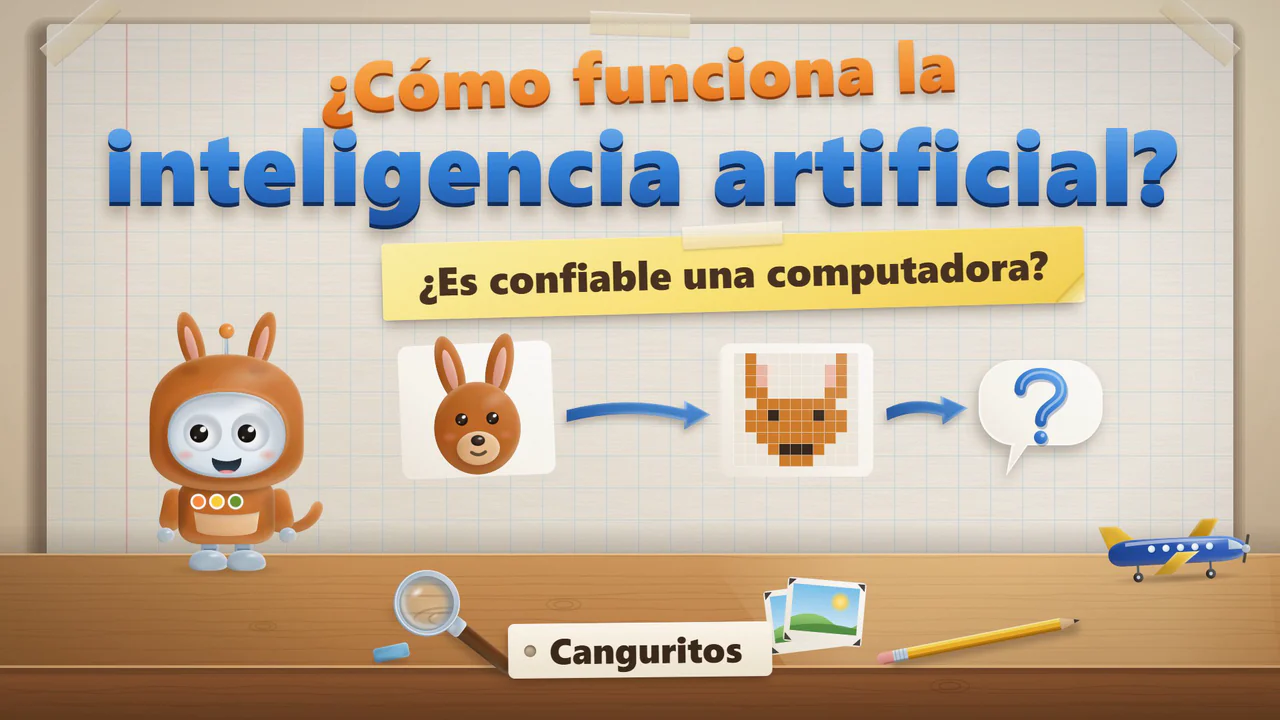
Title card of the film for Little Kangaroos: Bip in a kangaroo costume beside a picture of a kangaroo that turns into squares, and a question about trusting a computer.Title card of the film for Little Kangaroos: Bip in a kangaroo costume beside a picture of a kangaroo that turns into squares, and a question about trusting a computer.Title card of the film for Little Kangaroos: Bip in a kangaroo costume beside a picture of a kangaroo that turns into squares, and a question about trusting a computer.

ages 6–9KangurkiLittle KangaroosCanguritosLength

Can we trust a computer?

  • How people know what they know, what sensors are, and how we talk to artificial intelligence.
  • A network of calculations, how a model learns from examples, and how a chat program picks the next word.
  • Bip guesses what is in the kangaroo's pouch, which shows that a program can answer even when it has no information.
What else is in the film: Can we trust a computer?
  • Where the big models learn, and why a person checks what a program says.
  • A small program of our own, taught in Teachable Machine, followed by safety and privacy.

Bip's Club on YouTube

Want your own version for your group? Ask for a quote.

Key moments

These are stills from the films. The time beside each one is where its chapter starts.

Choose a film

Can a computer see?ages 3–5 · PszczółkiLittle BeesAbejitas

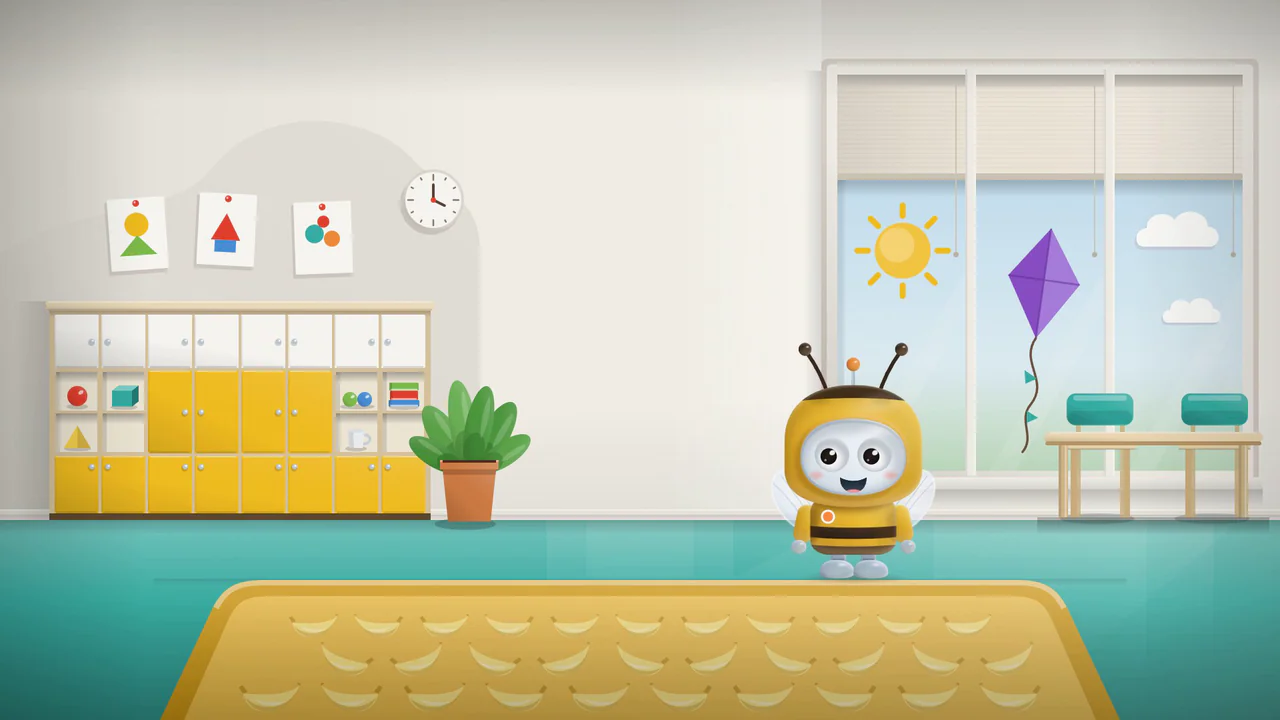
Time in the film: Time in the film: Time in the film: Bip in his bee costume asks if a computer sees the way we do.
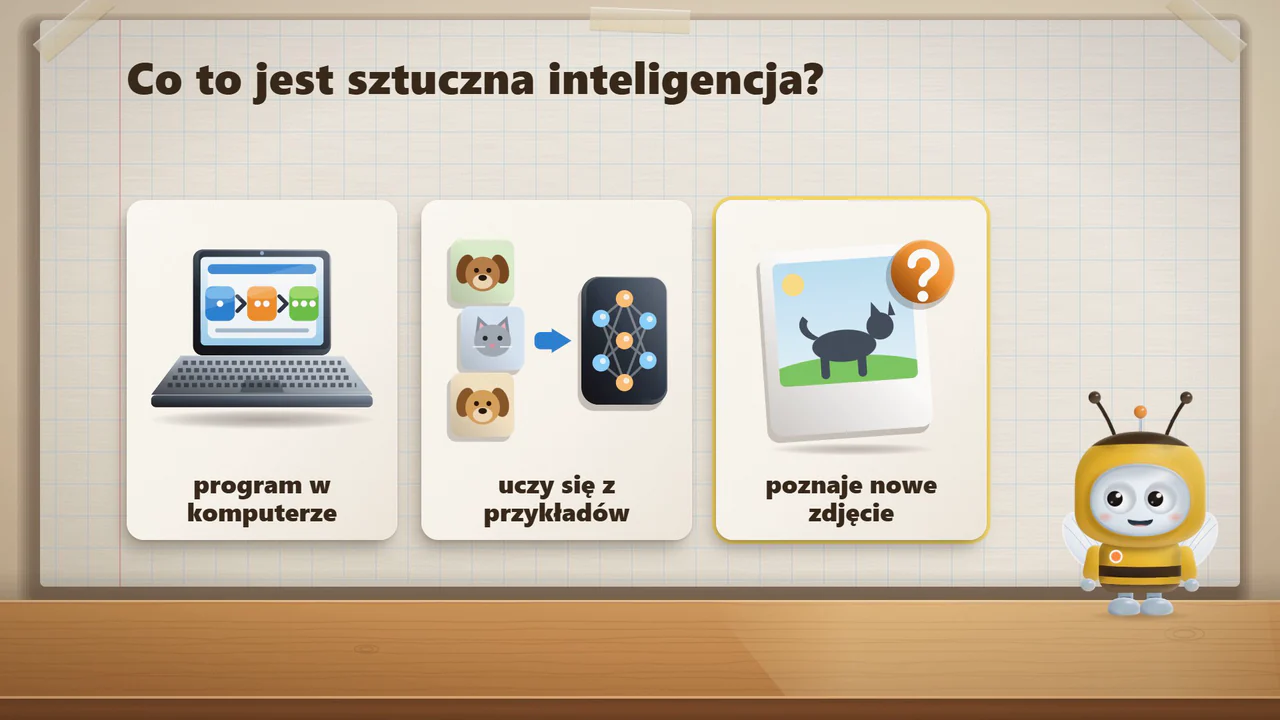
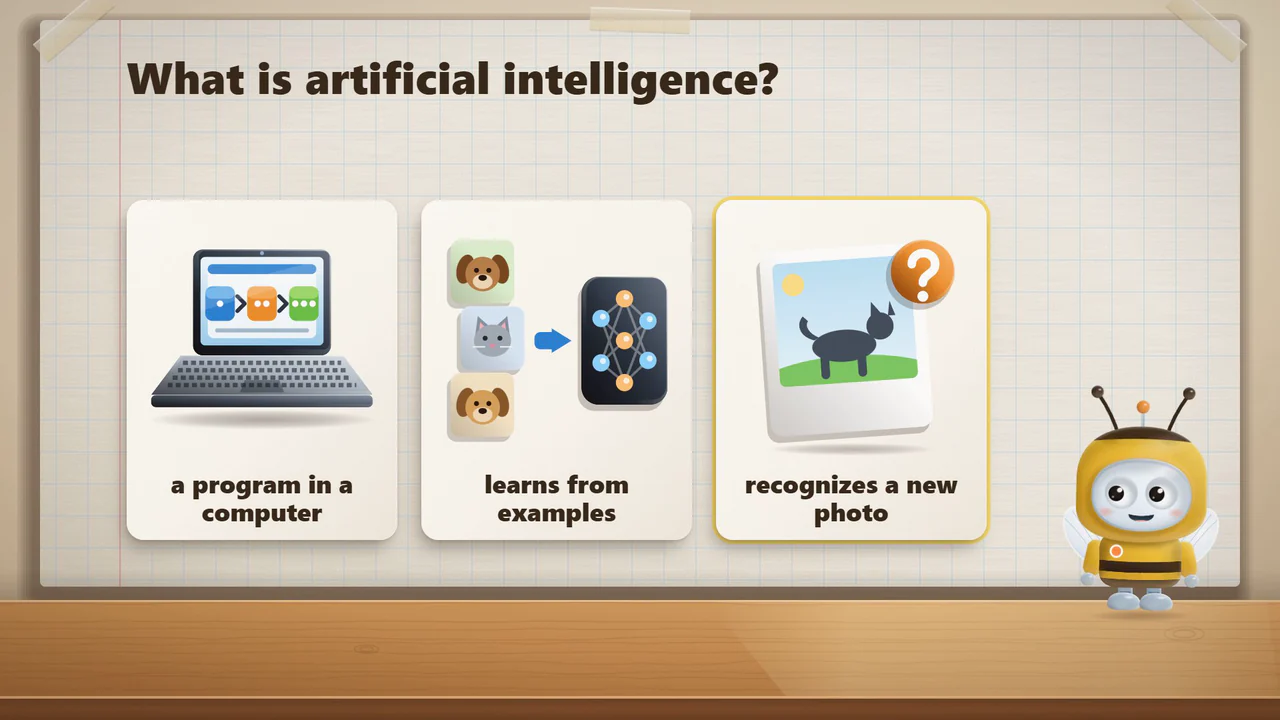
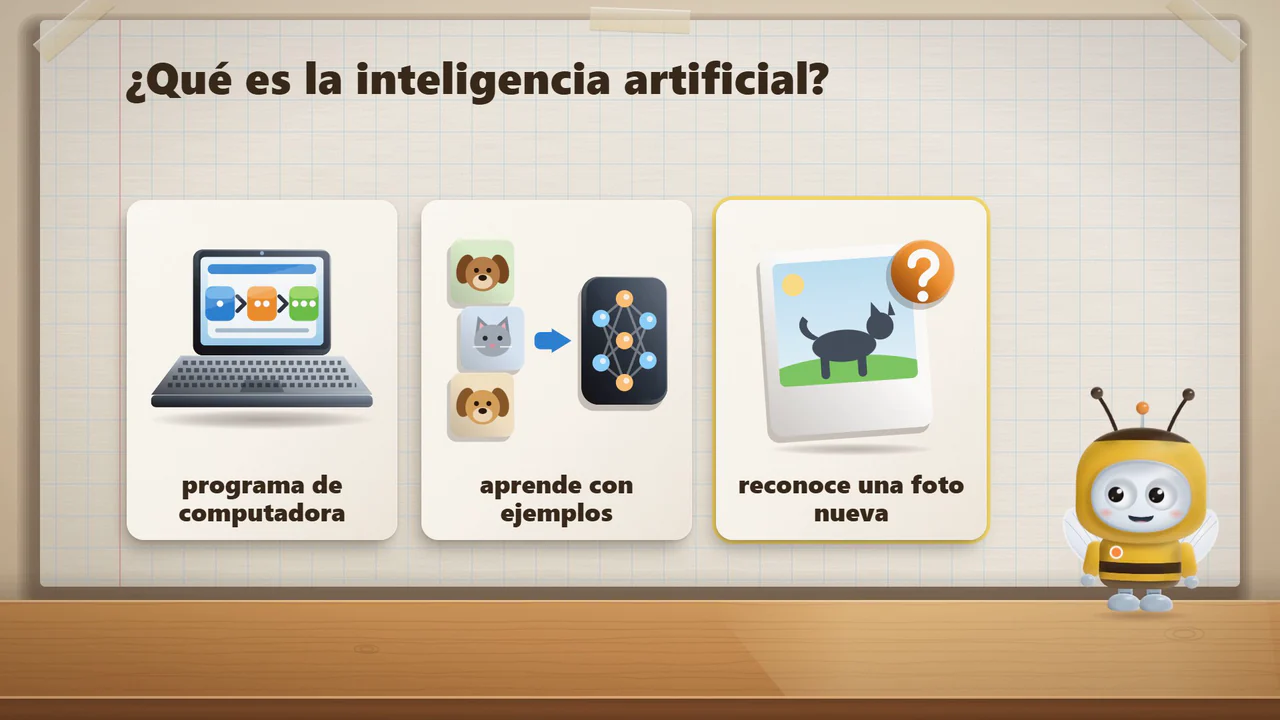
Time in the film: Time in the film: Time in the film: Artificial intelligence is a program that learns from examples.
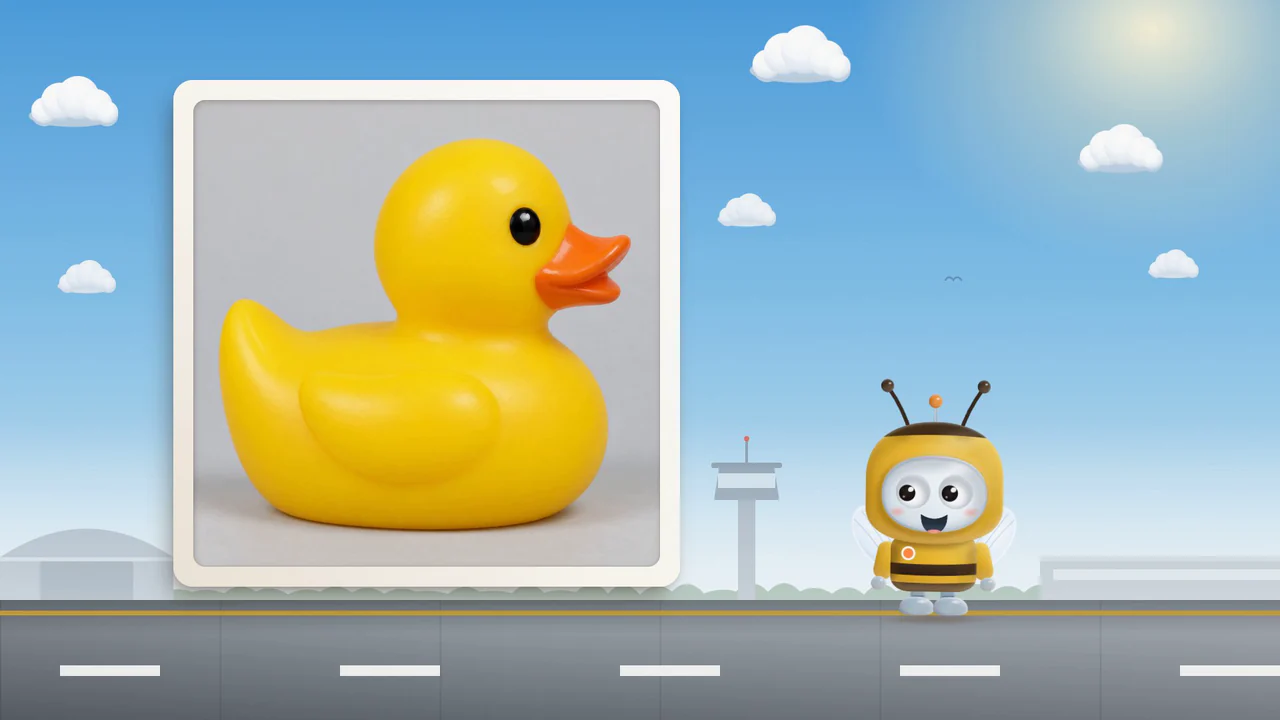
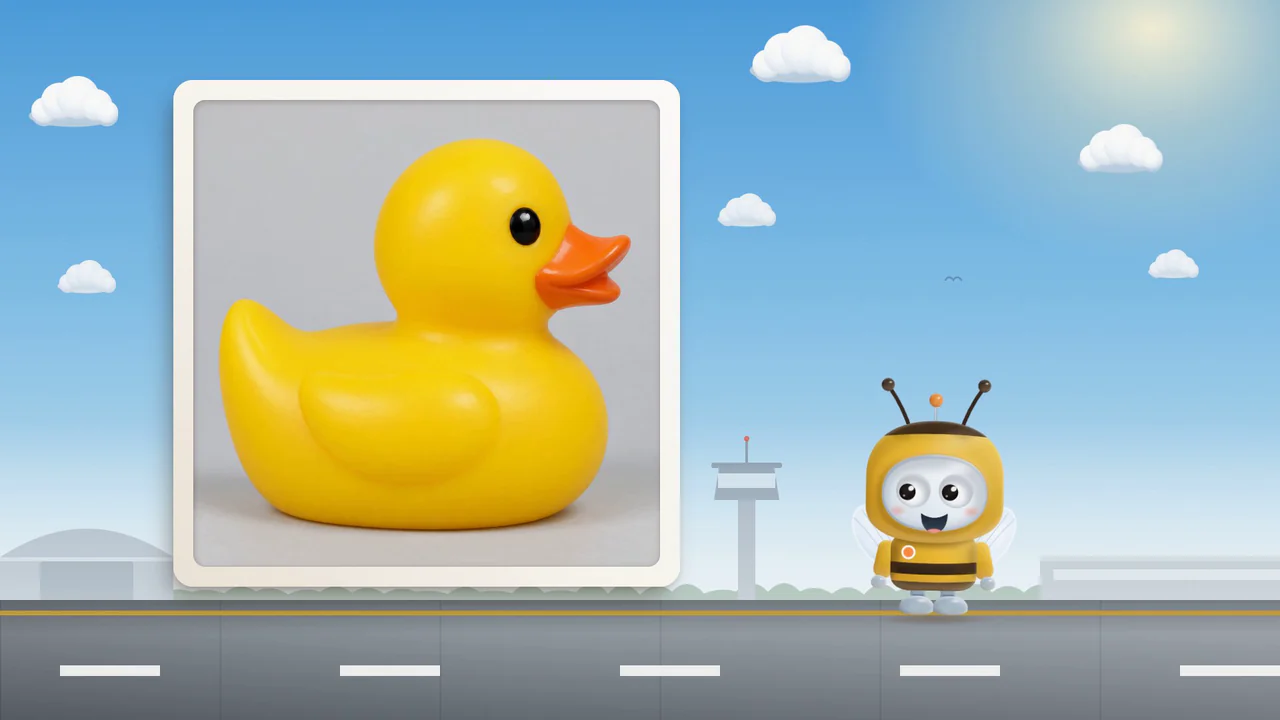
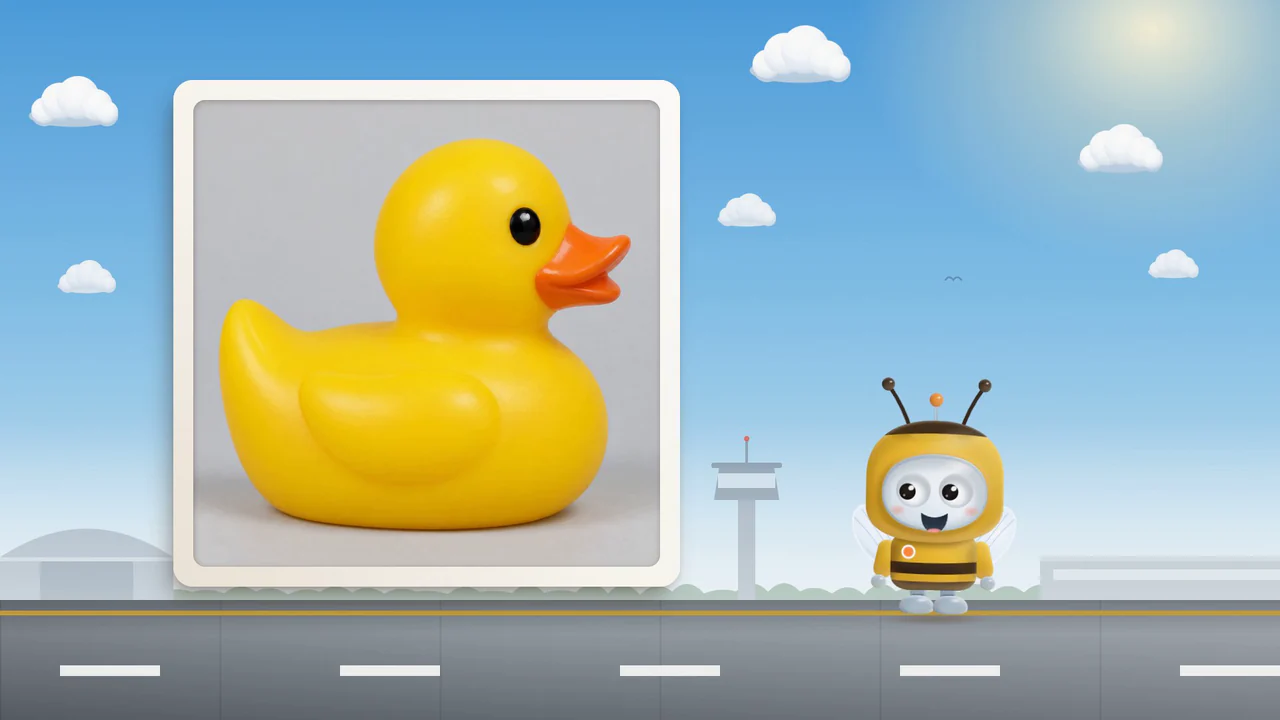
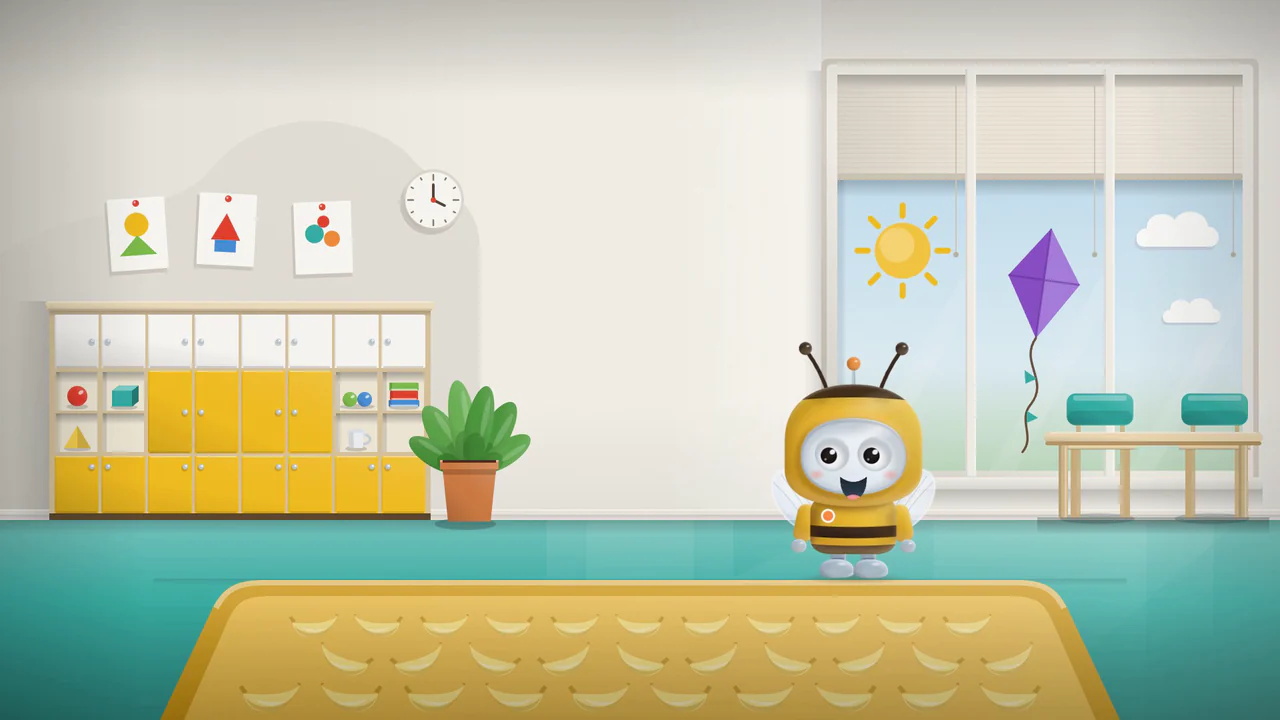
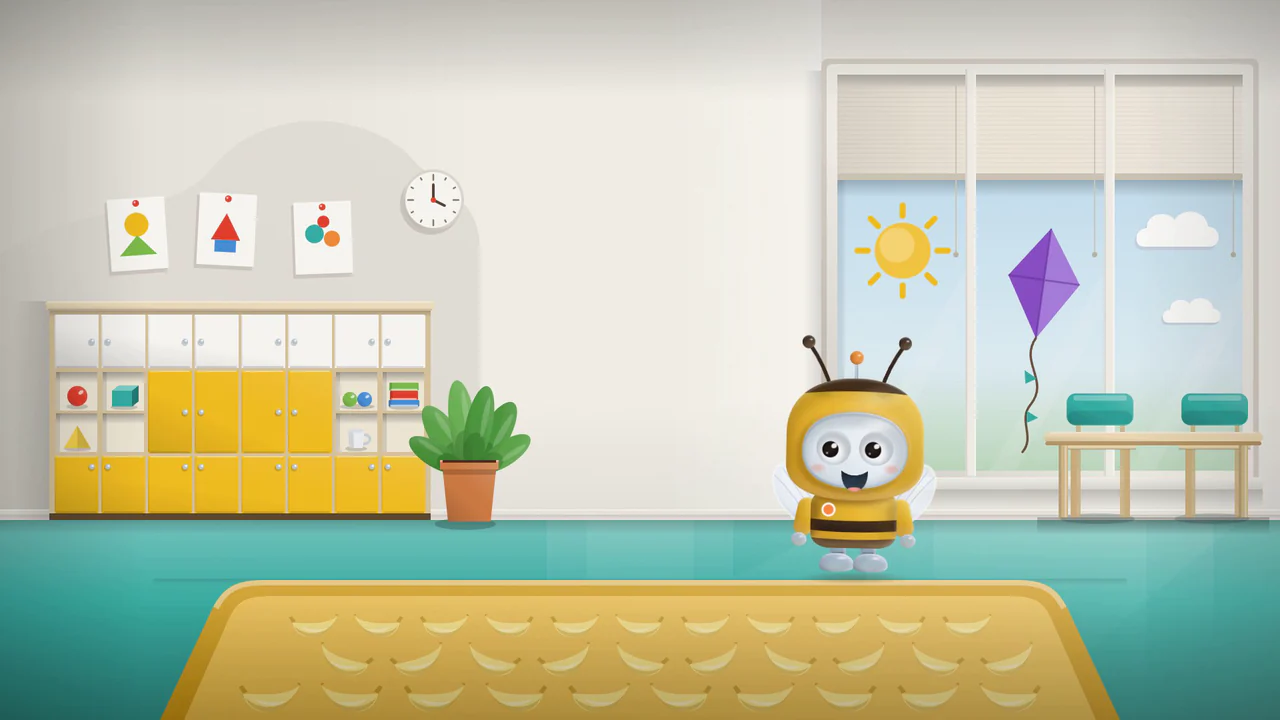
Time in the film: Time in the film: Time in the film: Bip looks at a duck and says “I see a banana!” on purpose.
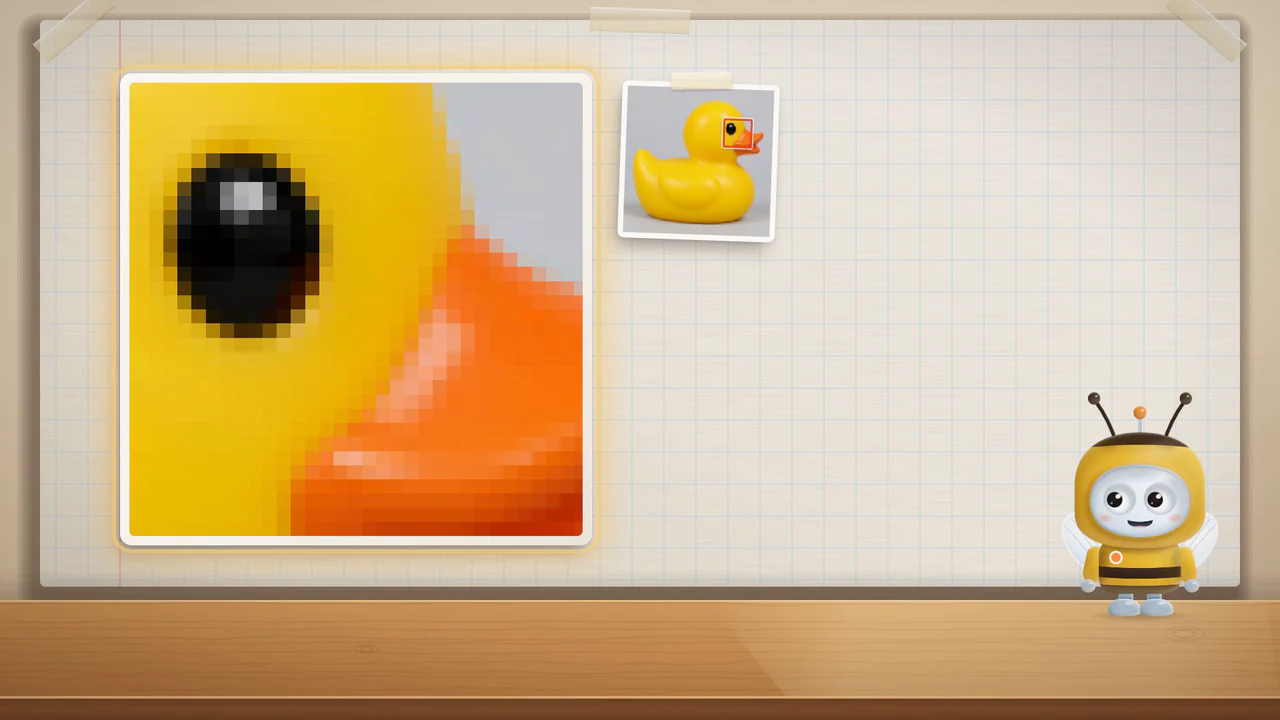
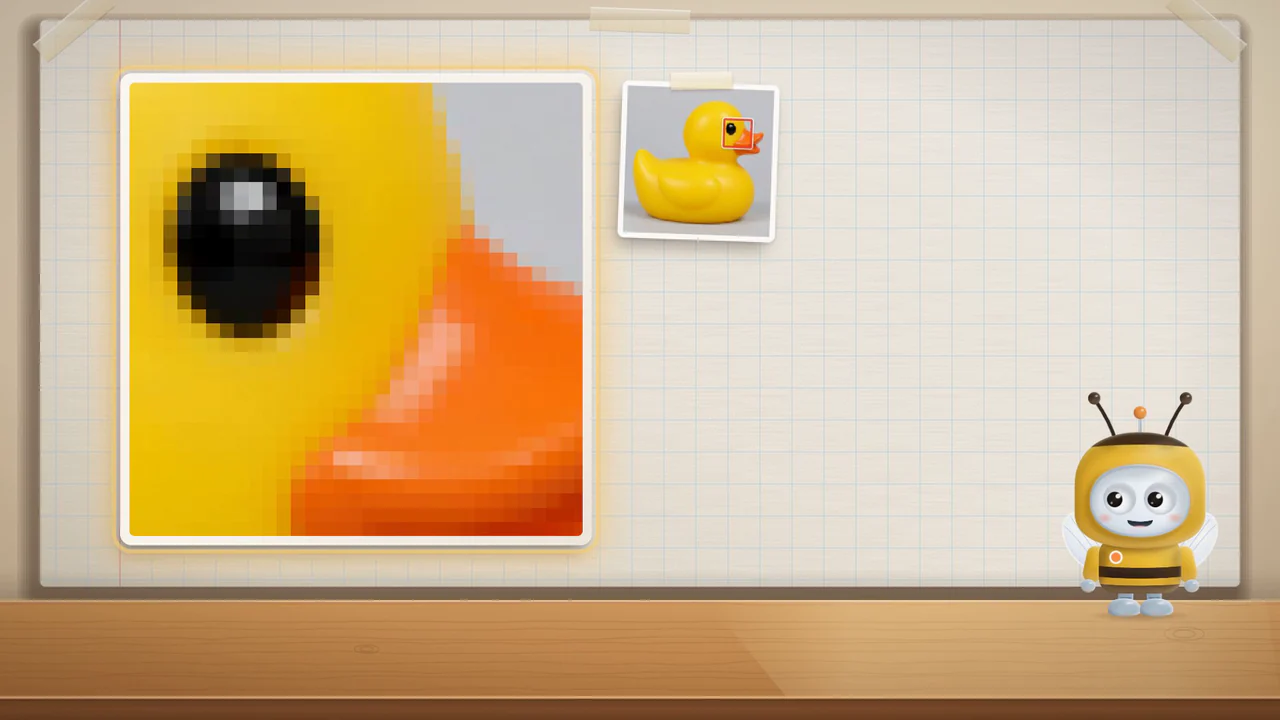
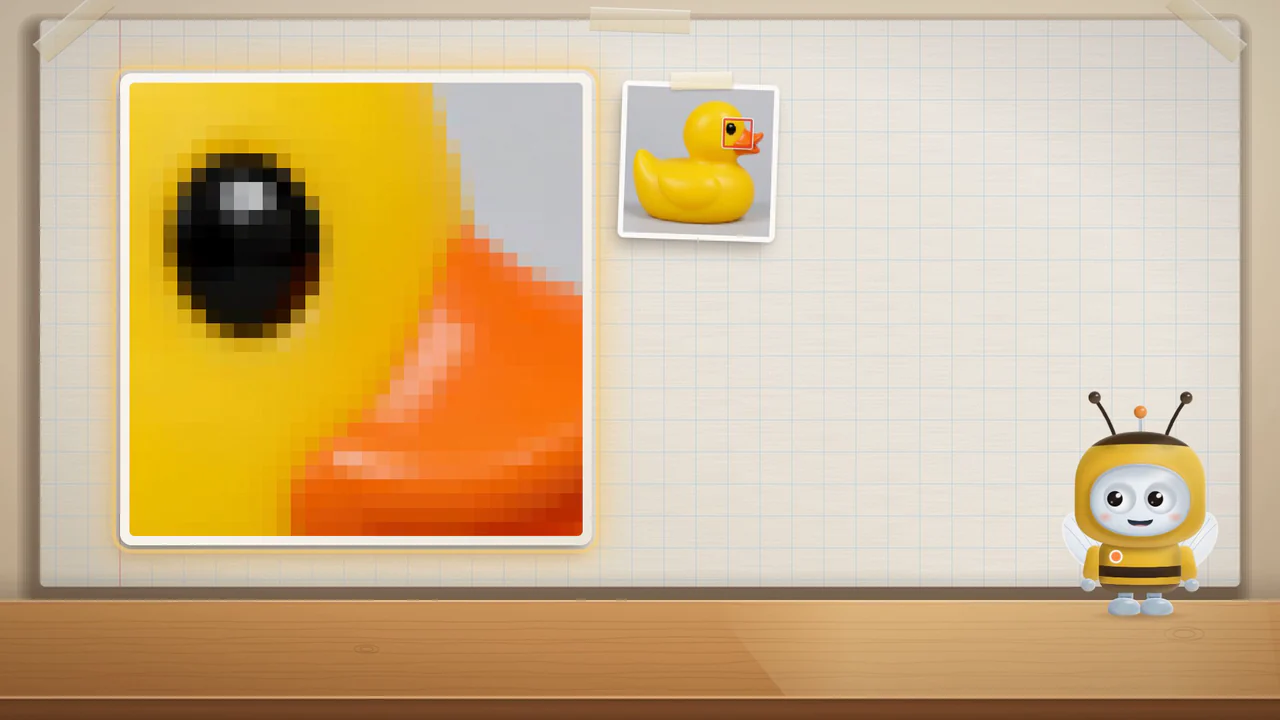
Time in the film: Time in the film: Time in the film: Zoomed in, the duck is colored squares. A computer sees it that way.
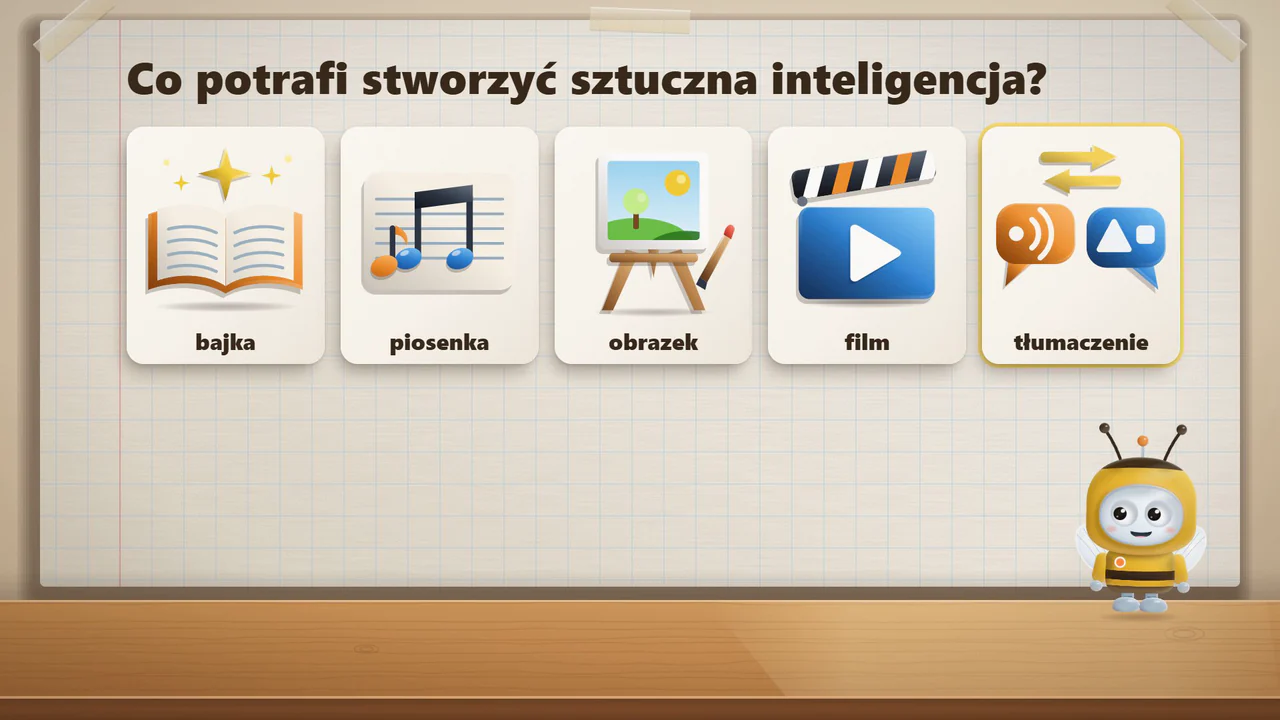
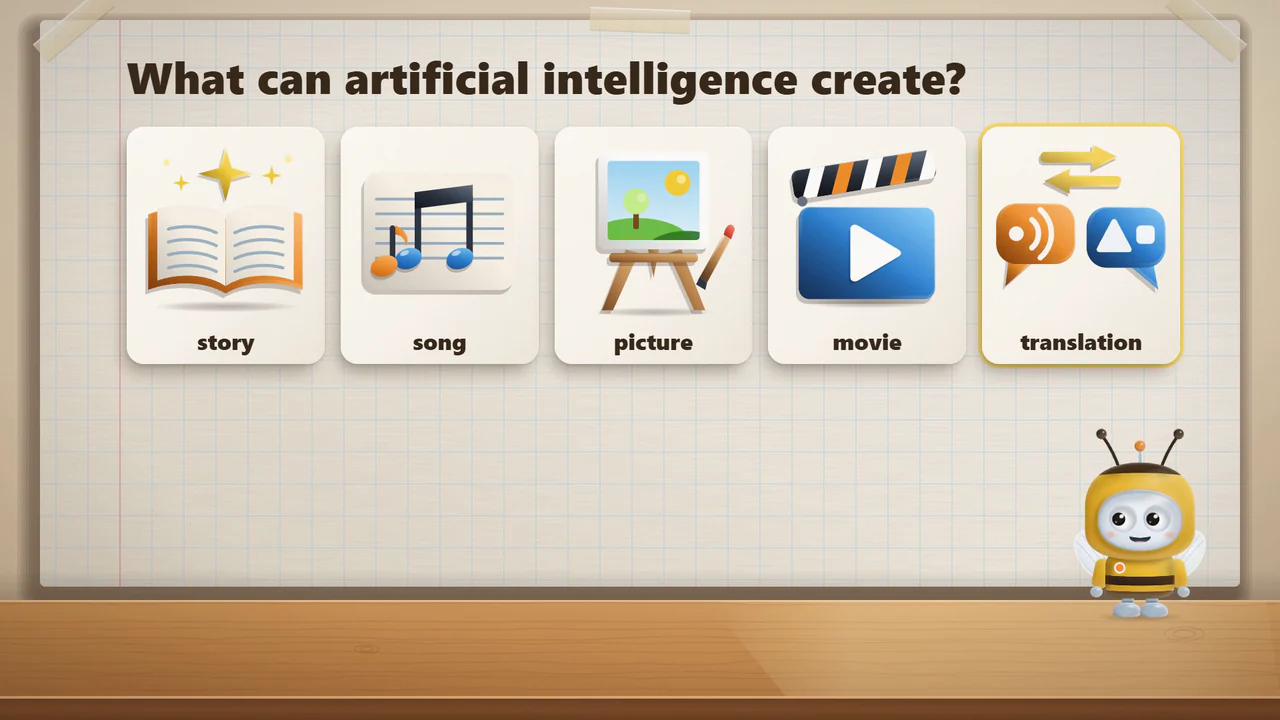
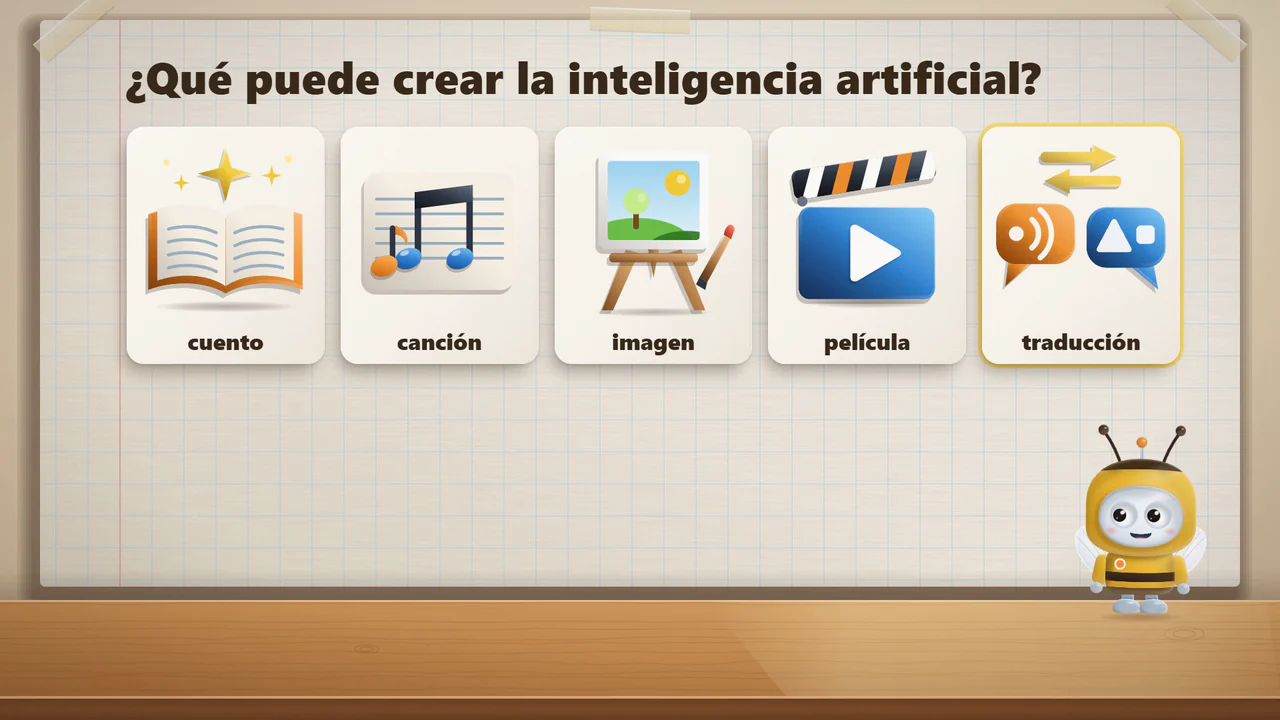
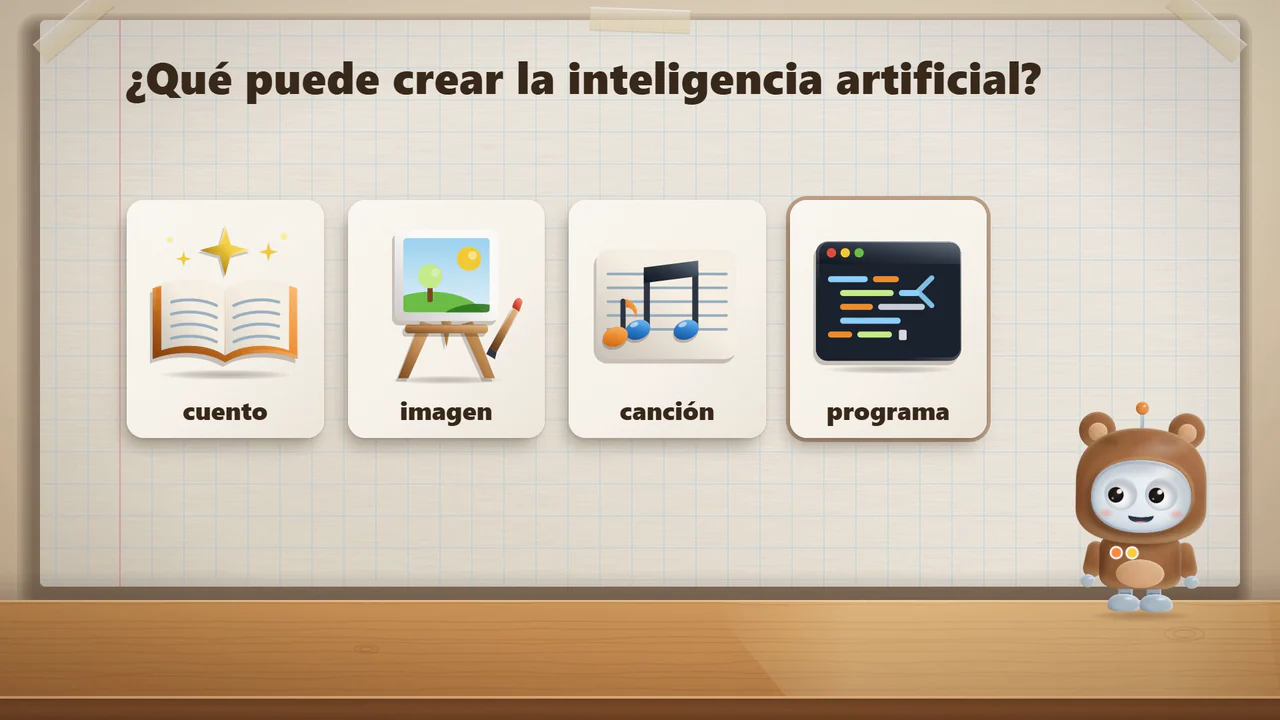
Time in the film: Time in the film: Time in the film: A program can help write a story, make a song or draw a picture.
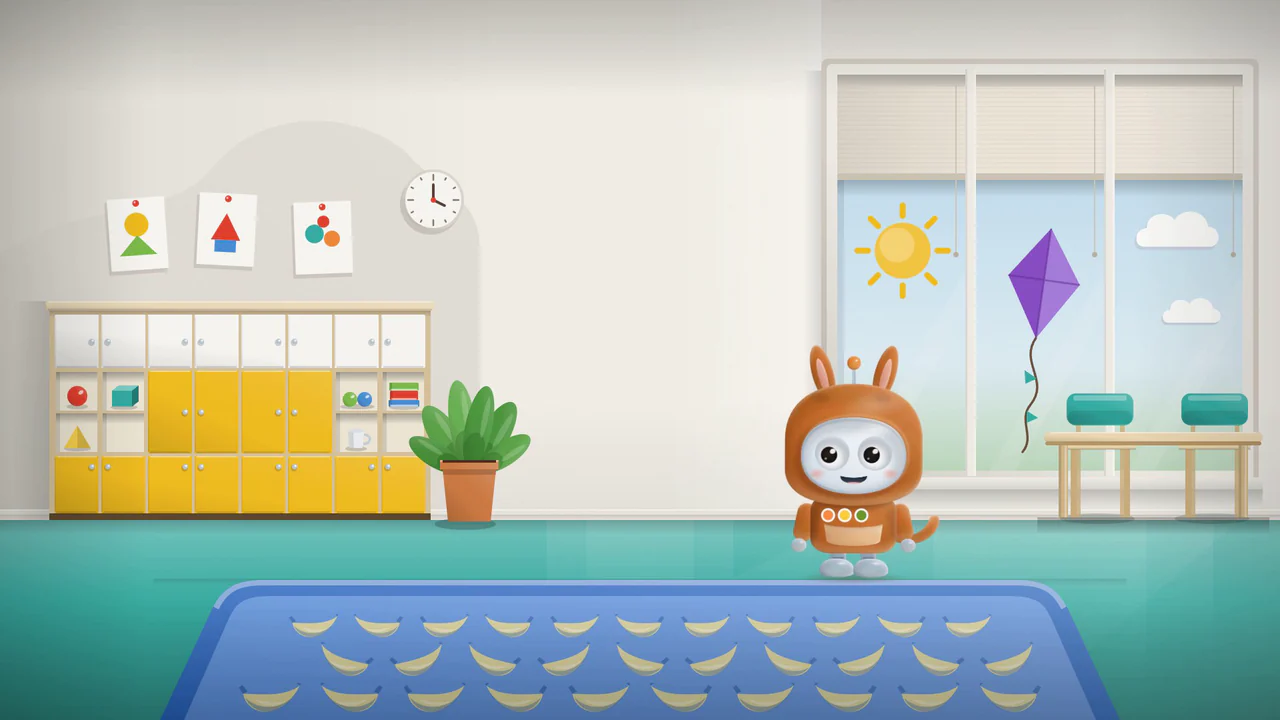
Time in the film: Time in the film: Time in the film: The program drew a rug with bananas because we asked for it.

How does a computer learn?ages 5–6 · NiedźwiadkiLittle BearsOsitos

Time in the film: Time in the film: Time in the film: Bip has put on a bear costume. Today we ask how a computer learns.
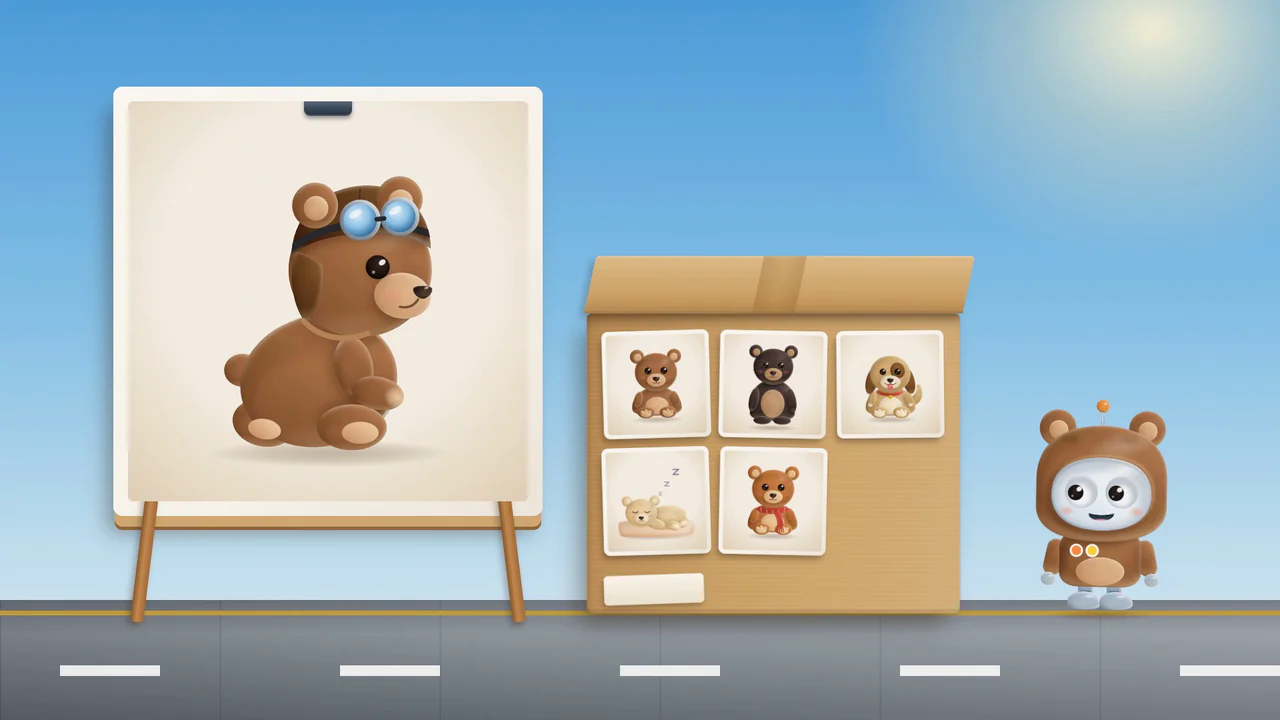
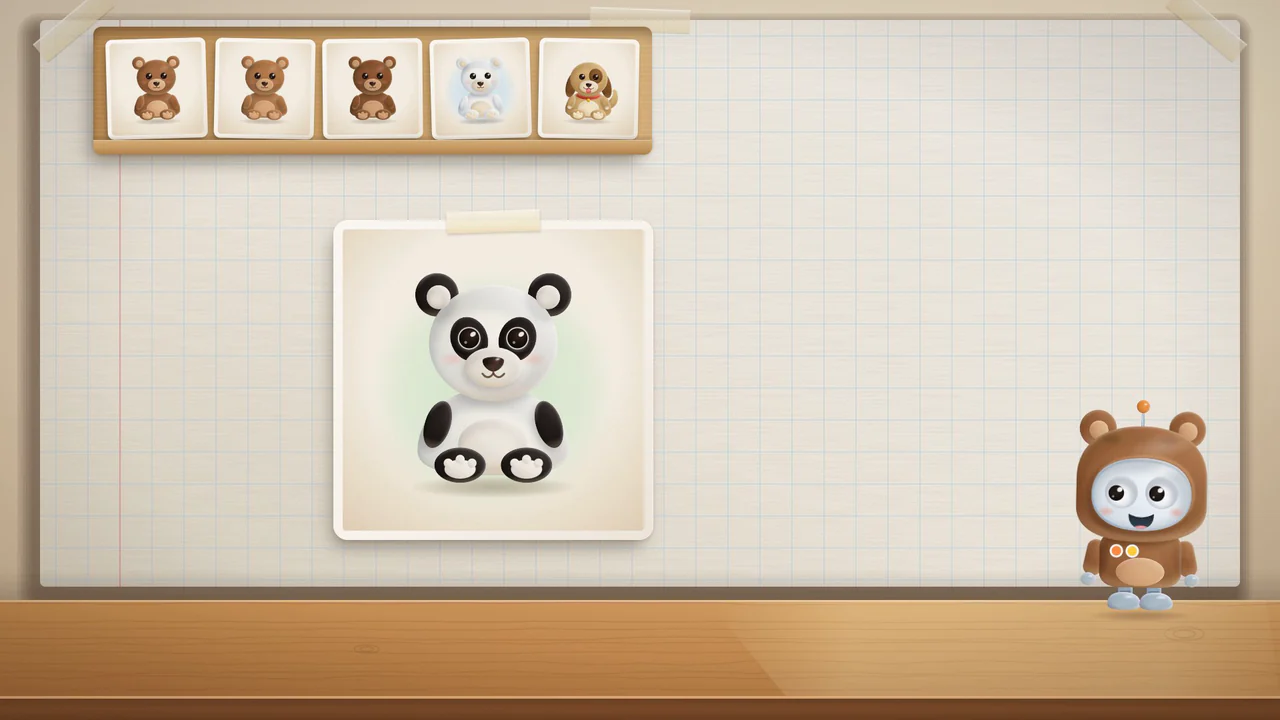
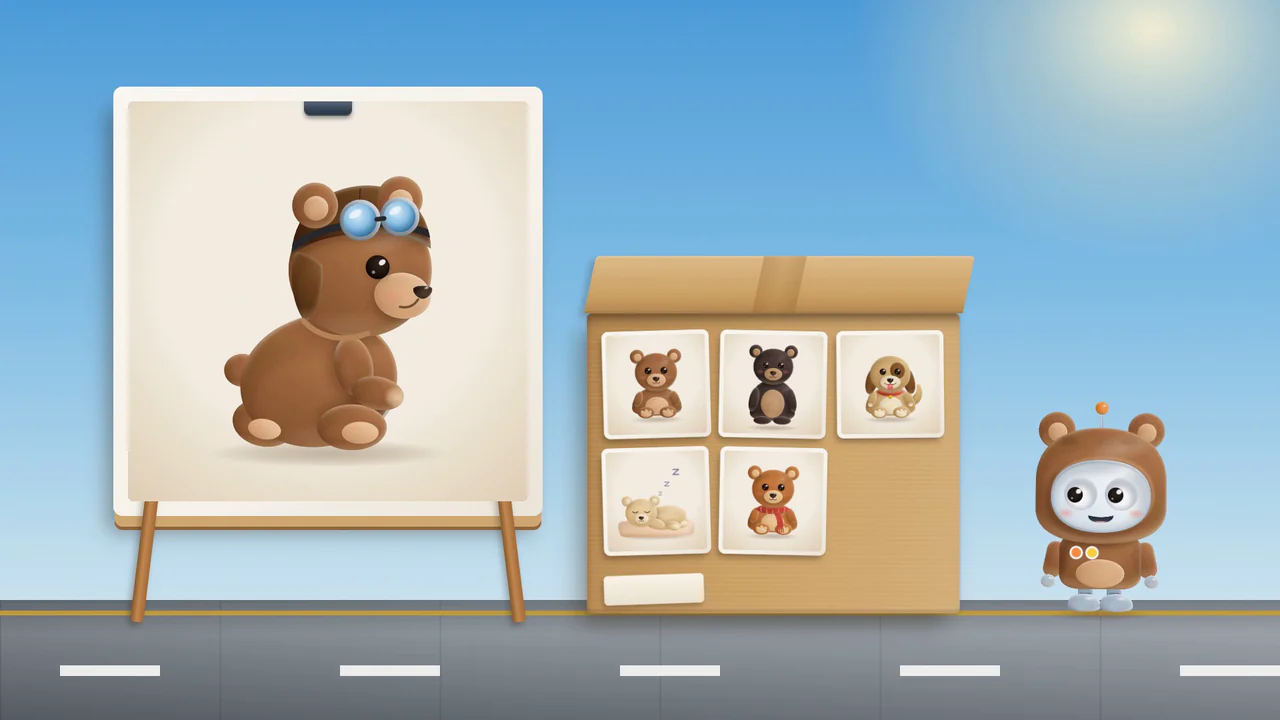
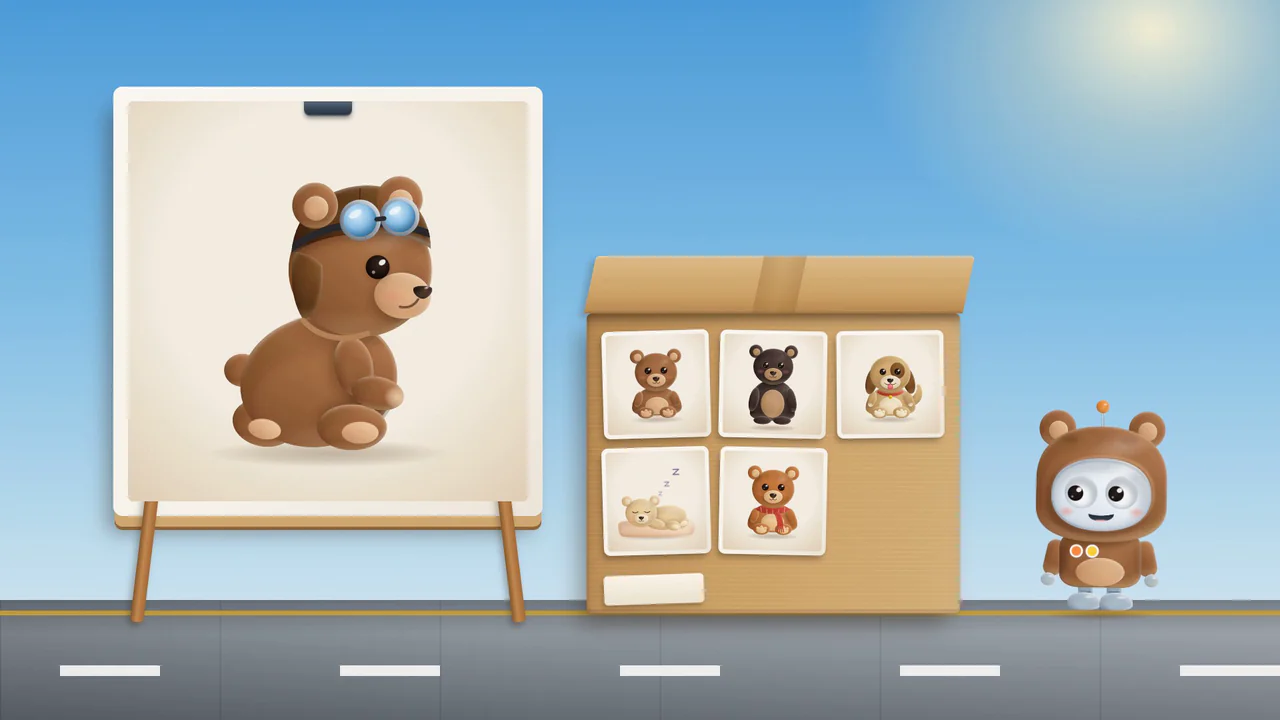
Time in the film: Time in the film: Time in the film: Teddy bears and pictures that are not bears go into the box.
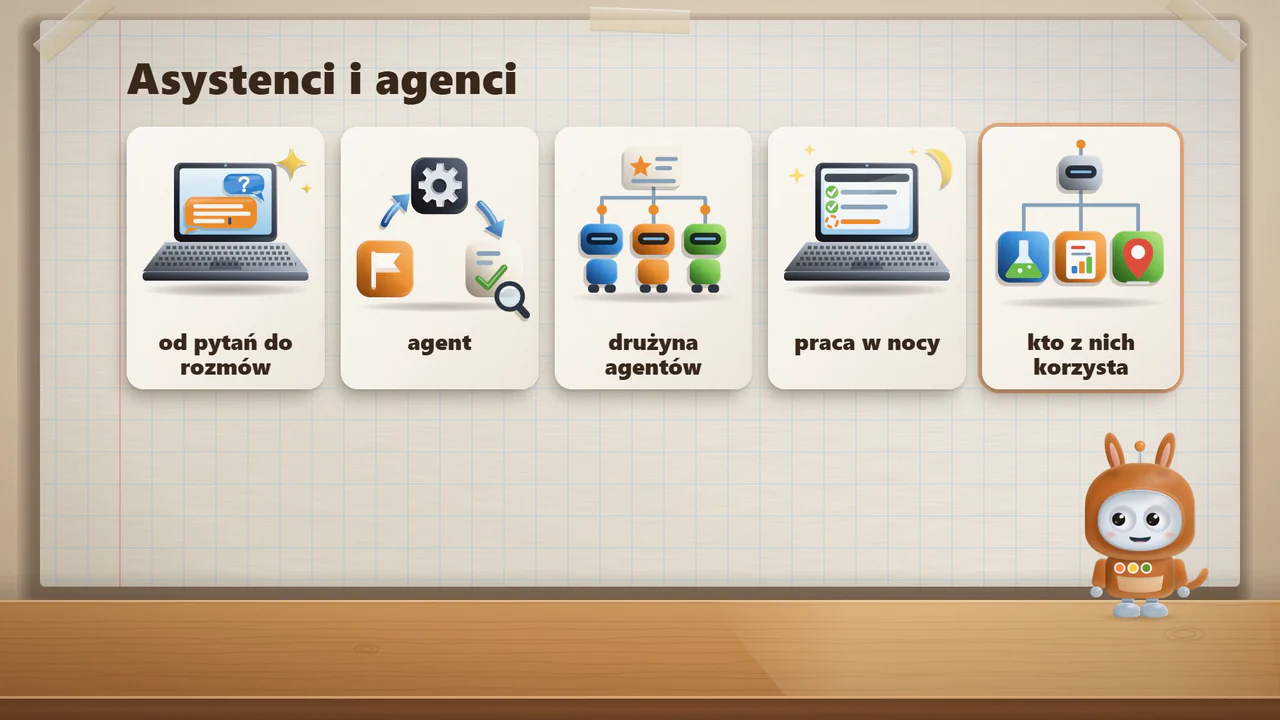
Time in the film: Time in the film: Time in the film: The network of calculations is a program. Color shows each step.
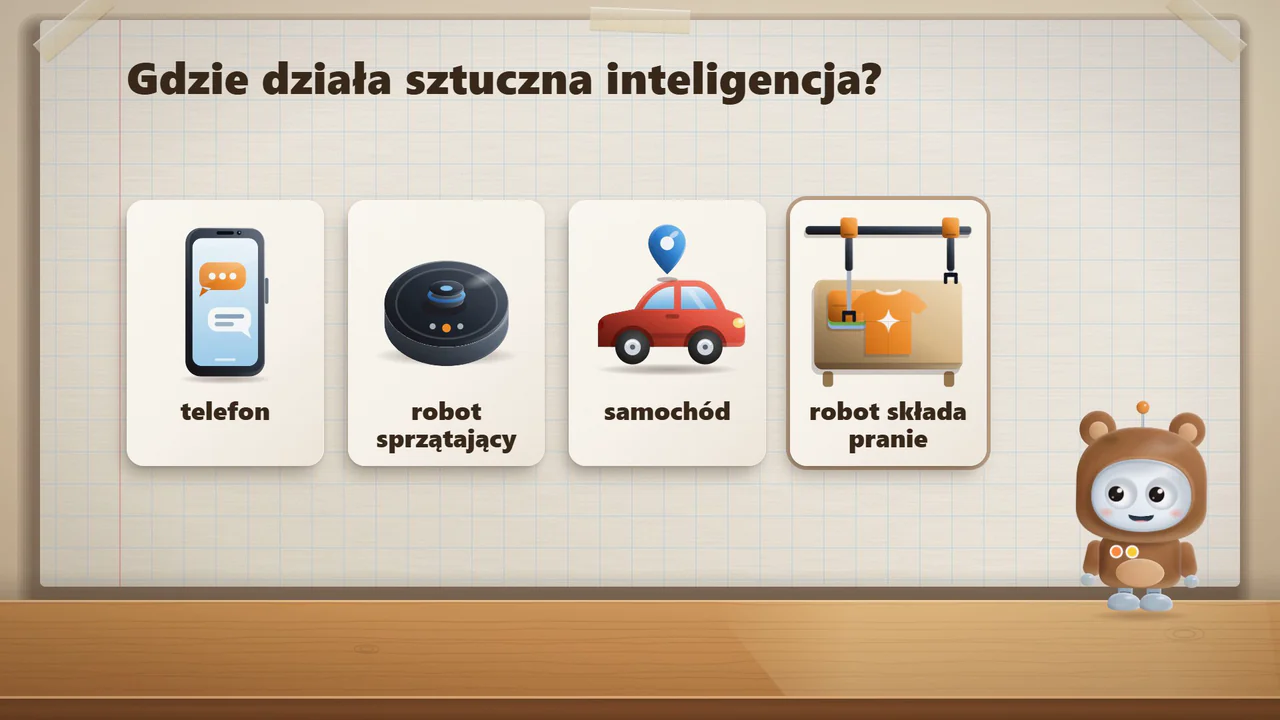
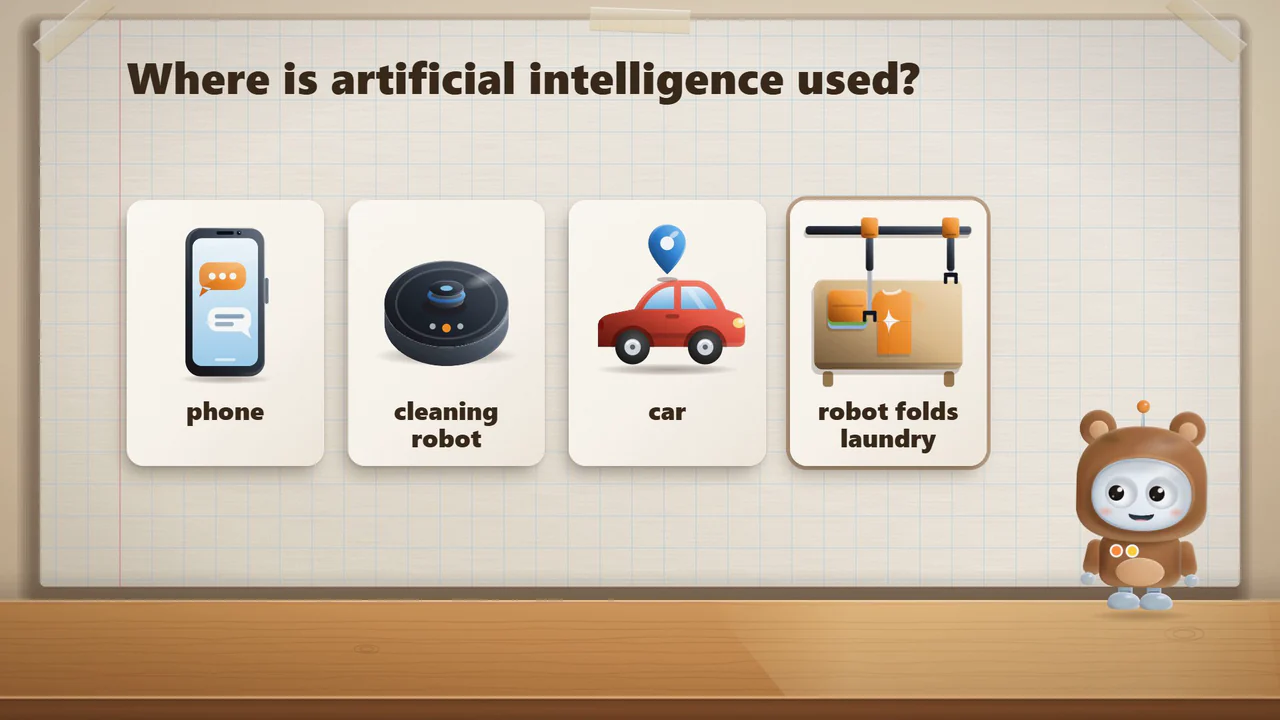
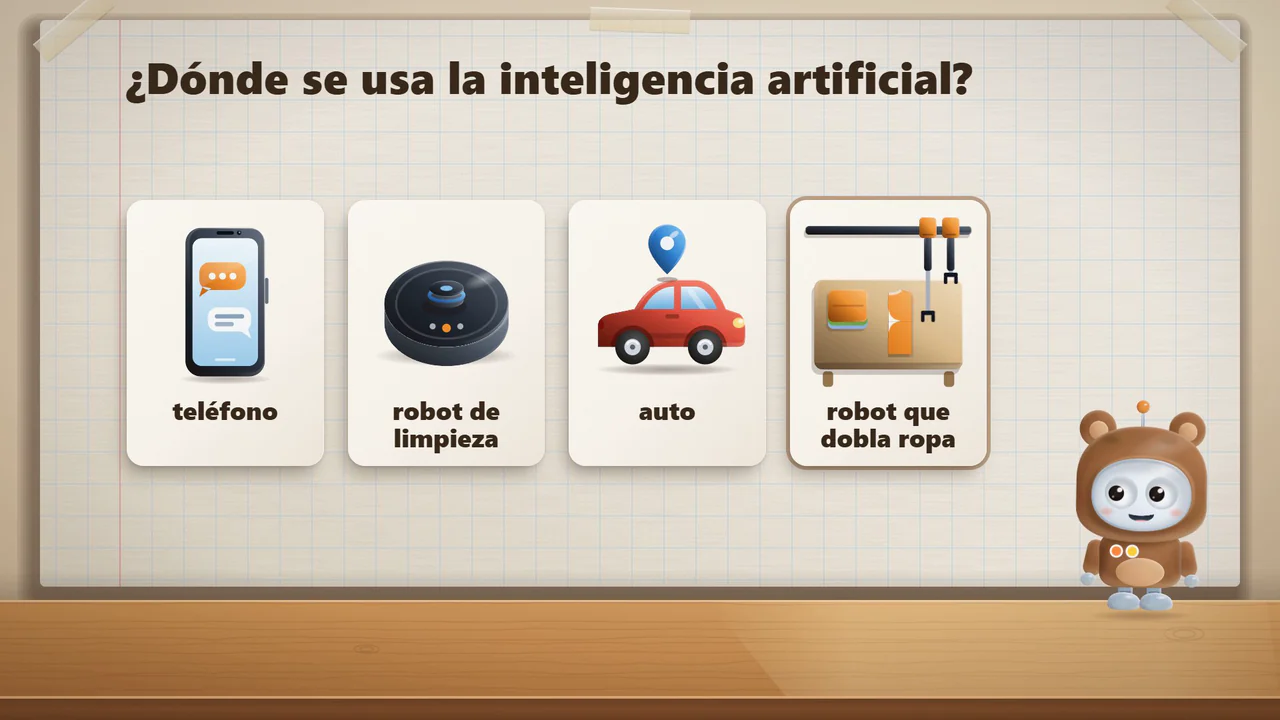
Time in the film: Time in the film: Time in the film: A phone, a car and household robots all run programs.
Time in the film: Time in the film: Time in the film: Bip gets a picture that was not among the examples. What is it?
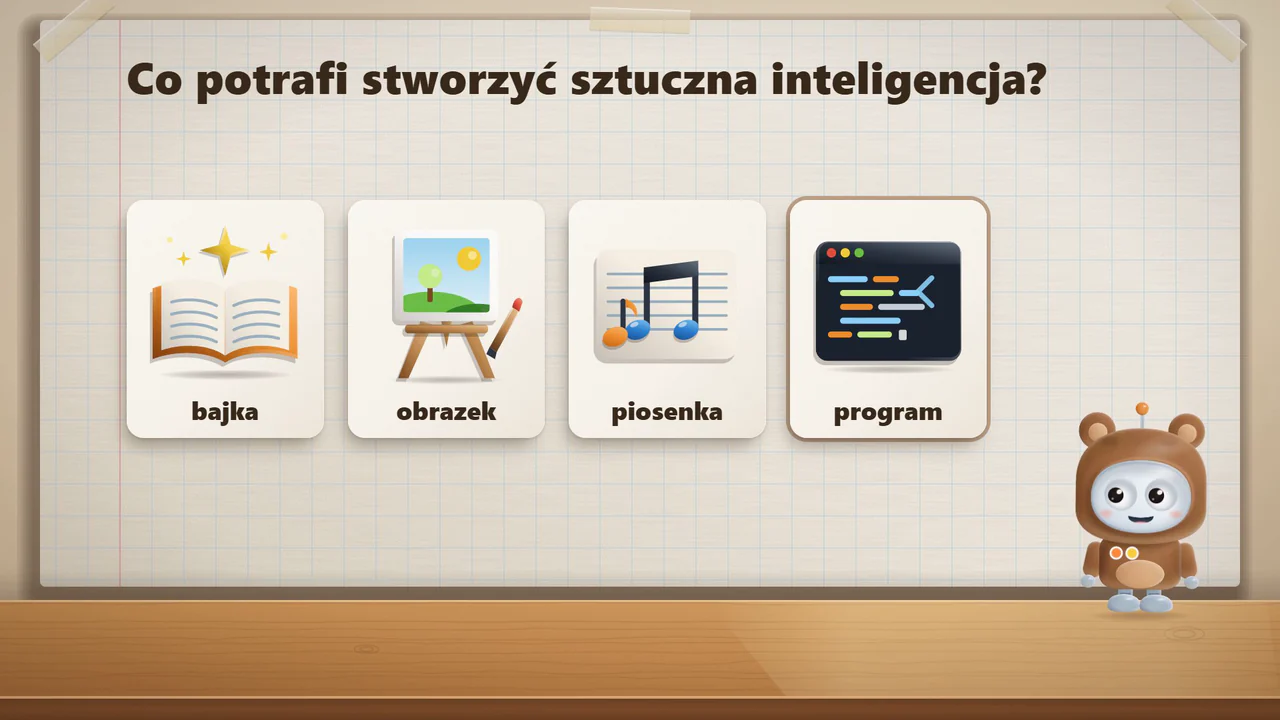
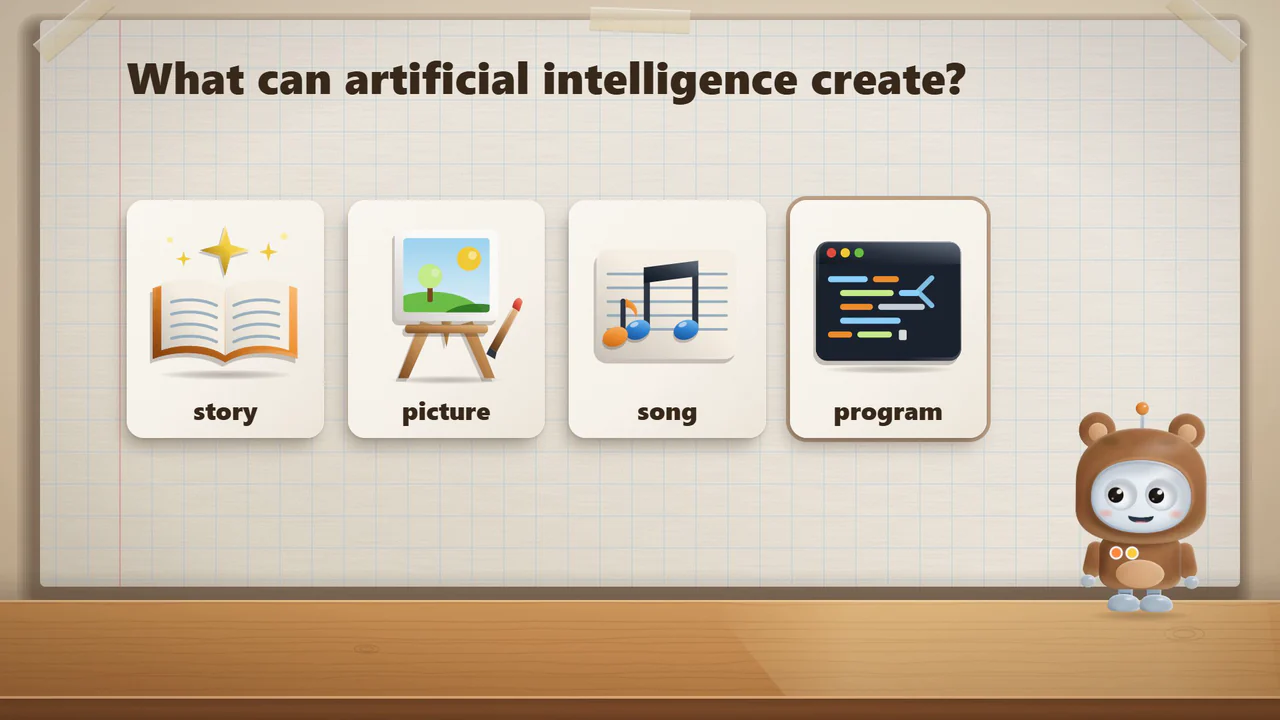
Time in the film: Time in the film: Time in the film: Artificial intelligence makes stories, pictures, tunes and programs.
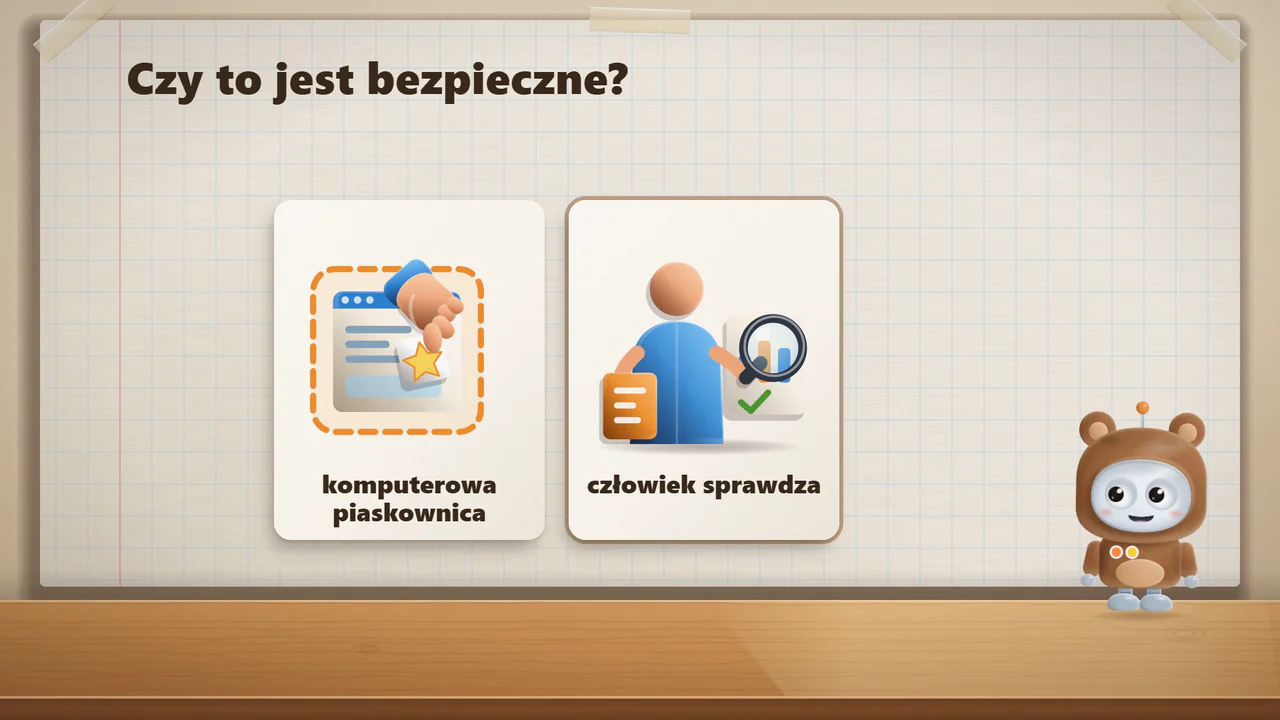
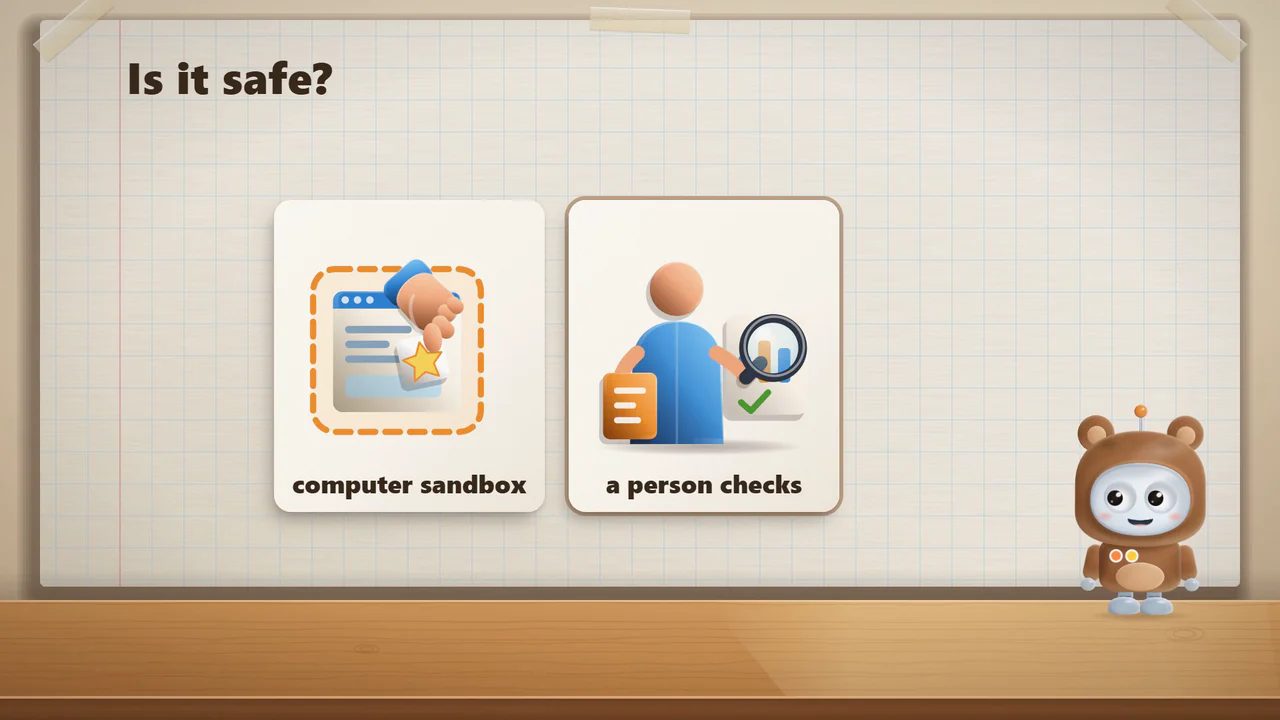
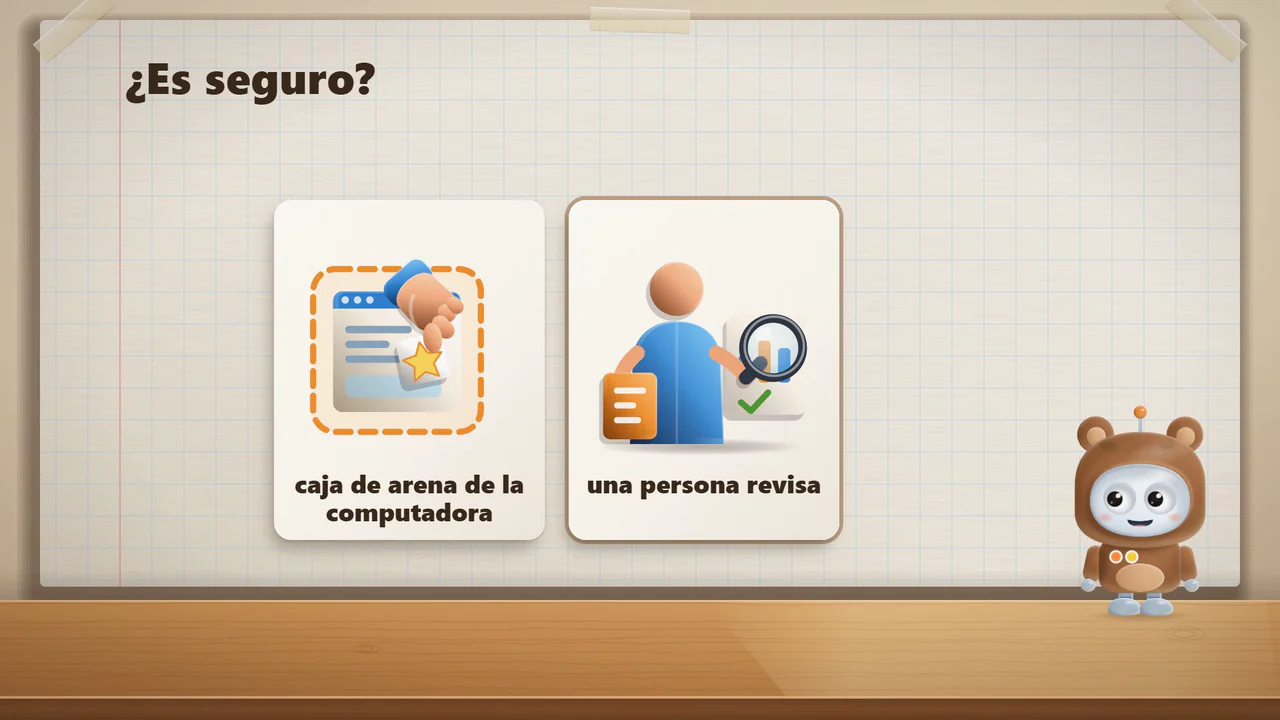
Time in the film: Time in the film: Time in the film: A program works in a computer sandbox. A person checks the result.
Time in the film: Time in the film: Time in the film: The program changed the drawing code and the rug got bananas.

Can we trust a computer?ages 6–9 · KangurkiLittle KangaroosCanguritos

Time in the film: Time in the film: Time in the film: Bip in a kangaroo costume asks: can we trust a computer?
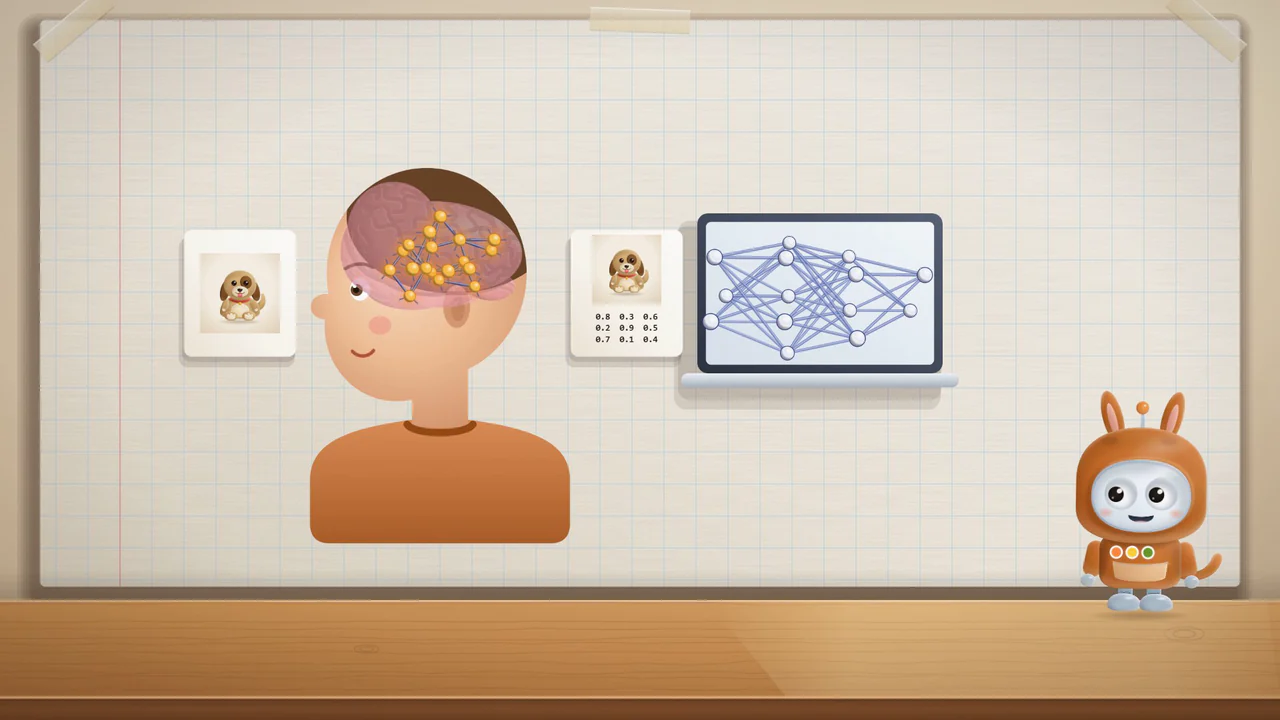
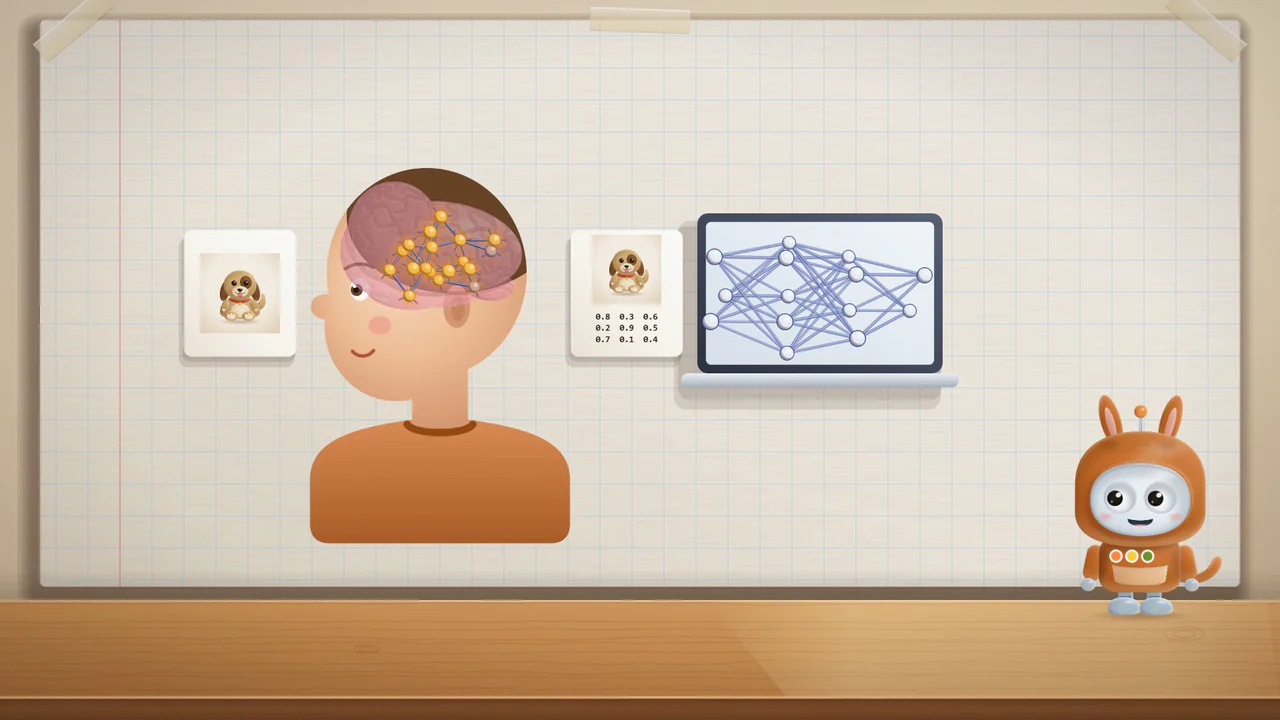
Time in the film: Time in the film: Time in the film: The brain inspired the network idea. A computer is not a brain.
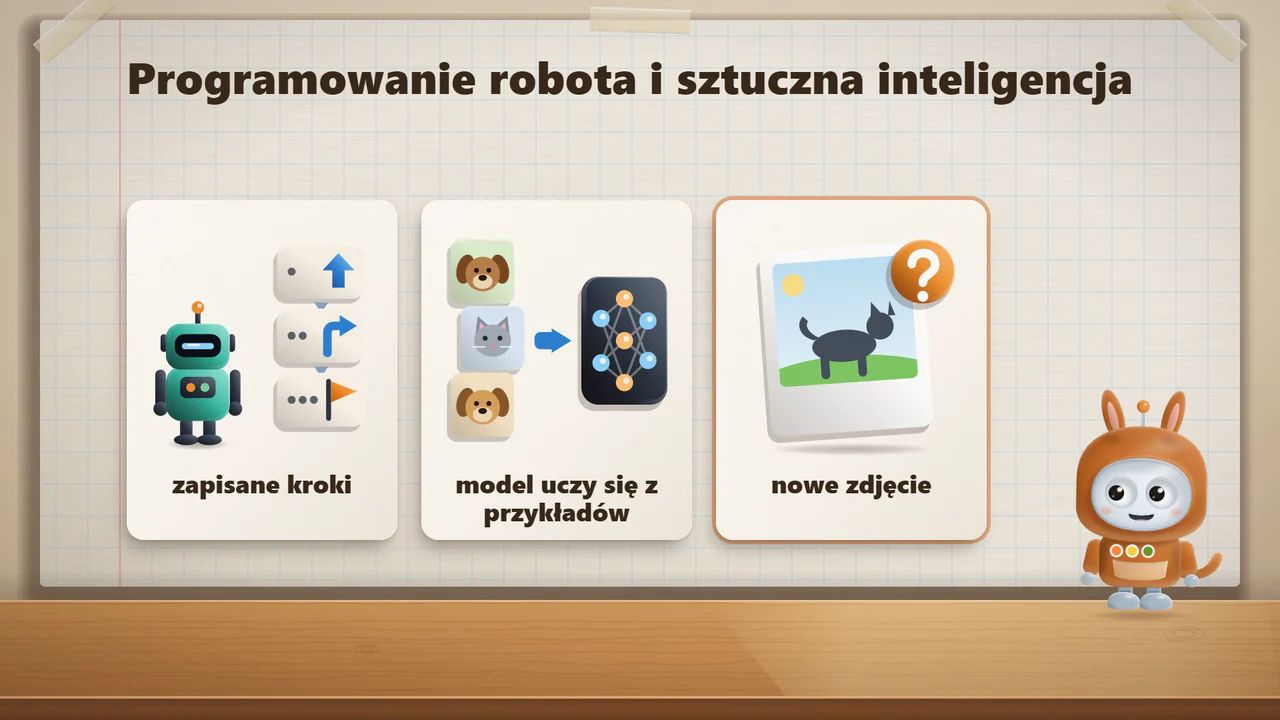
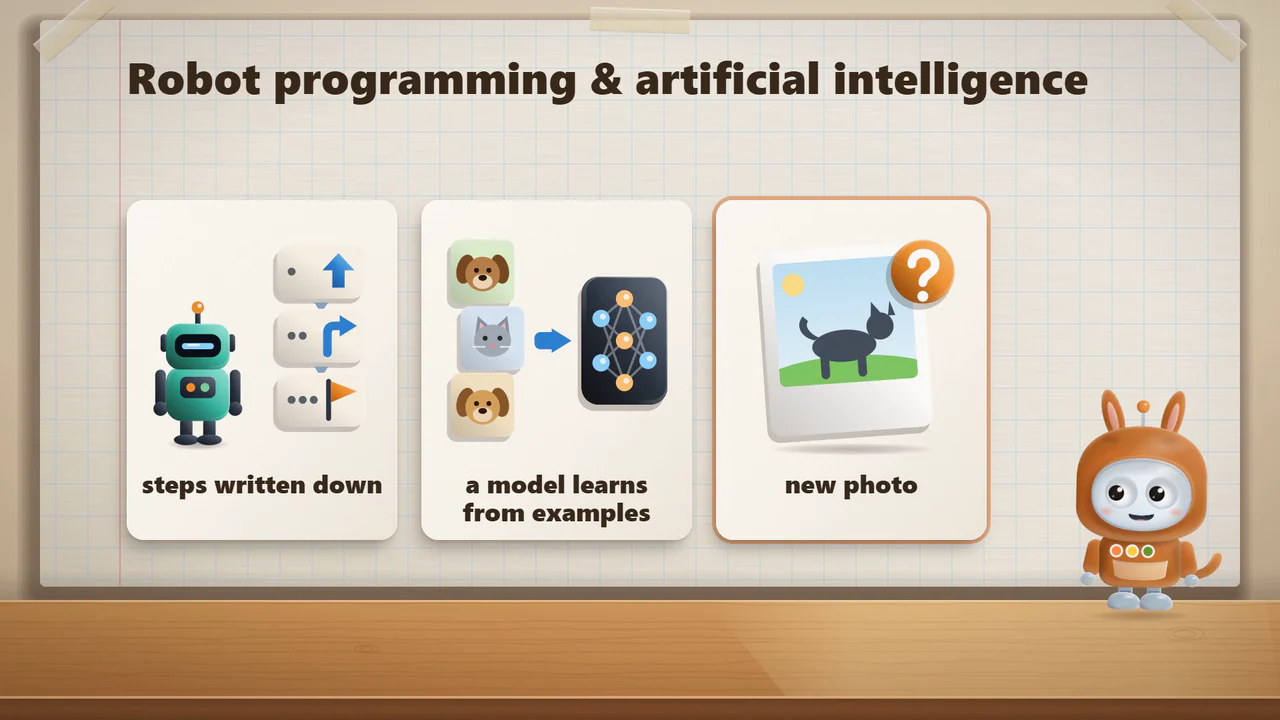
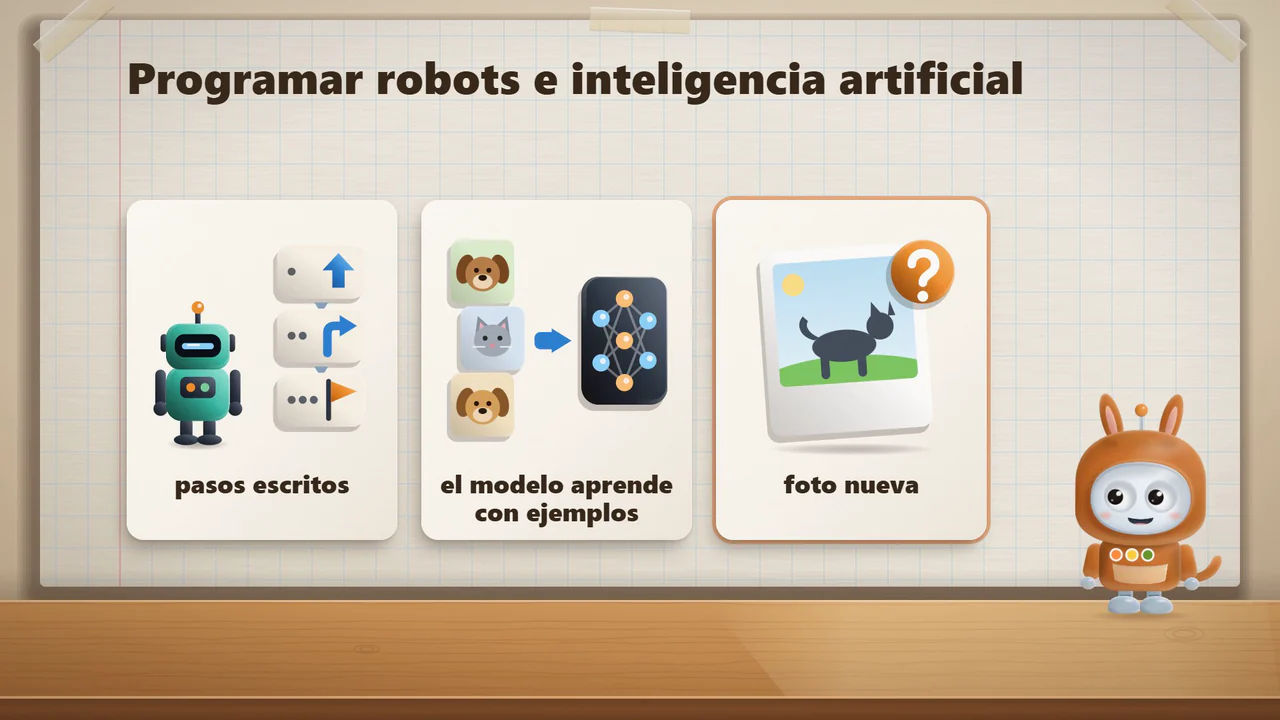
Time in the film: Time in the film: Time in the film: A robot follows written steps; a model learns from examples.
Time in the film: Time in the film: Time in the film: A taller bar means a bigger chance that the program picks that word.
Time in the film: Time in the film: Time in the film: Bip guessed what was in the pouch. Then we looked and checked.
Time in the film: Time in the film: Time in the film: Who do we ask? The computer, the teacher, or we check ourselves.
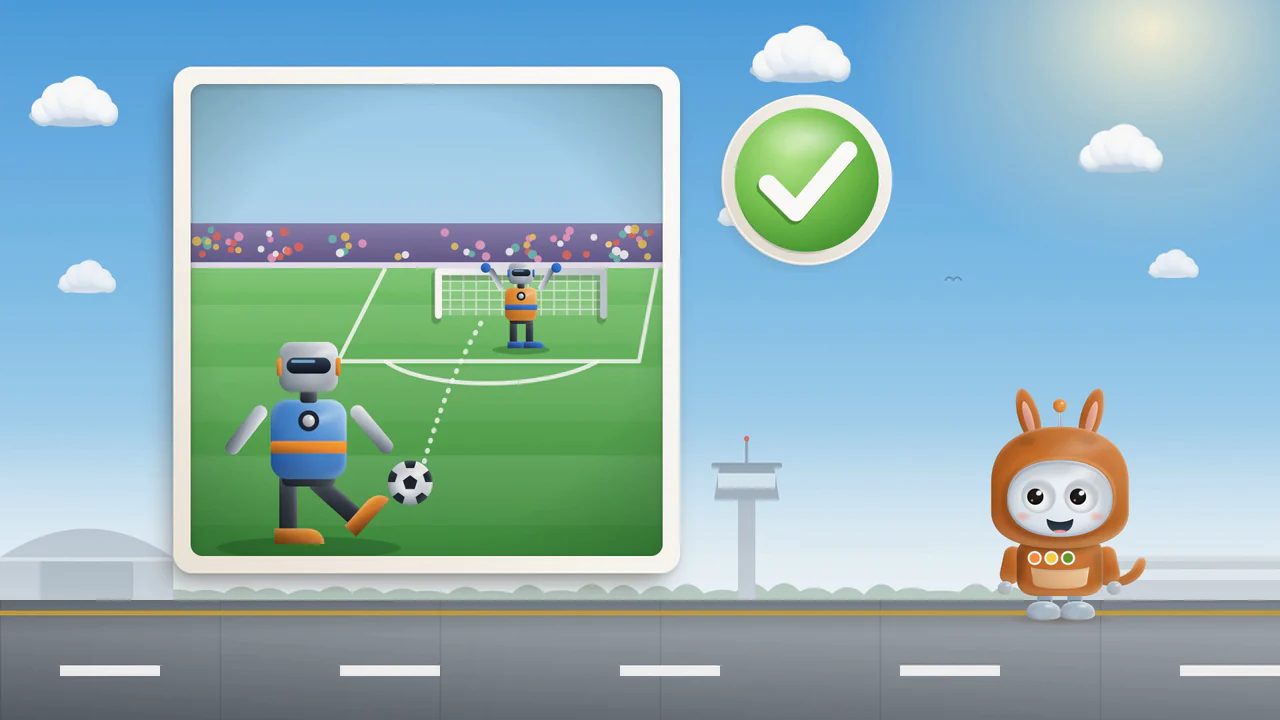
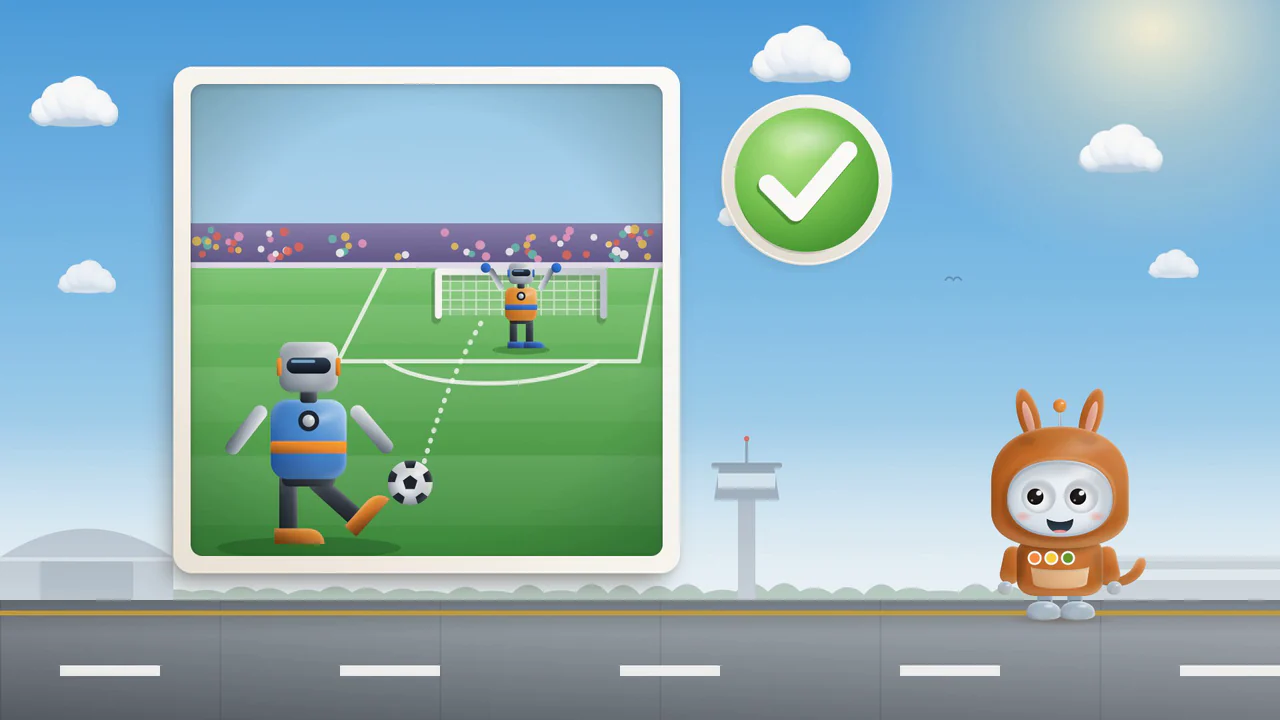
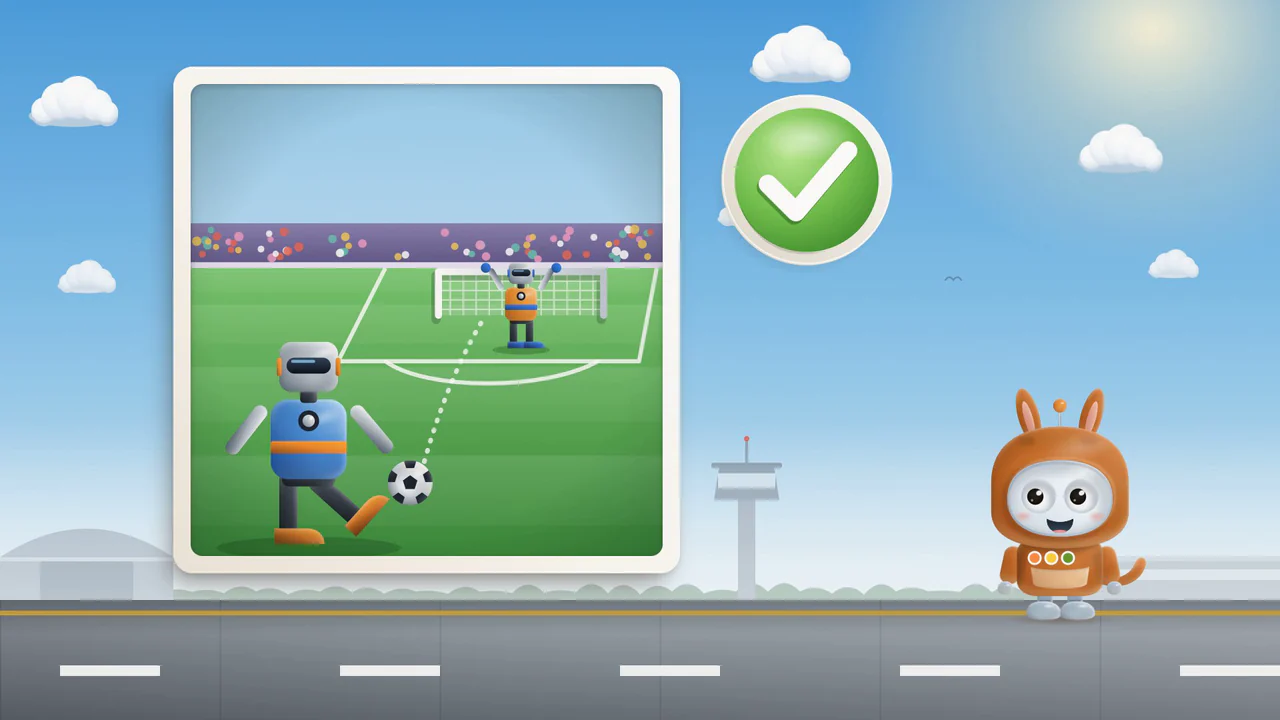
Time in the film: Time in the film: Time in the film: Do robots play soccer? Yes, they even have their own competitions.
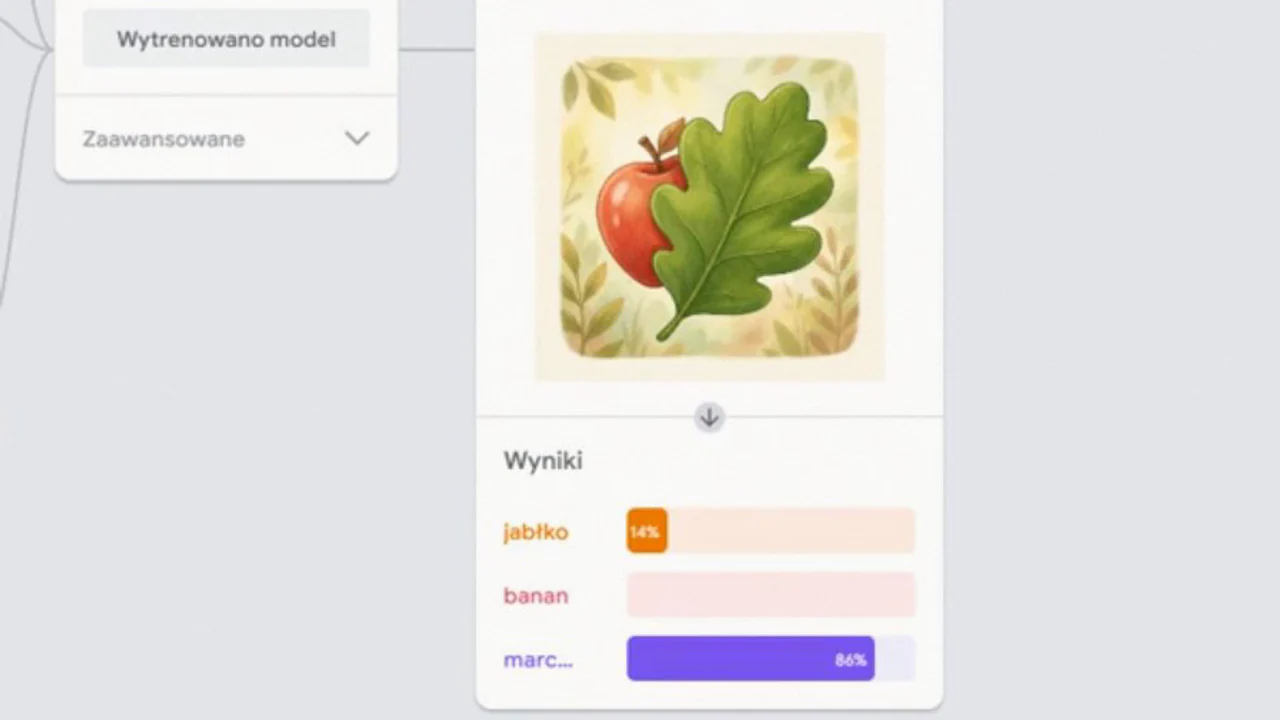
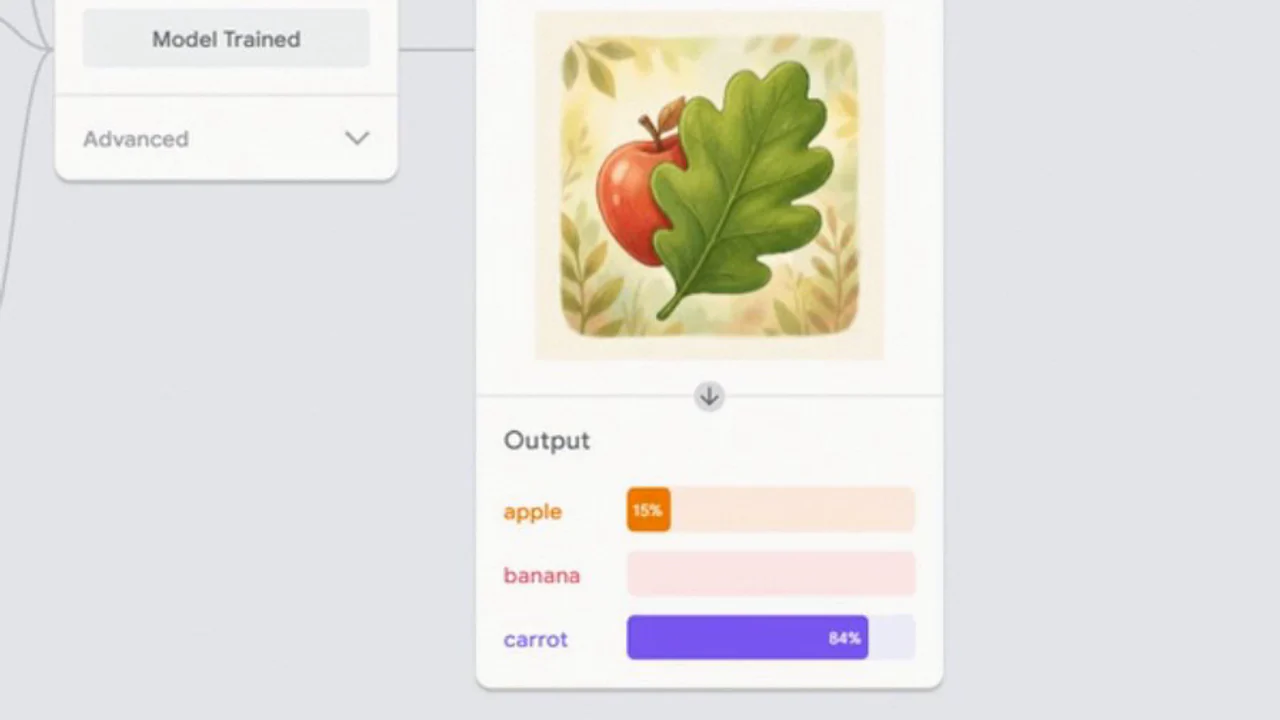
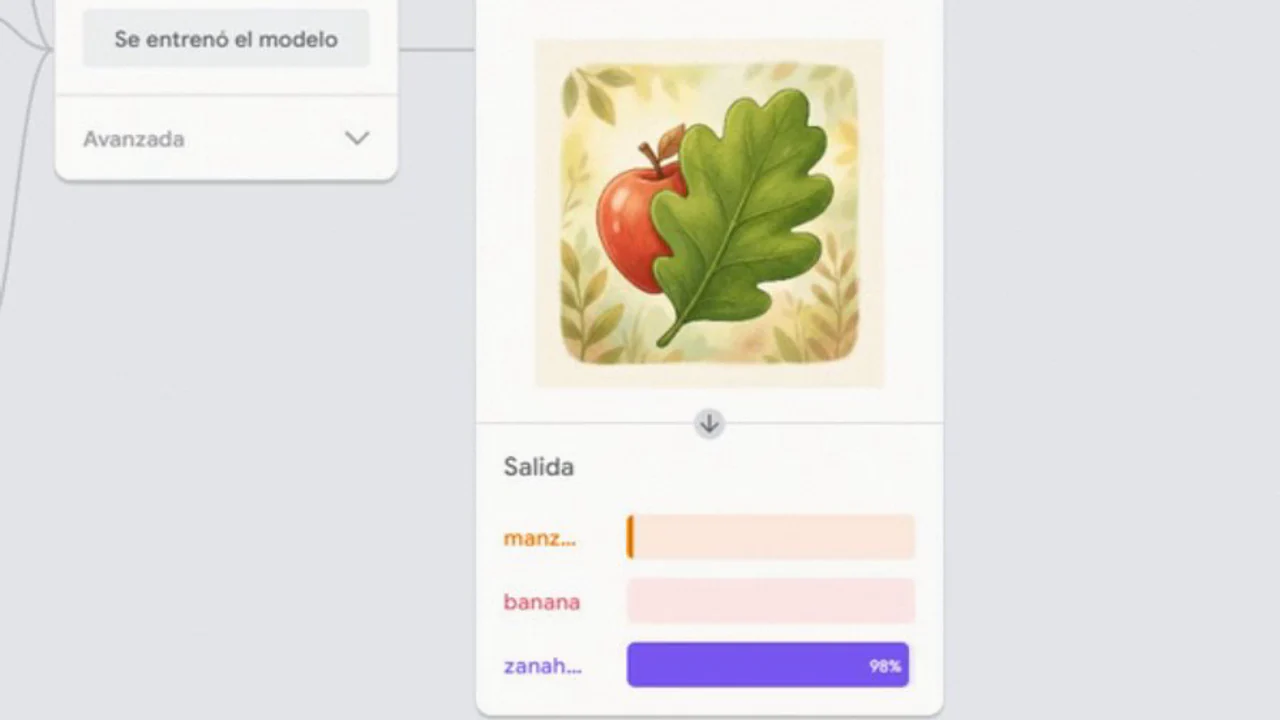
Time in the film: Time in the film: Time in the film: Teachable Machine mistook an apple behind a leaf for a carrot.
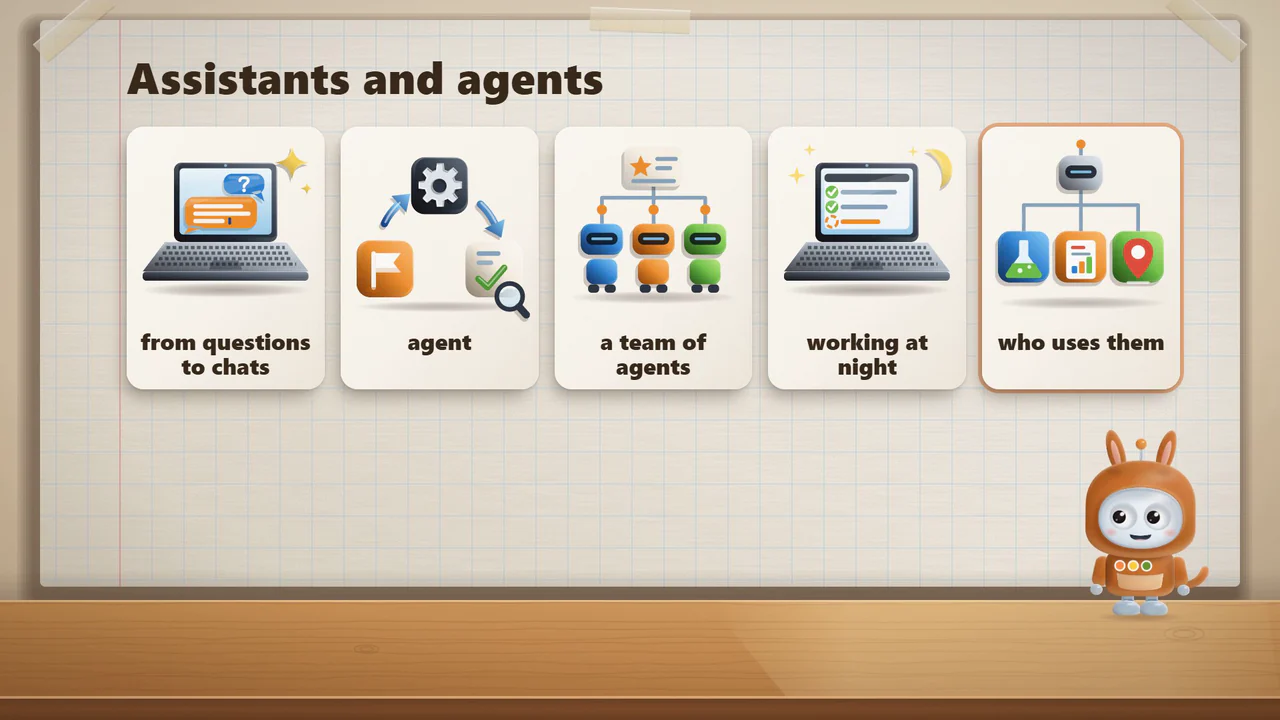
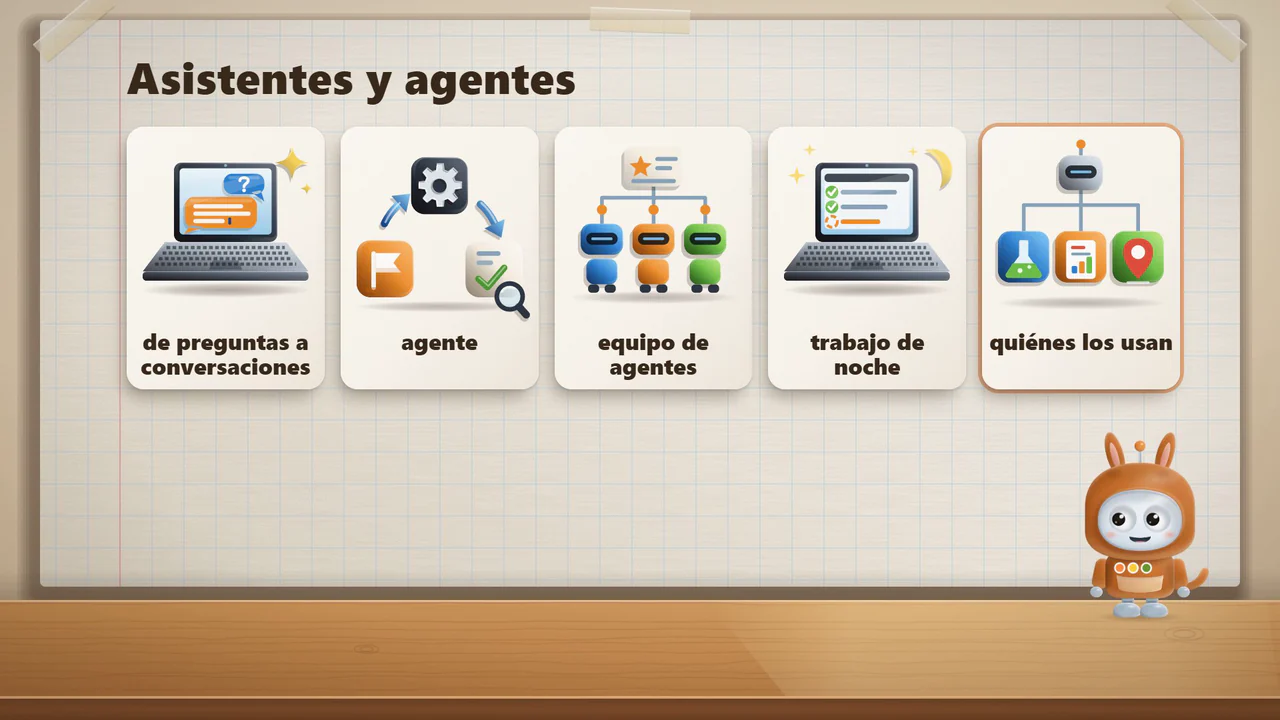
Time in the film: Time in the film: Time in the film: An agent takes several steps in a row, and a person checks the result.
Time in the film: Time in the film: Time in the film: The program read the drawing's code and added a banana pattern.

Downloads

Teaching aids pack

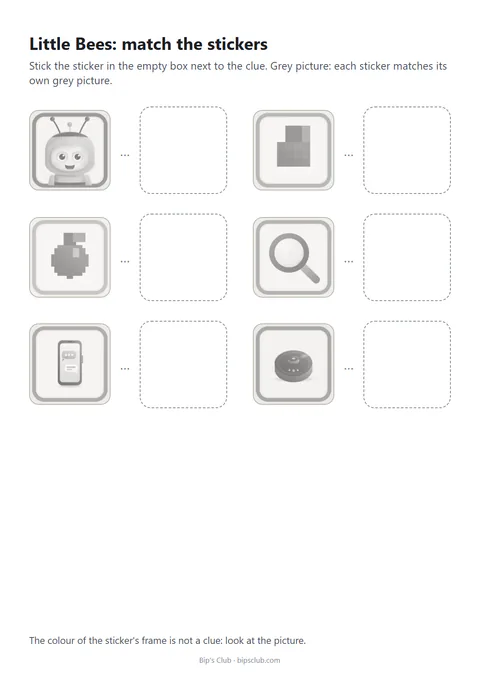
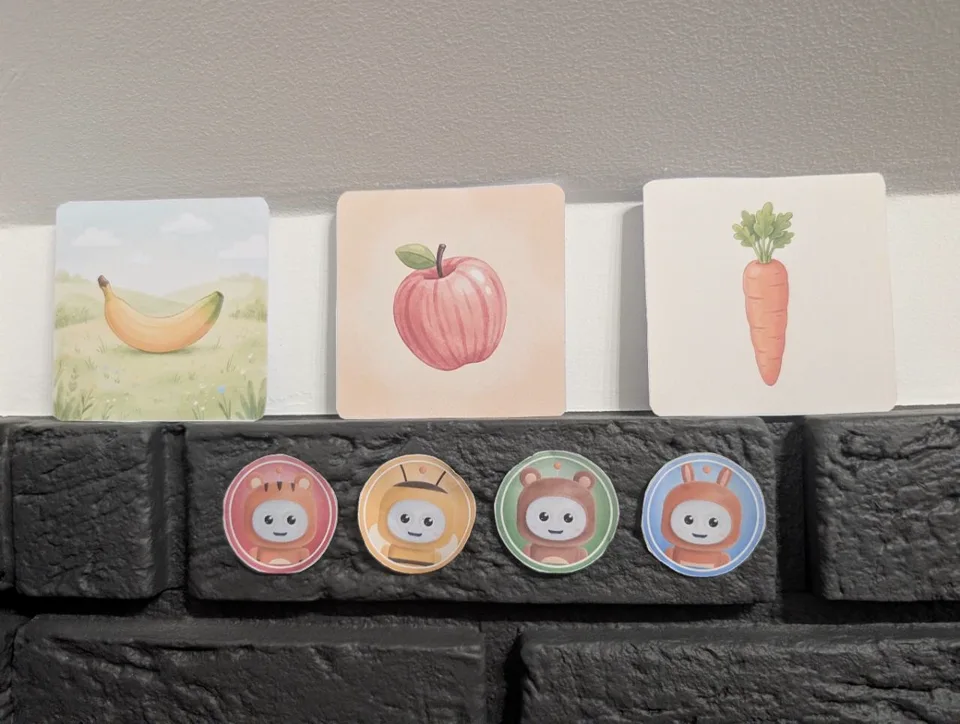
Choose materials by age and the film you watched. The animal names help match cards and stickers to a film, whatever your group is called. Children aged 1 to 3 have boards, puzzles and sounds for screen-free play.

How to print and prepare the materials

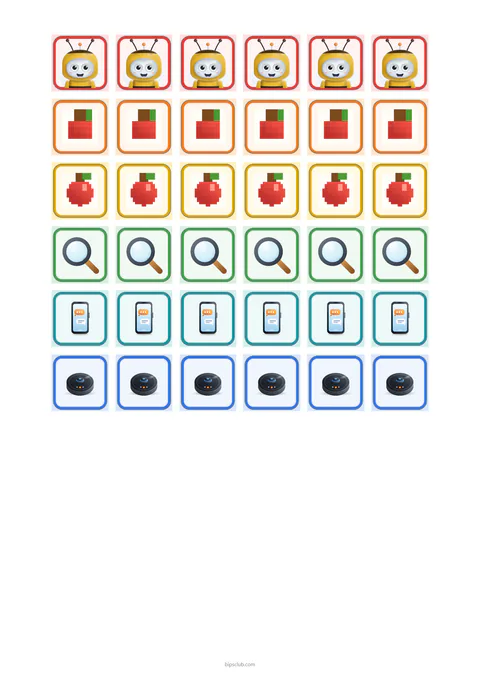
The cards and stickers are PDFs in A4 size. Print at 100 percent scale, without fitting to the page. Before printing for a whole group, print one test page and hold a sticker against a space on the card.

Each card has two pages. The first holds two copies of the card side by side, to be cut apart, and the second is the teacher's key, with a sentence to read after each match.

For a group of 12 children:

  1. Print 6 copies of page 1. Each sheet has two cards to cut apart.
  2. Print 1 copy of page 2, the teacher’s key.
  3. Print 2 sticker sheets. One sheet is enough for six children.

ages 3–5Little Bees

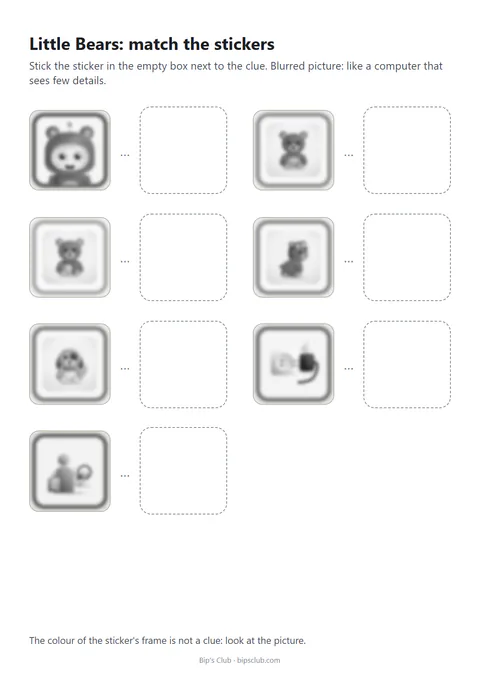
Each child gets one set of 6 stickers. Every set fits the spaces on the card of this group.

ages 5–6Little Bears

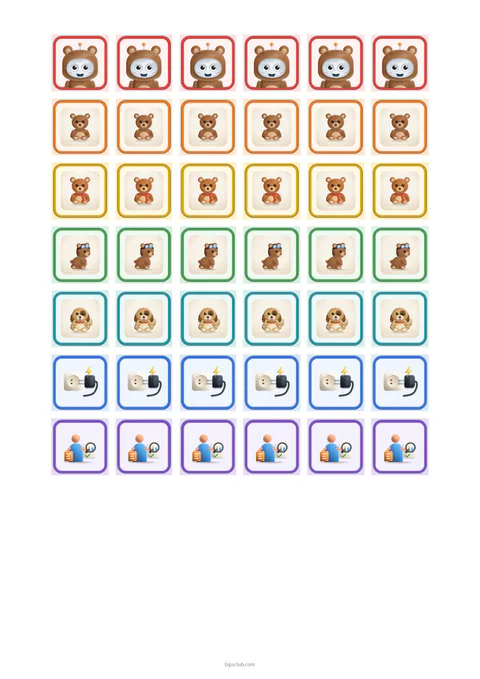
Each child gets one set of 7 stickers. Every set fits the spaces on the card of this group.

ages 6–9Little Kangaroos

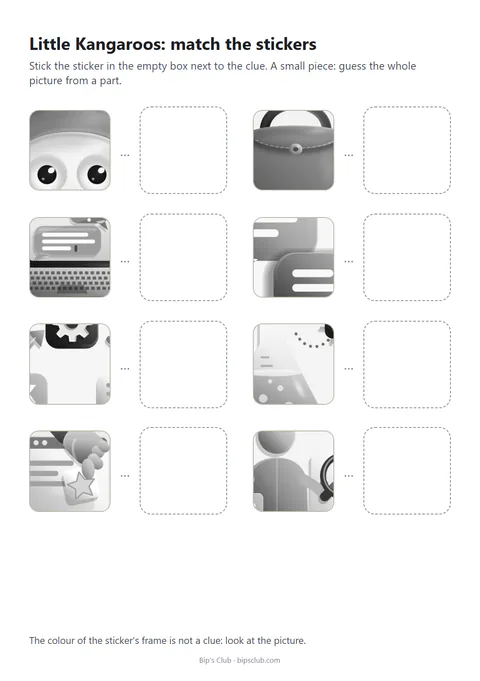
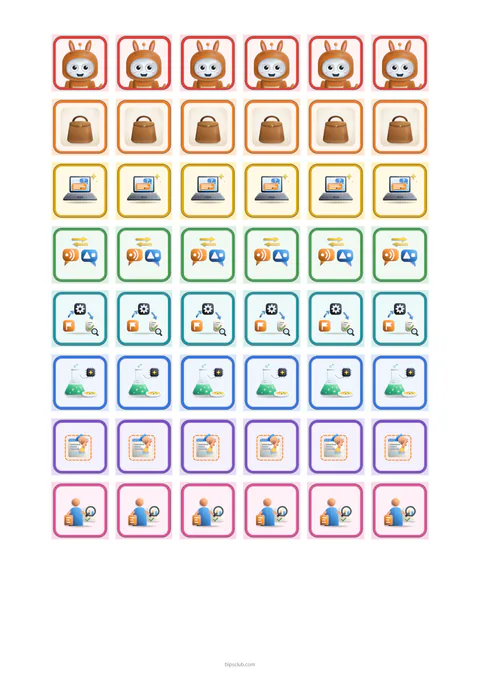
Each child gets one set of 8 stickers. Every set fits the spaces on the card of this group.

ages 1–3 · no screenLittle Tigers

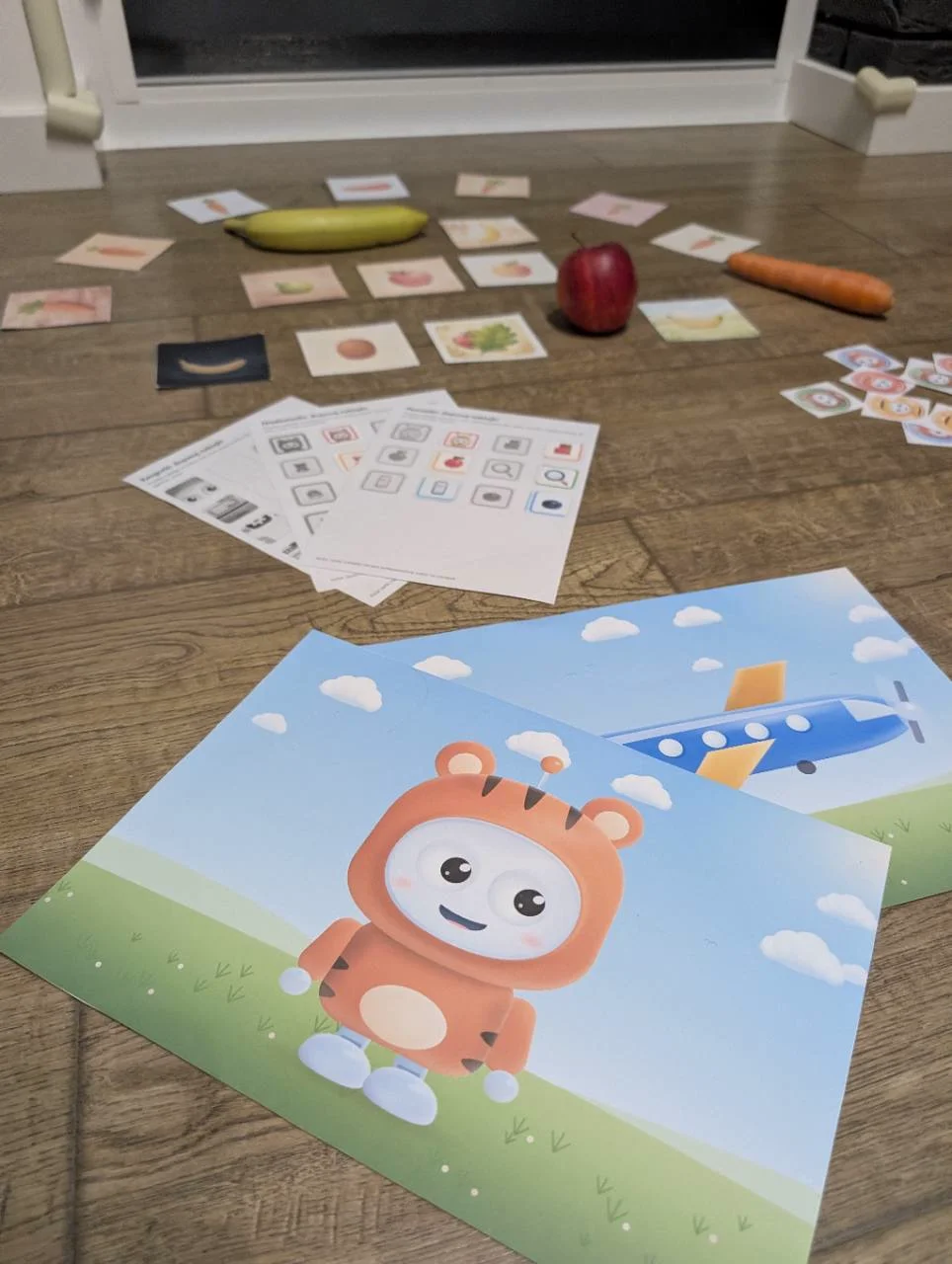
There is no film or riddle card for Little Tigers (ages 1 to 3). For play without a screen, there are three picture boards in A3 and A4 and two sets of Bip to cut out. The pack also includes an activity idea using Bip’s parts and four tiger sounds. Show one board at a time.

How to print and prepare the materials

The boards come in A3 and A4, horizontal, with the same drawings. Print the A3 file at 100 percent scale, for example at a print shop. On an A4 printer a reduced A3 board fits whole, because both sheets have the same proportions, but the A4 file is the one for a home printer. Bip to cut out comes in A4 only, vertical. In a corner of every page there is a small Bip badge and the line "Klub Bipa · bipsclub.com".

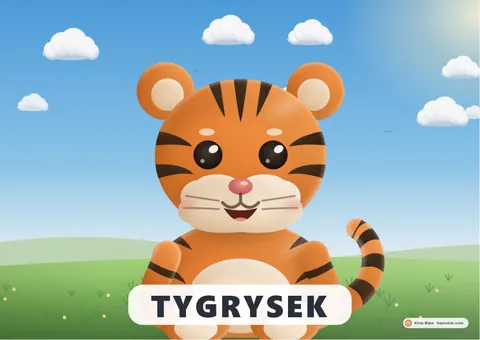
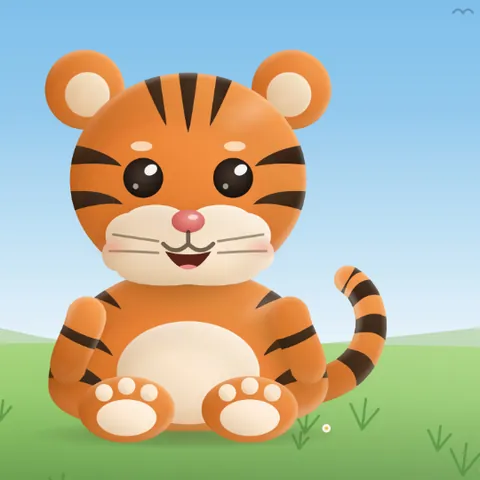
  • Preview of the first board: a sitting tiger on a green meadow under a sky with clouds, and a white band at the bottom that reads "Tygrysek".

    A3 and A4 boards with captions

    The three boards show a tiger, a little plane and Bip in a tiger costume. At the bottom of each board are large captions: "Tygrysek" (little tiger), "Samolocik" (little plane) and "Bip". The drawings are the same in both sizes.

    • PDF
    • 3 pages
    • A3, horizontal, 1.9 MB
    • A4, horizontal, 1 MB

    The captions on the boards are in Polish. For another language, use the version without captions.

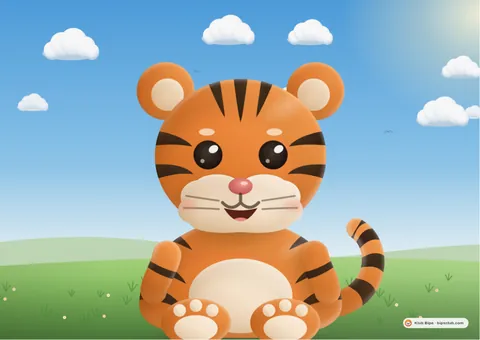
  • Preview of the first board: a sitting tiger on a green meadow under a sky with clouds, with no caption under it.

    A3 and A4 boards without captions

    The same three drawings with no captions under them, filling the whole sheet: the tiger, the little plane and Bip in a tiger costume. Choose them when you speak to the children in a language other than Polish.

    • PDF
    • 3 pages
    • A3, horizontal, 1.9 MB
    • A4, horizontal, 1 MB

    There are no captions at the bottom of the boards, so the same A3 and A4 files work in every language.

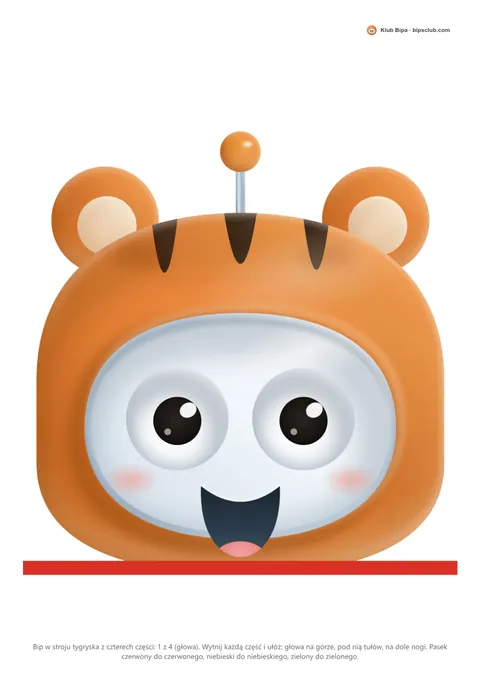
  • Preview of the first page: Bip's head in an orange tiger hood with stripes and round ears, with a red strip below it.

    Bip in a tiger costume to cut out

    Bip in a tiger costume on four pages: head, torso, left leg and right leg. Cut out the parts and put them together by the coloured strips: red to red, blue to blue, green to green.

    • PDF
    • A4, vertical
    • 4 pages
    • 389 KB
    Download PDF: Bip in a tiger costume to cut out

    One file for every language. The short instruction at the bottom of each page is in Polish.

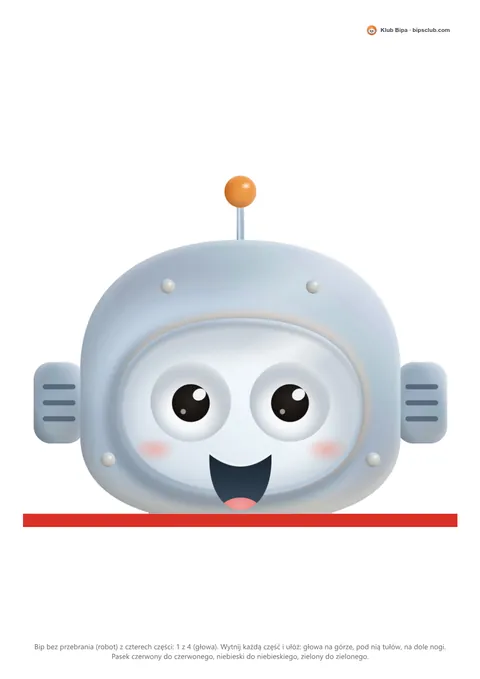
  • Preview of the first page: the head of Bip without a costume, a grey robot with an orange antenna, with a red strip below it.

    Bip without a costume to cut out

    Bip without a costume on four pages: head, torso, left leg and right leg. Cut out the parts and put them together by the coloured strips: red to red, blue to blue, green to green.

    • PDF
    • A4, vertical
    • 4 pages
    • 229 KB
    Download PDF: Bip without a costume to cut out

    One file for every language. The short instruction at the bottom of each page is in Polish.

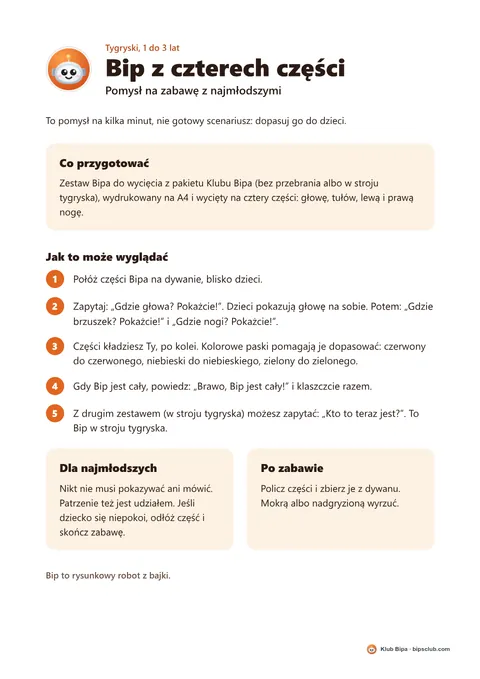
  • Preview of the page: the title "Bip z czterech części", Bip's round icon, five numbered steps and two light boxes.

    Four-part Bip: an idea for playing with the youngest

    One page for the adult with an idea for playing with Bip's four parts: the questions "Where is the head? Show us!", the coloured strips and a short note for children who prefer to watch. It is an idea, not a tested script.

    • PDF
    • A4, vertical
    • 1 page
    • 95 KB
    Download PDF: Four-part Bip: an idea for playing with the youngest

    One file for all languages. The text on the page is in Polish.

  • Cover of the sounds: a drawn tiger sitting on a green meadow.

    Tiger sounds

    Four short MP3 recordings: purring, two different growls and a roar, the loudest of them. The sounds are generated by a computer. Play them quietly from a phone, only after announcing them, never suddenly. If a child gets worried, turn the sound down. Before you start, set the phone's volume with the roar, since it is the loudest, and only then play the rest.

    • MP3
    • 4 recordings
    • 144 KB in total
    Download: PurringDownload: Growl, little tigerDownload: Growl, friendlyDownload: Roar, the loudest

    One set for every language, because these are only sounds, without words.

Souvenir: round Bip stickers

This is a separate extra sheet for the children. It is not for the riddle cards and does not fit their spaces.

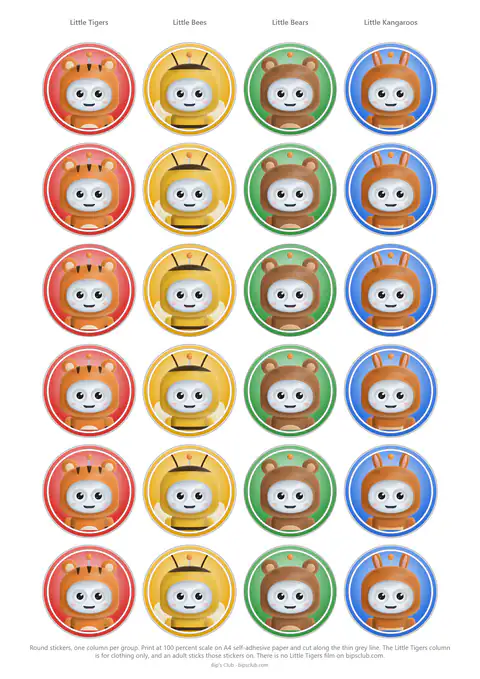
  • Preview of the sheet: four columns of round stickers with Bip in tiger, bee, bear and kangaroo costumes.

    Round Bip stickers to cut out

    An A4 sheet with four columns of six stickers: Little Tigers, Little Bees, Little Bears and Little Kangaroos. The stickers have no words. The column names and instructions are in the language of the file. Print at 100 percent scale on self-adhesive A4 paper and cut along the thin grey lines. Little Tigers have no film.

    • PDF
    • A4, vertical
    • 1 page
    • 1.5 MB
    Download PDF: Round Bip stickers to cut out
    Other languages:

The stickers are small, so children under three should only have them with an adult. For clothing, choose self-adhesive paper with a removable adhesive, because a permanent adhesive is hard to remove.

Need your own version of a film or printed Bip stickers? Ask on the order page.

For parents and teachers

Watching together

Watch the film together. Pause for questions and check the computer’s answers. You can split a longer film across several sessions.

Watching tips, questions and safety

The films work best when a grown-up sits beside the child. Every film ends by reminding children to use computers and artificial intelligence together with a grown-up. Each film is built from short topics, so you can pause after any one of them and talk about it. The youngest group's film runs between 9 and 10 minutes and the oldest group's between 25 and 27, so the long one can be watched in parts.

Questions for after the film

  1. Which senses do you have, and which sensors can a computer have?
  2. Bip sometimes gave a wrong answer, or only a guess. How can we find out whether an answer is right?
  3. Where have you seen a program like this at home or on the street?
  4. Who checks whether a program is right?
  5. What do we do when an app asks for our name, address, photo or password?

The first four suit all three films. The last refers to the privacy section in the longest film, with Bip in a kangaroo costume.

Safety online and with AI programs

  • Children use computers and artificial intelligence together with a grown-up. This is the closing message of every film.
  • A program can give a wrong answer even when it has too little information. An adult should check the answer.
  • Some apps send questions over the internet to big computers. If an app asks for a full name, address, photo or password, the Little Kangaroos film tells children to ask a parent or a teacher.
  • Pictures made by a computer can look like real photos, so it is good to say when a computer made a picture.

Meet Bip

A small drawn robot who says what was written for him

Bip is a cartoon robot who dresses up as each group’s animal. His lines are written in advance, and he sometimes gets things wrong on purpose so children can check his answers. Bip is not artificial intelligence.

Transparency

How the films were made, and what is generated

Some of what you see and hear in the films comes from a computer. Here is how each part was made.

Voices, drawings, music and sources

What a computer helped make

  • Narrator's voice

    The narrator's voice is cloned

    A computer recreated my voice from my own recordings, and the recordings are in Polish. The cloned voice speaks Polish, English and Spanish for me.

  • Bip's voice

    Bip's voice is generated

    A computer generated Bip's voice. A person wrote Bip's words in advance, and Bip is not artificial intelligence.

  • Drawings

    The drawings were made with AI tools

    I typed what I wanted, and an AI program wrote the code that draws the pictures. The films show a short example: changing the rug in the picture to one with bananas. For the film I retyped the request, in English and in Spanish for those versions (the original was in Polish), and the wait was shortened.

  • Music

    The music is synthesized

    A script of my own synthesizes the music.

Credits

  • Photo

    One real photo, with credit

    The films for Little Bears and Little Kangaroos show a real photo of a hall full of computers. Photo "BalticServers data center.jpg" (source page (opens in a new tab)) by BalticServers.com, CC BY-SA 3.0 (opens in a new tab), via Wikimedia Commons. The frame is cropped.

  • Training a program

    Teachable Machine

    In the Little Kangaroos film, I show how to train a simple model in Teachable Machine (opens in a new tab), a free tool from Google. The clip illustrates a real training session. The card photos were uploaded from files, without using a camera.

Who made this

Kris Głuszczyk

I'm a dad of two preschoolers. I've always been most drawn to education.

I work as Head of GenAI, and I also founded Creatiwi.ai (opens in a new tab), where I help organizations work with generative AI. I've lectured at a university and delivered training sessions, though since I became a dad I've had much less time for that.

Not long ago I visited my kids' preschool and talked about my work. It reminded me how much I enjoy sharing what I know. So I decided to tell children and their grown-ups about my work, in short films about how artificial intelligence works. Teachers and parents are welcome to use the films in their own lessons about AI.

Have an idea, or want a film of your own? Write to me through the form on the order page.

Made to order

A Bip's Club film adapted to your institution

I'll make a Bip's Club film about artificial intelligence for your group of children aged 3 to 9. I can adapt its look and change its content, for example by shortening the film, to suit your institution's needs, within the scope agreed in the quote. Preschools, companies and private individuals can order. You can also order Bip stickers on their own. The price is on request.
  • Bip's costume (bee, bear, kangaroo or tiger), age group and, if you like, a group name without children's names.
  • Film language: Polish, English or Spanish. Another language is quoted separately.
  • Narrator's voice: mine, a library voice, or an adult you name, with that person's signed consent.
  • Background music: a different backing track, within the scope agreed in the quote.